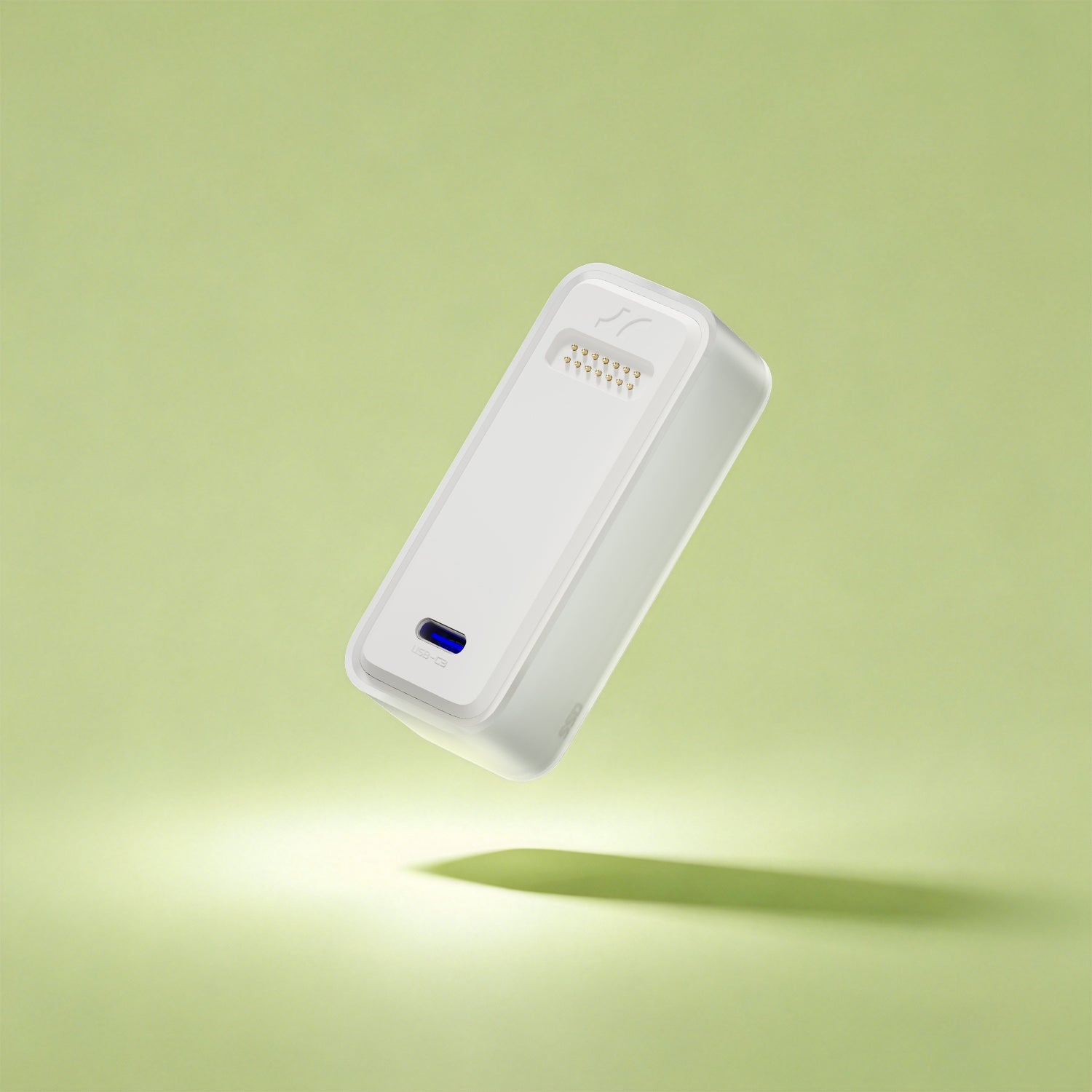

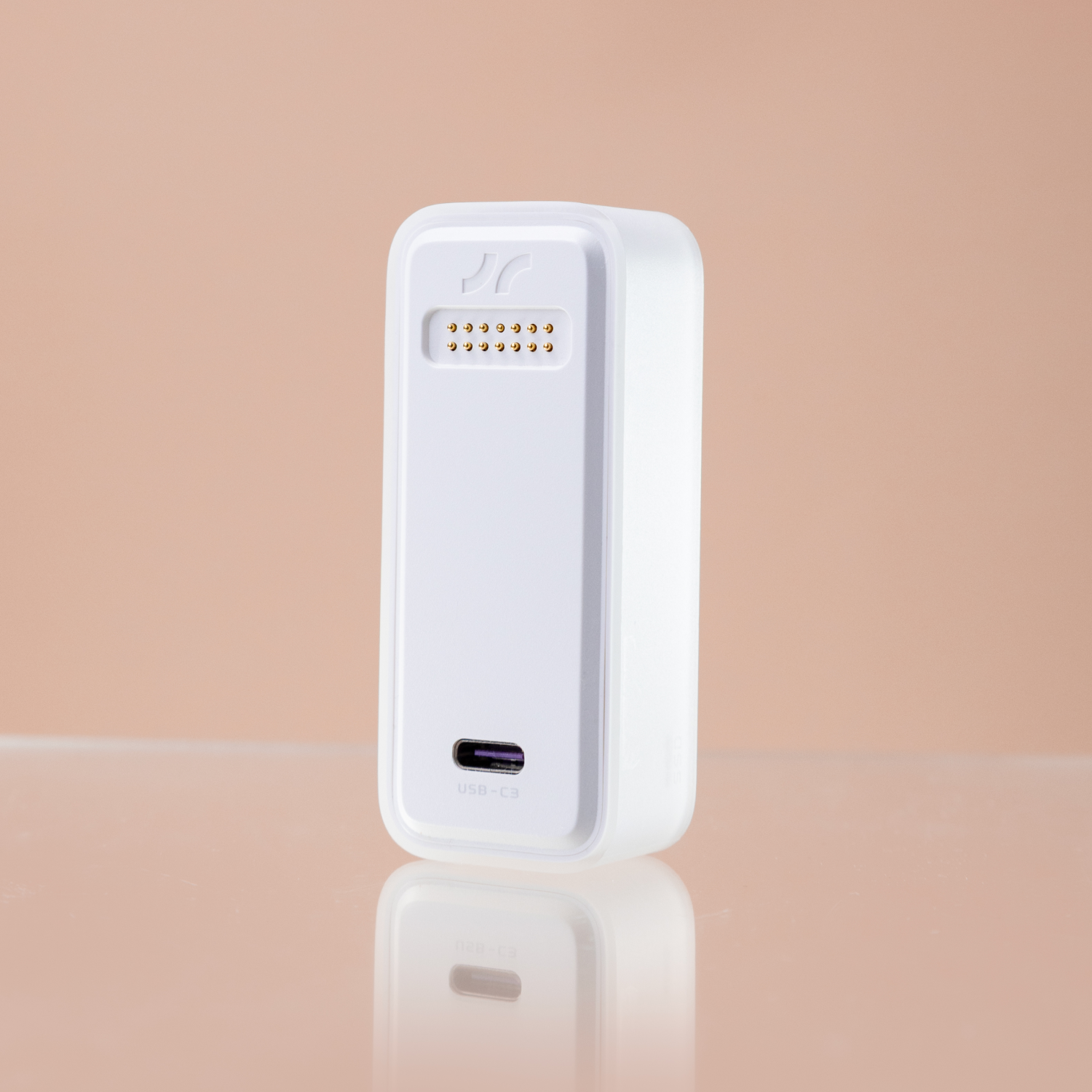
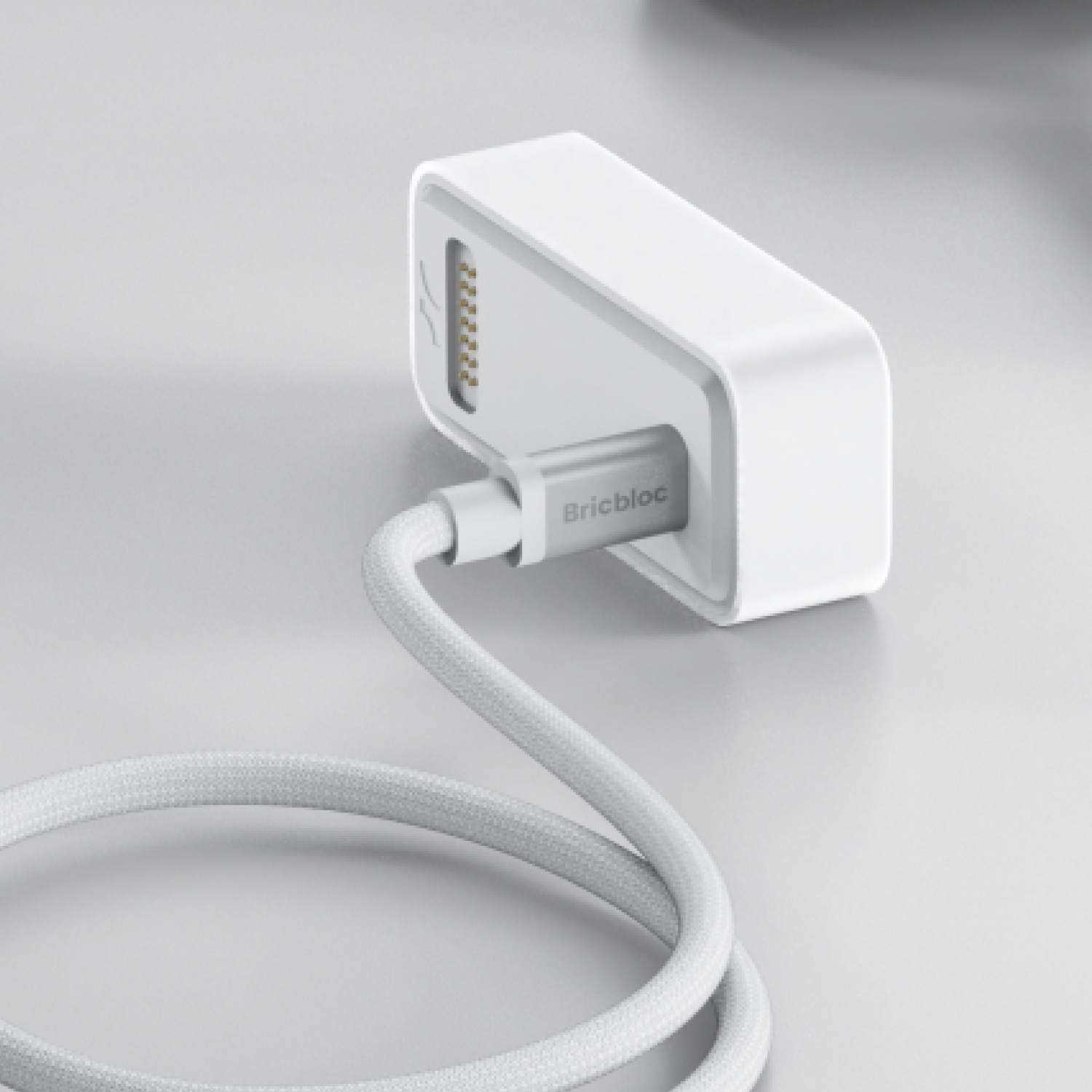
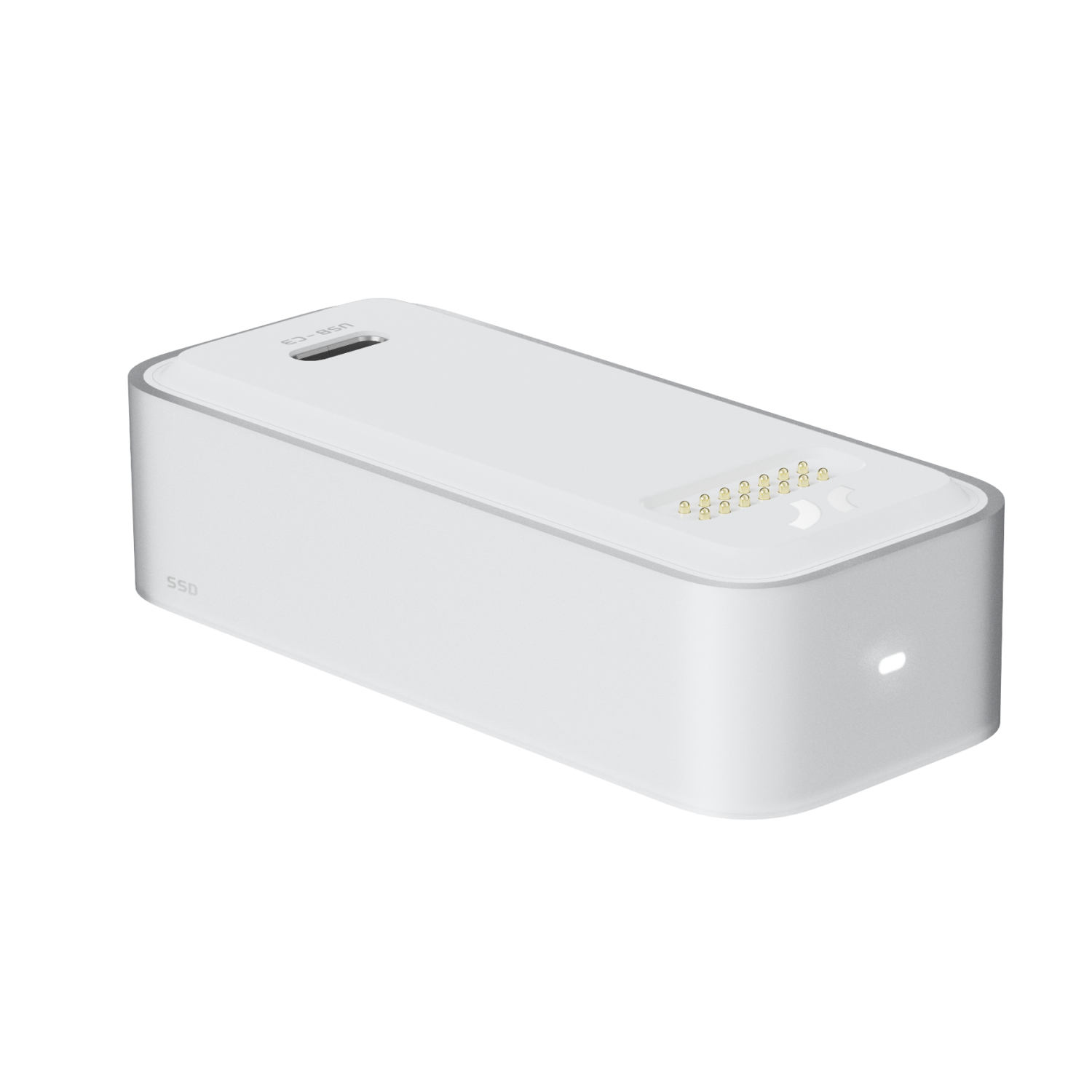
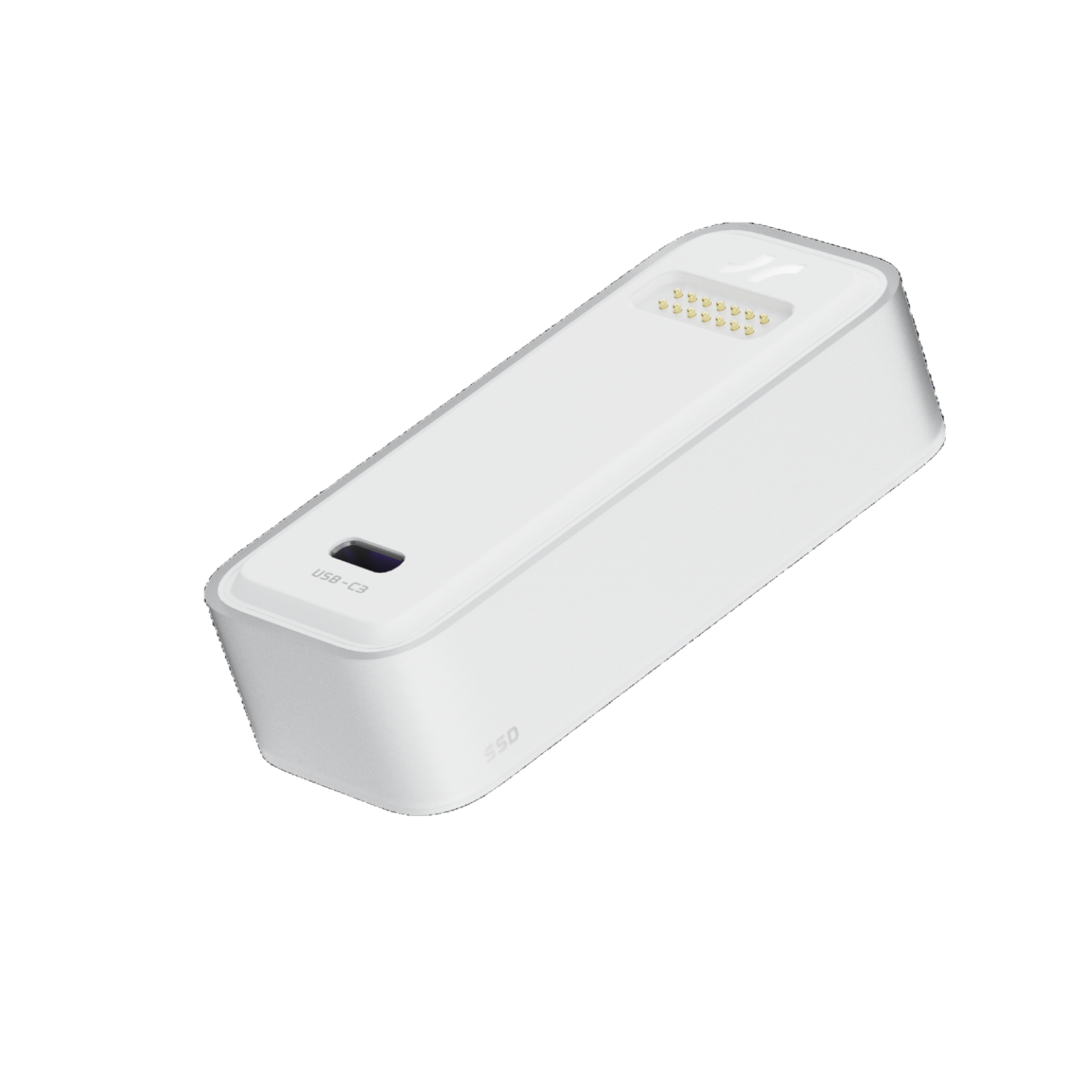
Highlights

70*30*17mm

45g

USB3.2 Gen2, 10Gbps

NVMe-PCIe Gen.4 x4
SSD
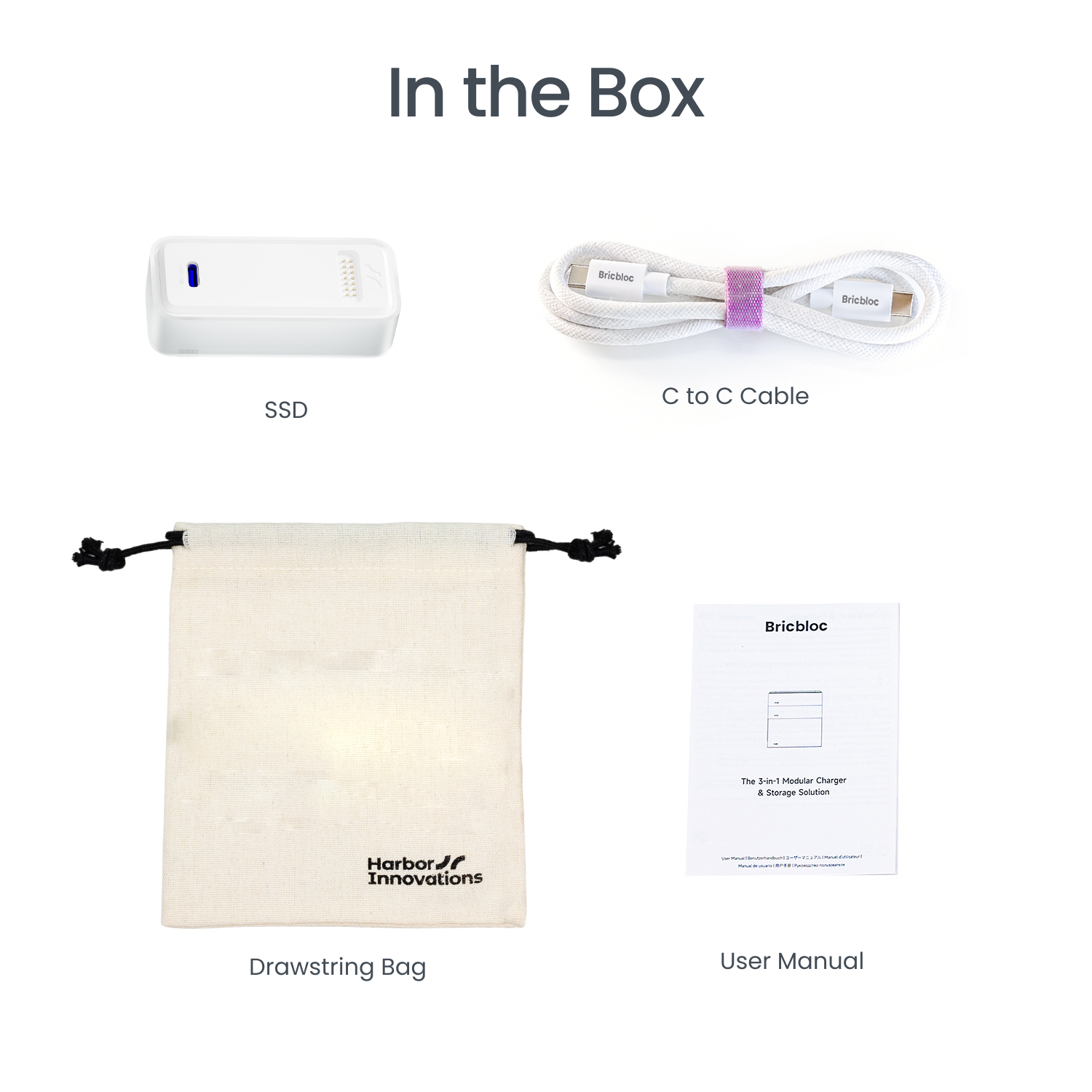
Free Essentials Included: C to C Cable and a Drawstring Bag.
Pairs well with
Ships within 1-2 business days
14 Days Return
1-Year Warranty
Highlights
70*30*17mm
45g
USB3.2 Gen2, 10Gbps
NVMe-PCIe Gen.4 x4
SSD
If you have any questions, you are always welcome to contact us. We'll get back to you as soon as possible, within 24 hours on weekdays.
-
Shipping Information
Use this text to answer questions in as much detail as possible for your customers.
-
Customer Support
Use this text to answer questions in as much detail as possible for your customers.
-
FAQ’s
Use this text to answer questions in as much detail as possible for your customers.
-
Contact Us
Use this text to answer questions in as much detail as possible for your customers.
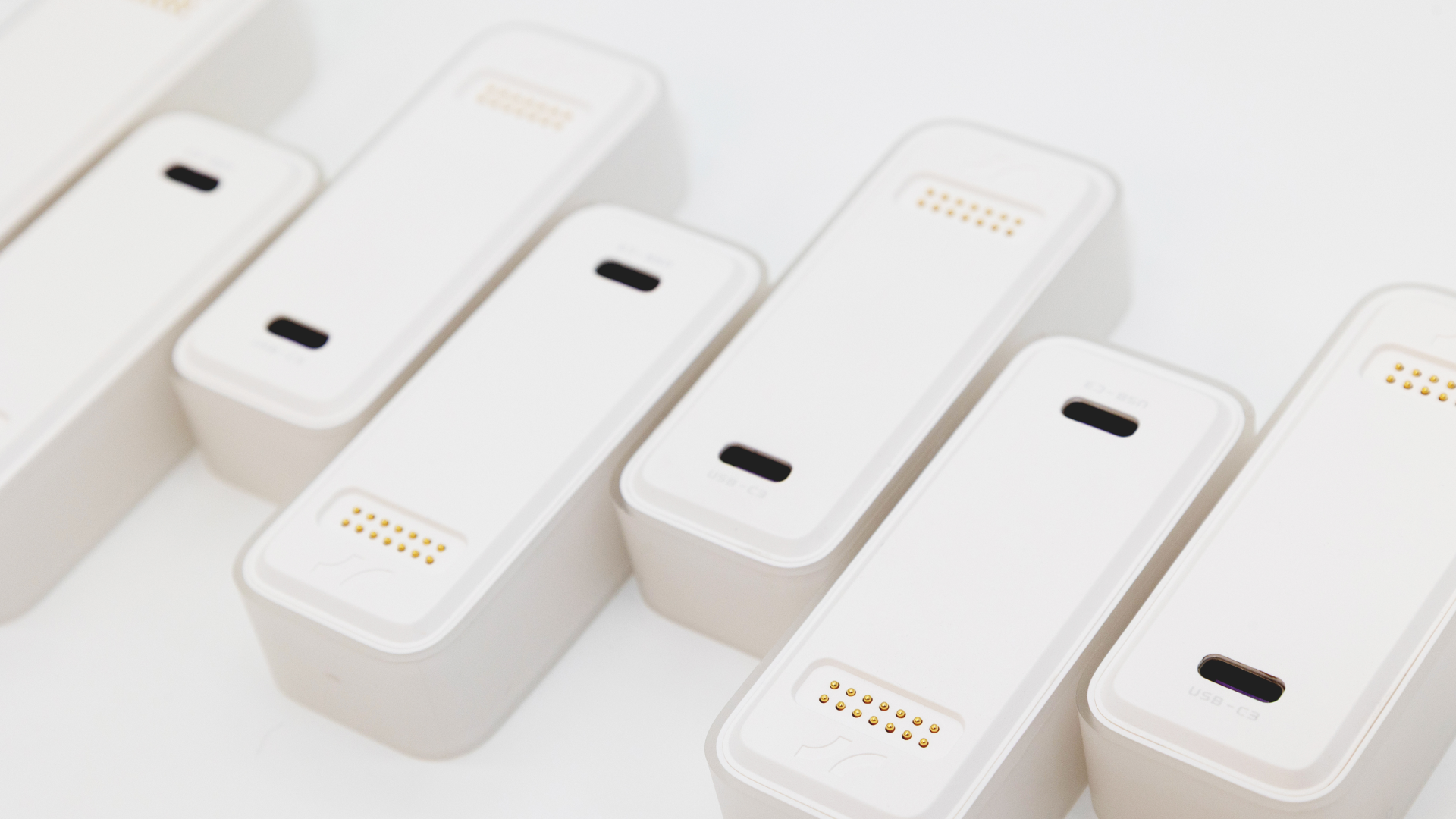
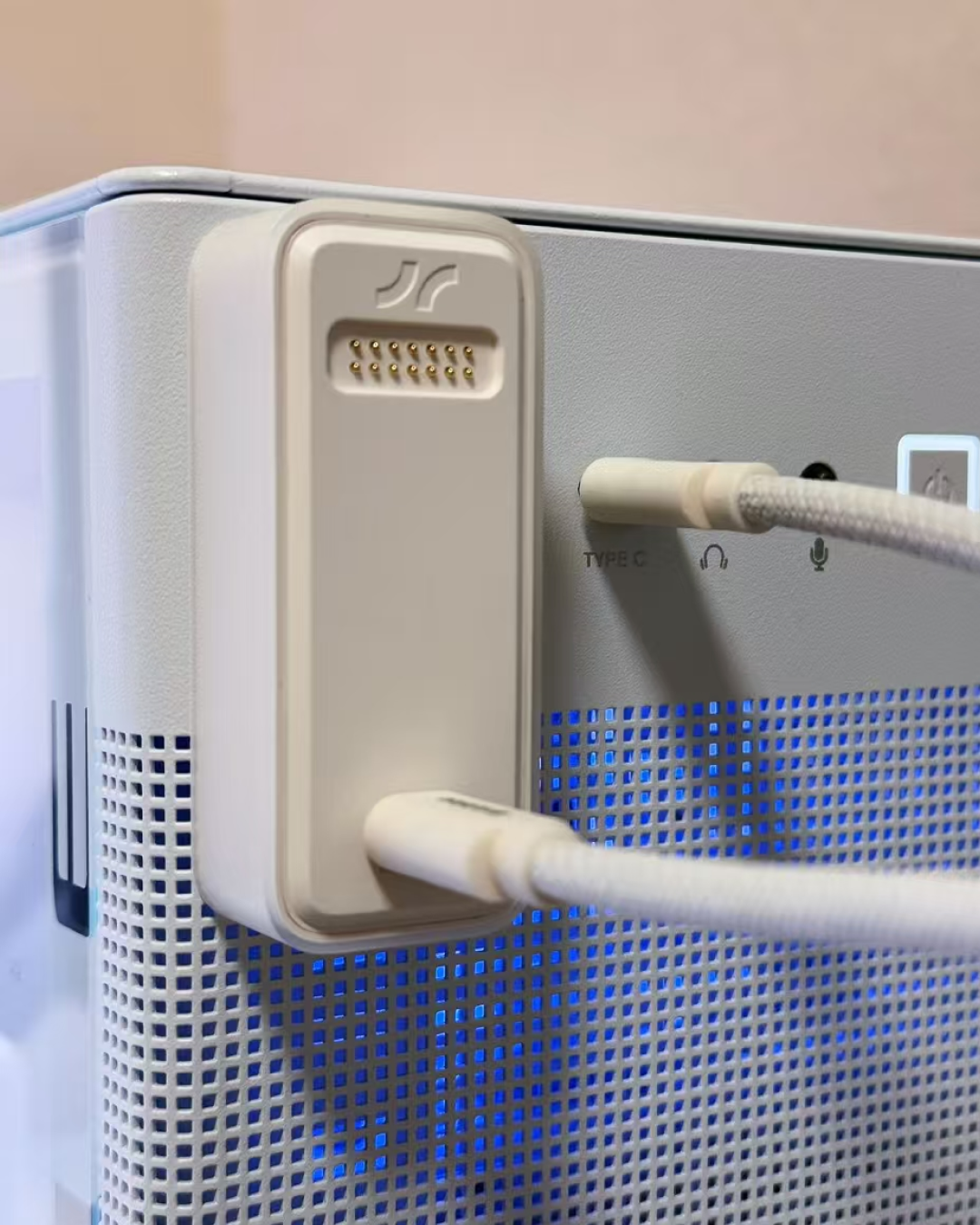
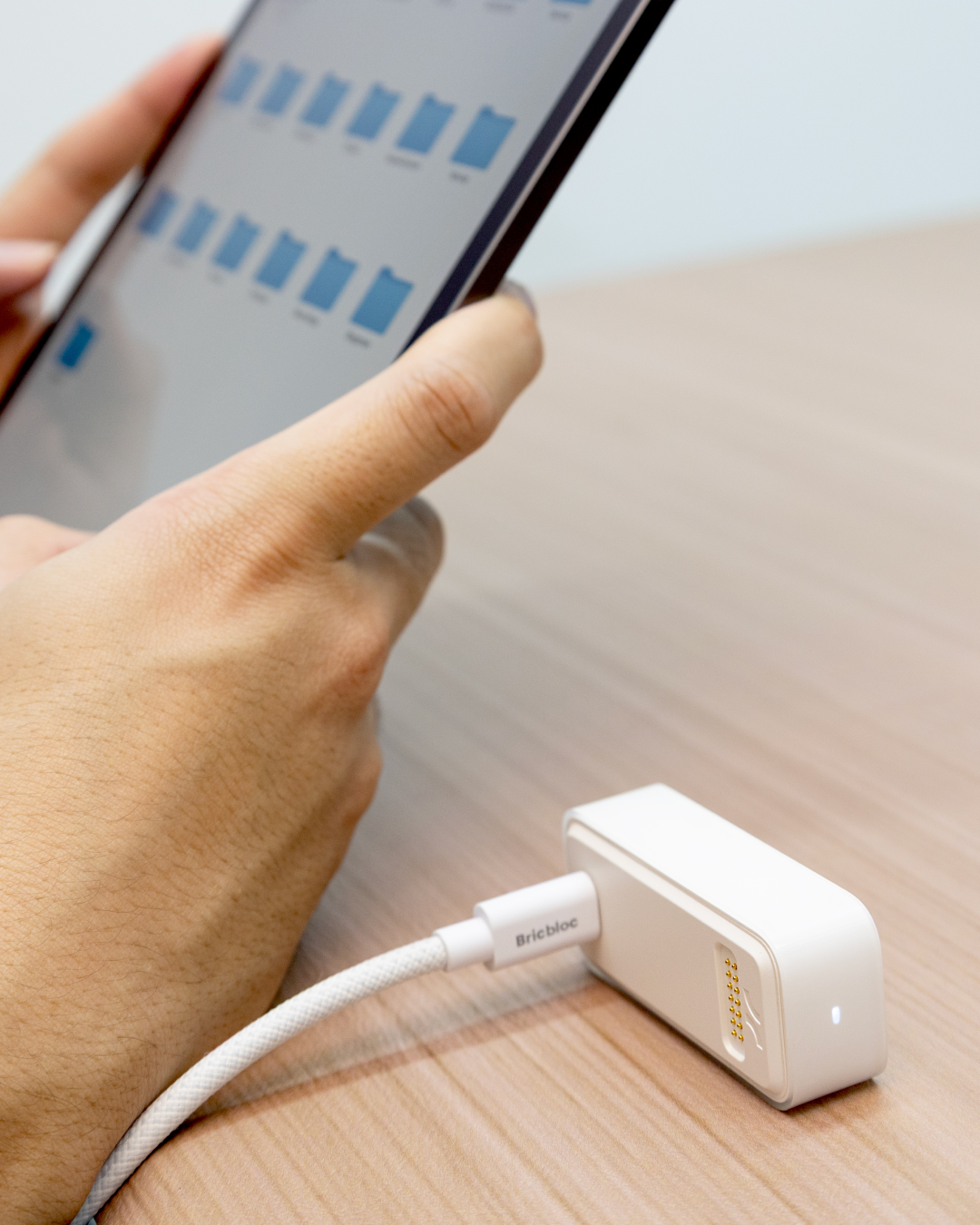
Plug & Play
No apps, no drivers. Seamlessly bridges the gap between iOS and Android , Windows.
Connect with your phone tablet laptop desktop...The smarter way to carry your data.
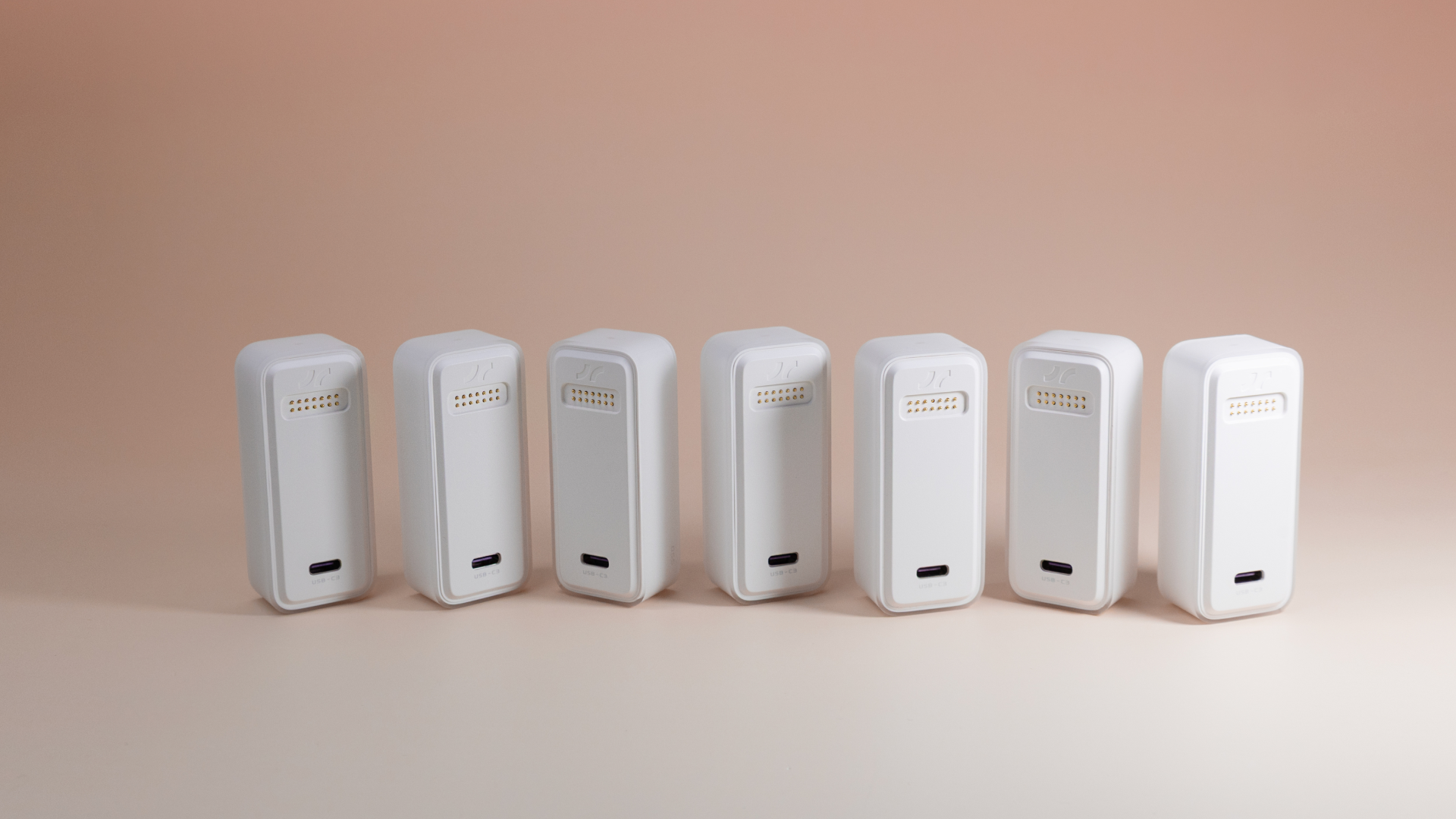
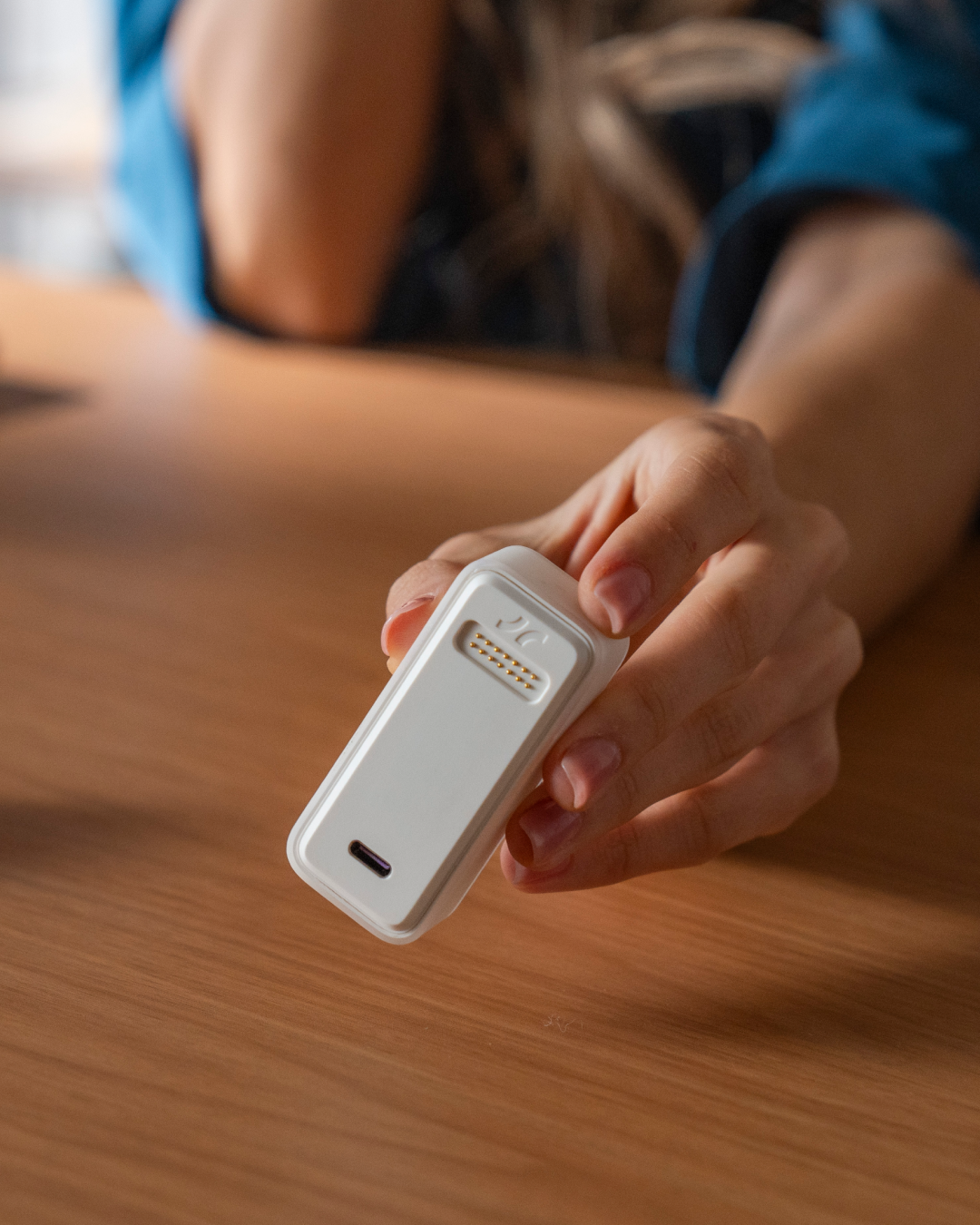
Direct Connection. Total Privacy.
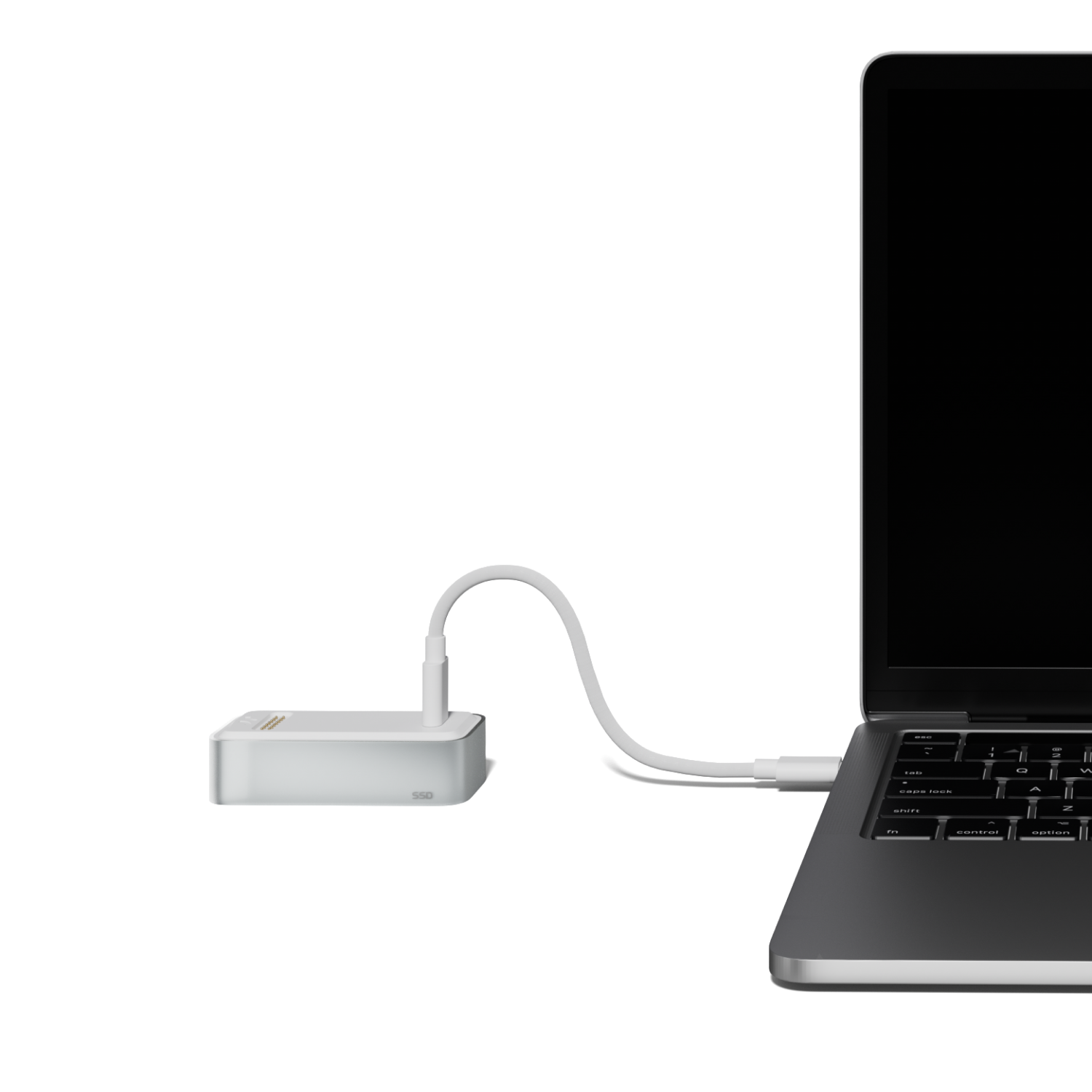
Why upload to the cloud when you can have 10Gbps local storage in your pocket? The Bricbloc SSD module offers a seamless "One-Wire" connection to any modern smartphone.
Your data stays in your hand, not on a server. No subscription fees, no data leaks.
Storage Freedom
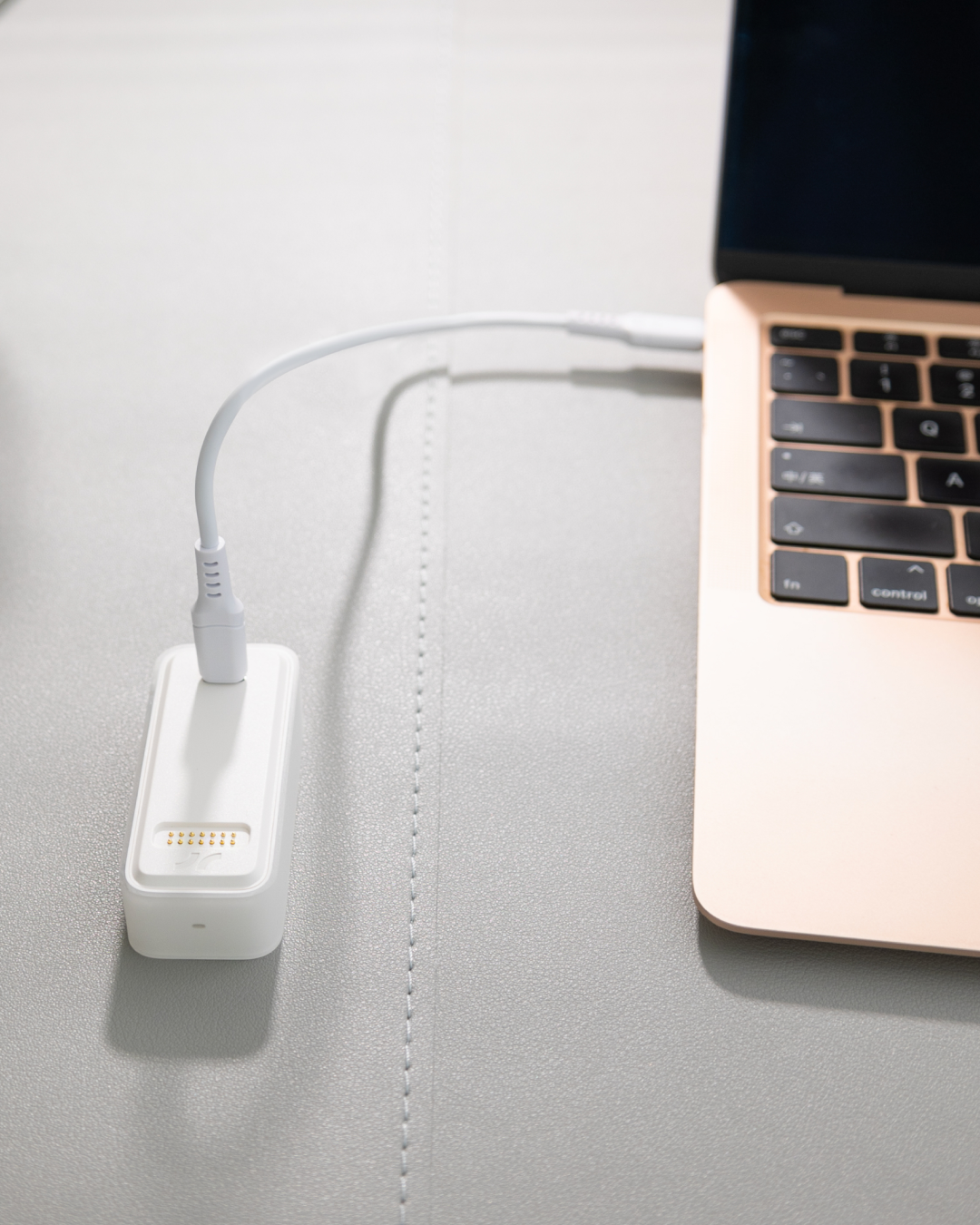
Zero-Friction Storage
Instantly offload gigabytes of footage to keep your phone light and fast.
Product details
Physical Specifications
Dimensions: 70*30*17mm
Weight: 45g
Color: White
LED indicator: White
Interface & Performance Specifications
USB-C3: Charging/Data, USB3.2 Gen2, 10Gbps
Storage Specifications
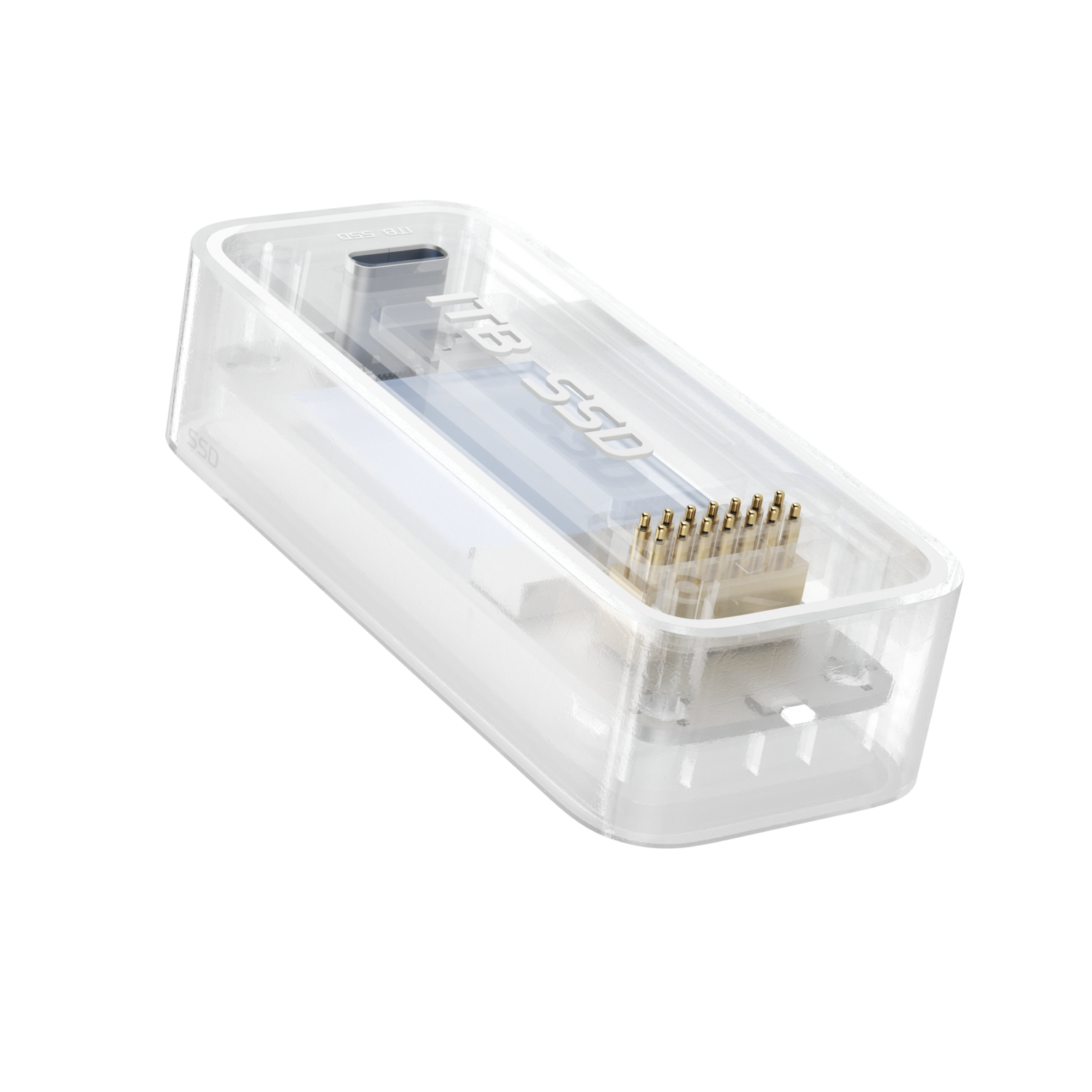
1*SSD-M.2-2230-up to 1T-NVMe-PCIe Gen.4 x4
FAQs
Please read our FAQs page to find out more.
What is the transfer speed of SSD module?
The interface supports speeds up to 10 Gbps, with sequential read/write speeds reaching up to 1,000 MB/s. Actual performance may vary depending on the host device.
What brand of SSD is built in?
Kingston and Samsung;
M.2-2230-up to 1T-NVMe-PCIe Gen.4 x4.
Does the SSD come pre-installed?Can I replace the SSD myself?
The SSD is pre-installed and ready to use directly; the enclosure cannot be opened for user-replacement of the SSD.
Can the SSD module be connected to a computer, smartphone, or tablet?
Most devices support it, but a few smartphones with high internal resistance on their USB ports may not—such as OPPO phones.
Why can't my desktop computer connect to the SSD module?
Because the internal wiring of desktops is complex, with higher resistance and greater signal loss. When using the SSD module, it's recommended to use the included short USB4.0 cable for a successful connection.
Will the magnets interfere with my laptop or SSD data?
Not at all! We use shielded magnetic connectors designed specifically for electronics. Your data on the SSD and your laptop’s internal drive are 100% safe.
My phone isn't recognizing the SSD module.
Ensure you are using a Full-Function USB-C cable. Some "charging-only" cables don't have the data pins required to talk to the SSD. Also, check if your phone case is too thick, preventing the Type-C cable from seating fully.