
Highlights
70*30*17mm

35g
Full Function Type-C, USB3.2 Gen2, 10Gbps
USB3.2 Gen2, 10Gbps
HDMI2.0 4K@60Hz
Hub
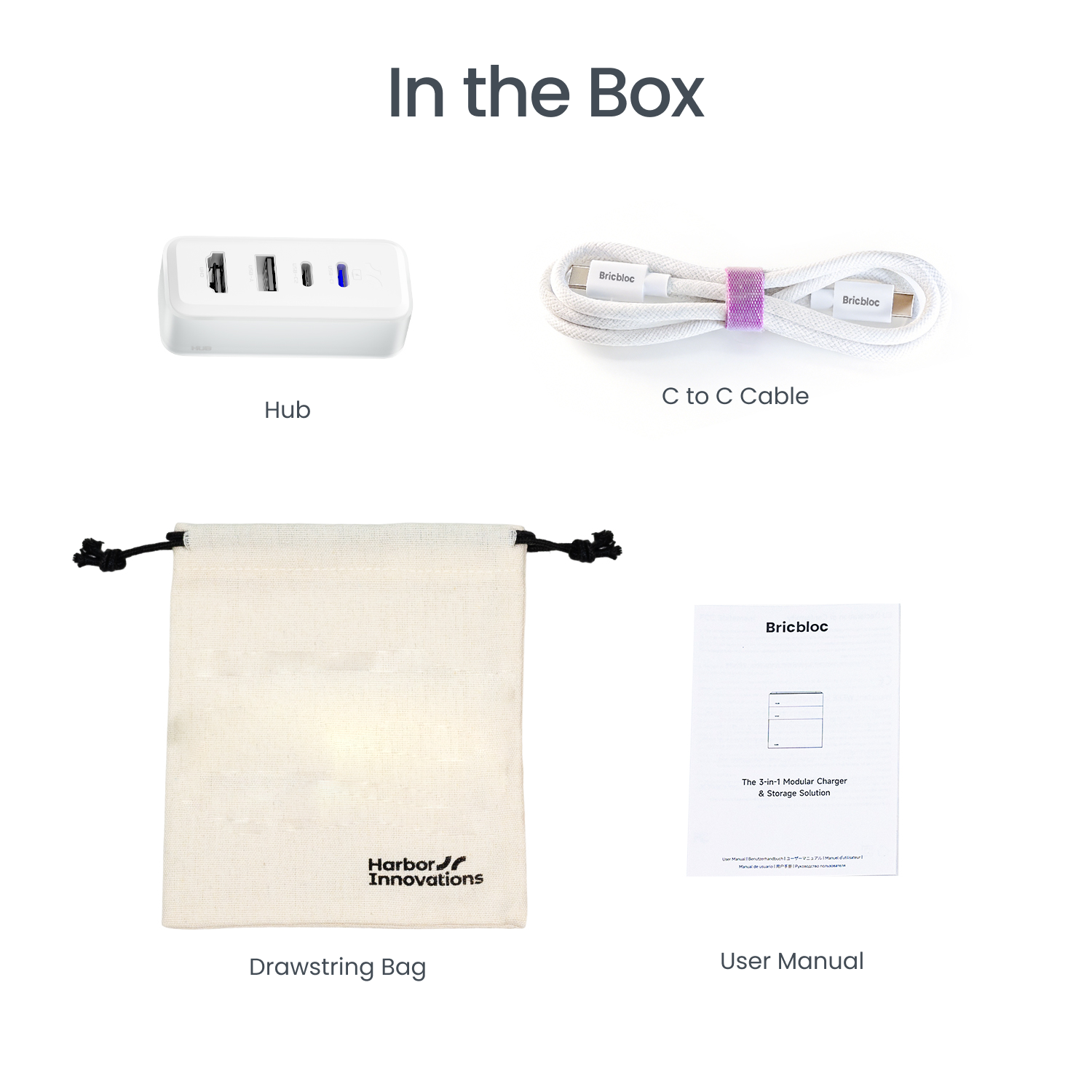
Free Essentials Included: C to C Cable and a Drawstring Bag.
Pairs well with
Ships within 1-2 business days
14 Days Return
1-Year Warranty
Highlights
70*30*17mm
35g
Full Function Type-C, USB3.2 Gen2, 10Gbps
USB3.2 Gen2, 10Gbps
HDMI2.0 4K@60Hz
Hub
If you have any questions, you are always welcome to contact us. We'll get back to you as soon as possible, within 24 hours on weekdays.
-
Shipping Information
Use this text to answer questions in as much detail as possible for your customers.
-
Customer Support
Use this text to answer questions in as much detail as possible for your customers.
-
FAQ’s
Use this text to answer questions in as much detail as possible for your customers.
-
Contact Us
Use this text to answer questions in as much detail as possible for your customers.
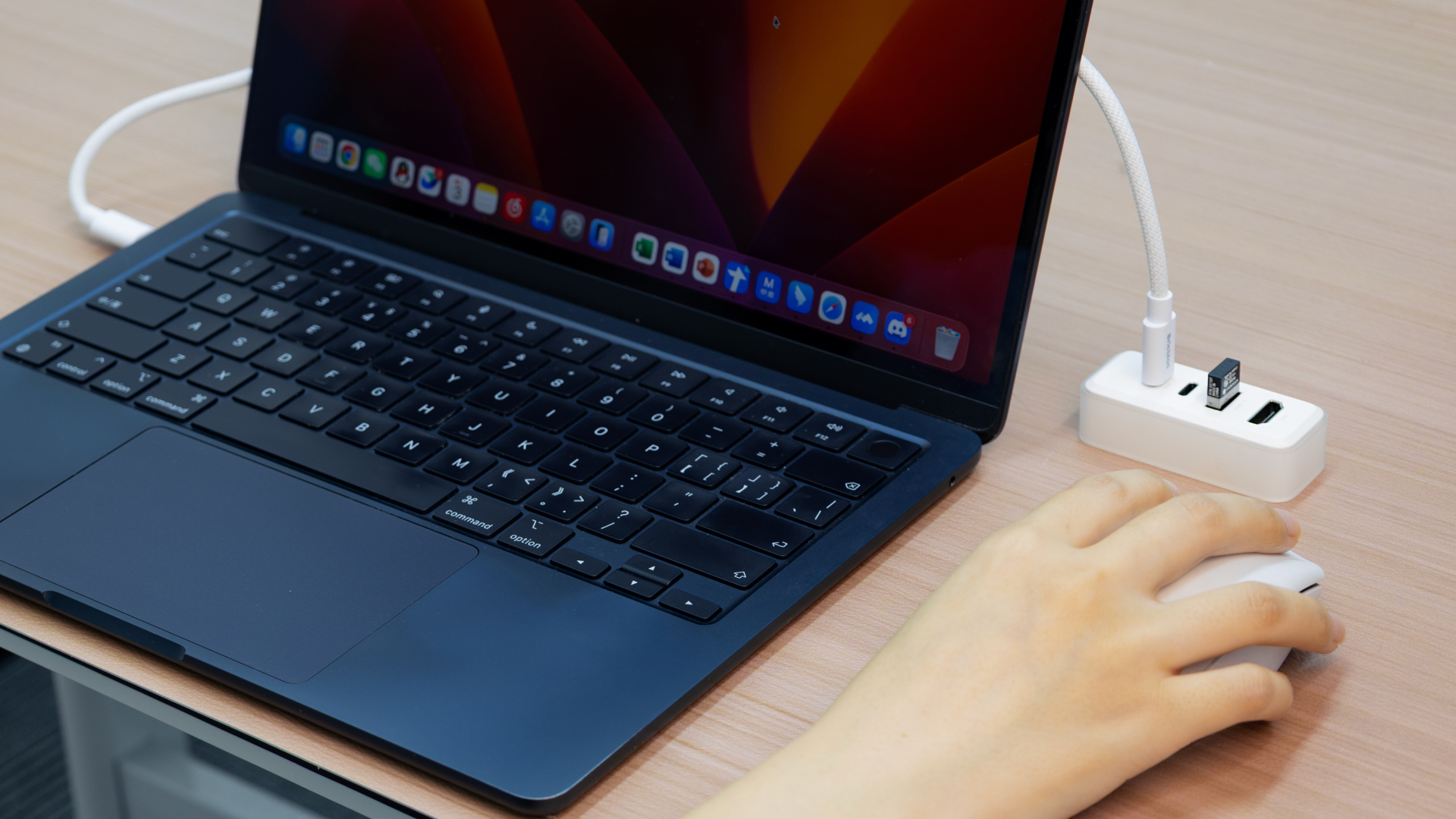
Small Cube. Monster Specs.
Stop compromising. The Bricbloc HUB module packs everything you need into one magnetic snap. Whether you're pushing pixels or transferring massive files, we’ve got the bandwidth to keep up with your grind.
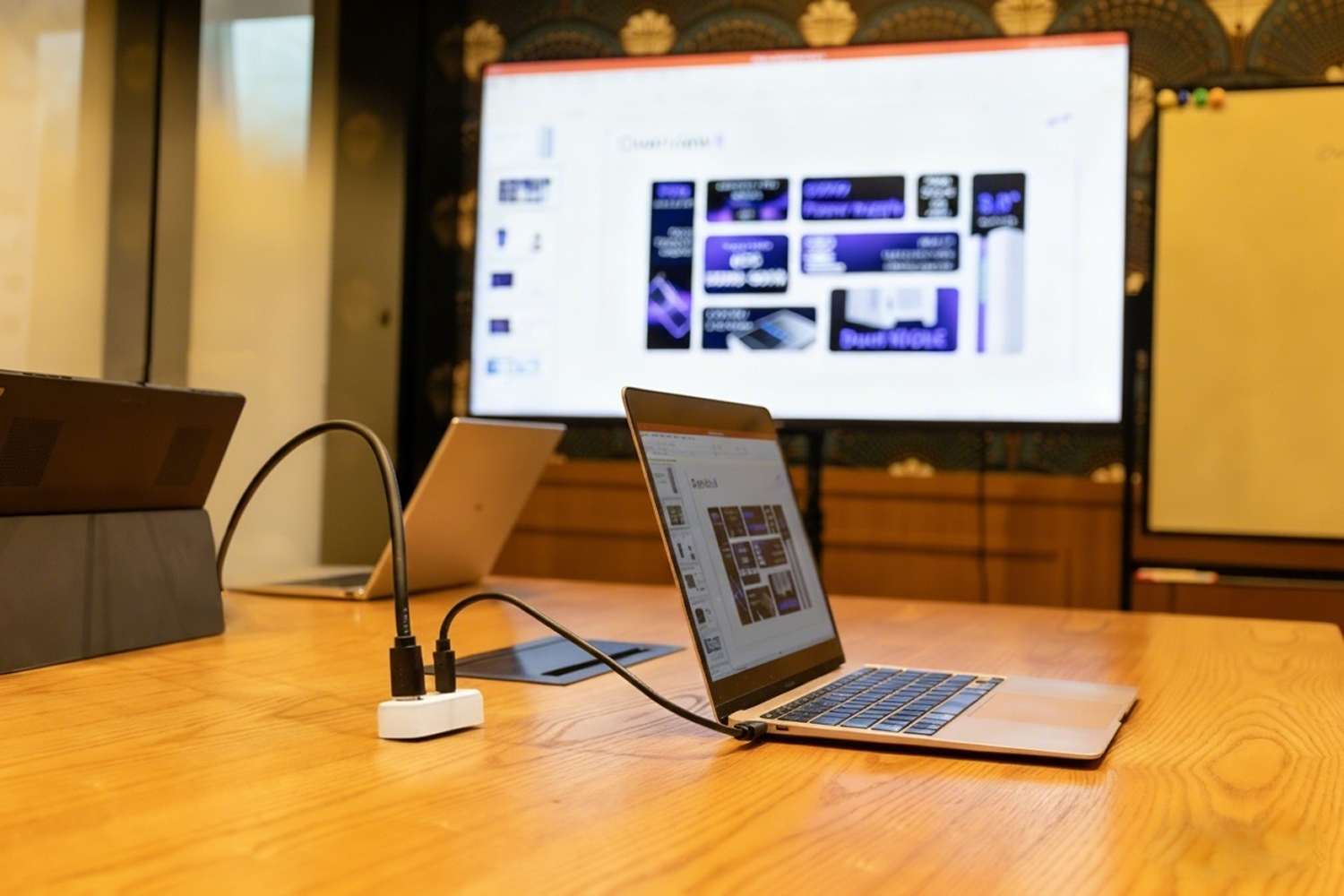
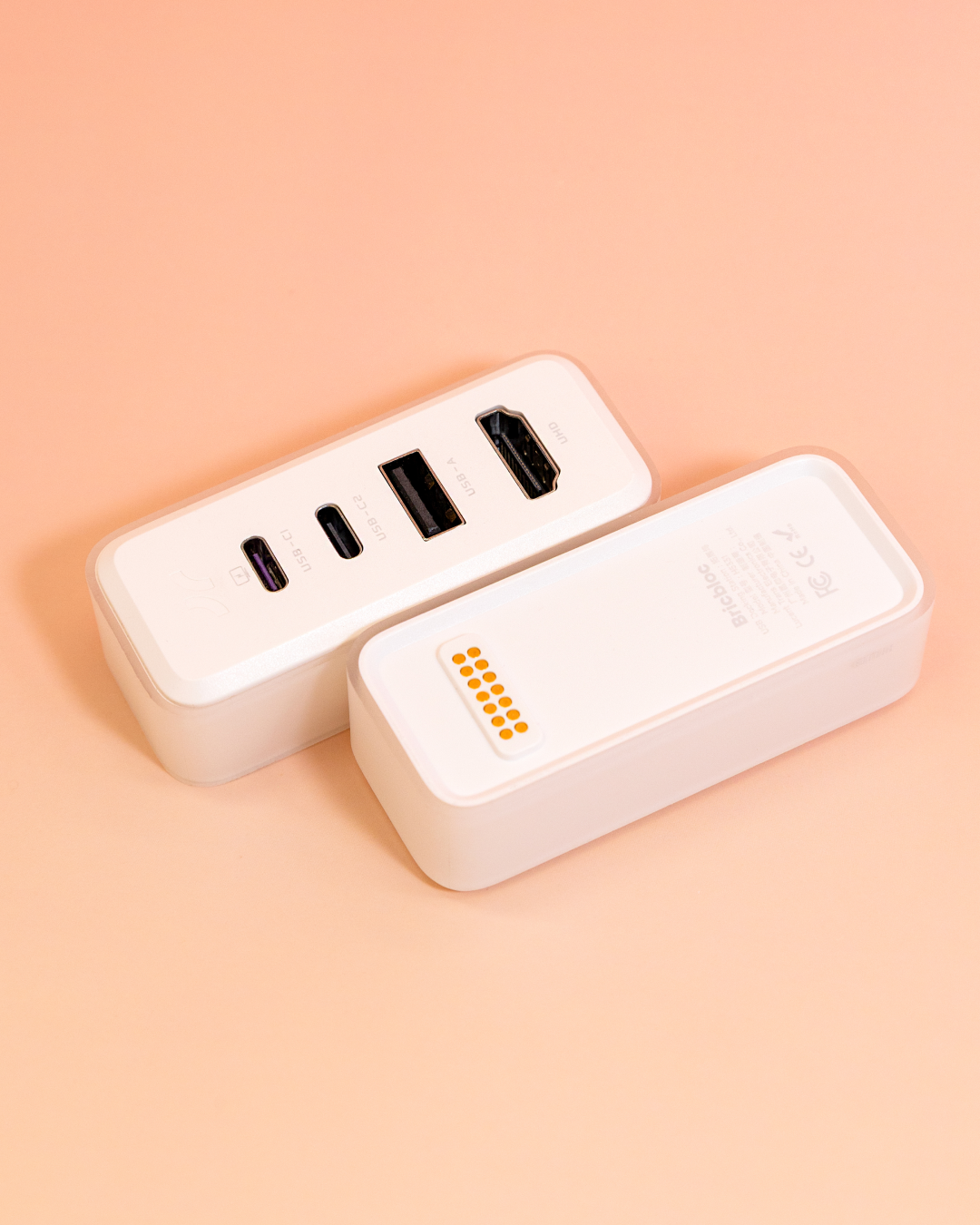
One snap. Infinite flow.
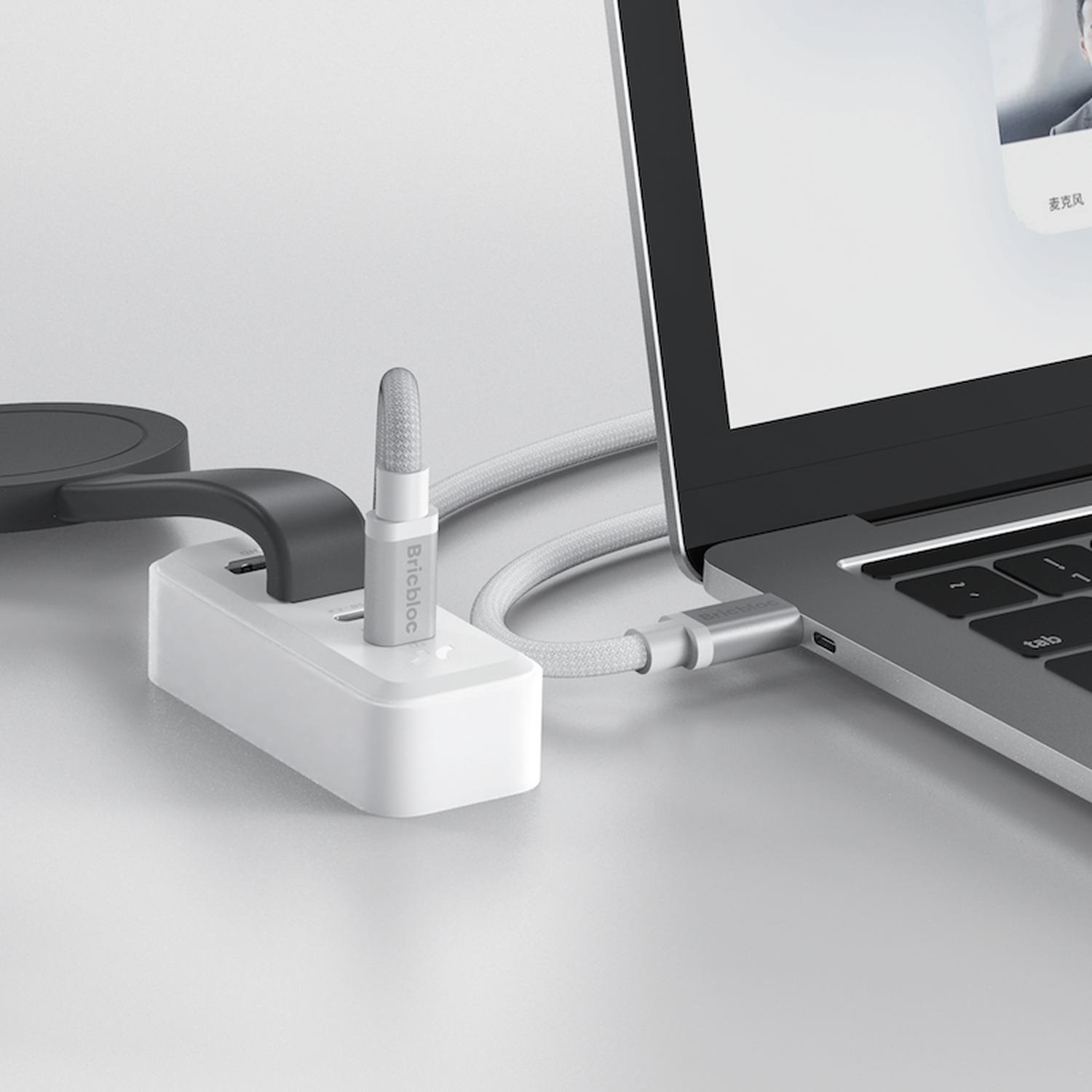
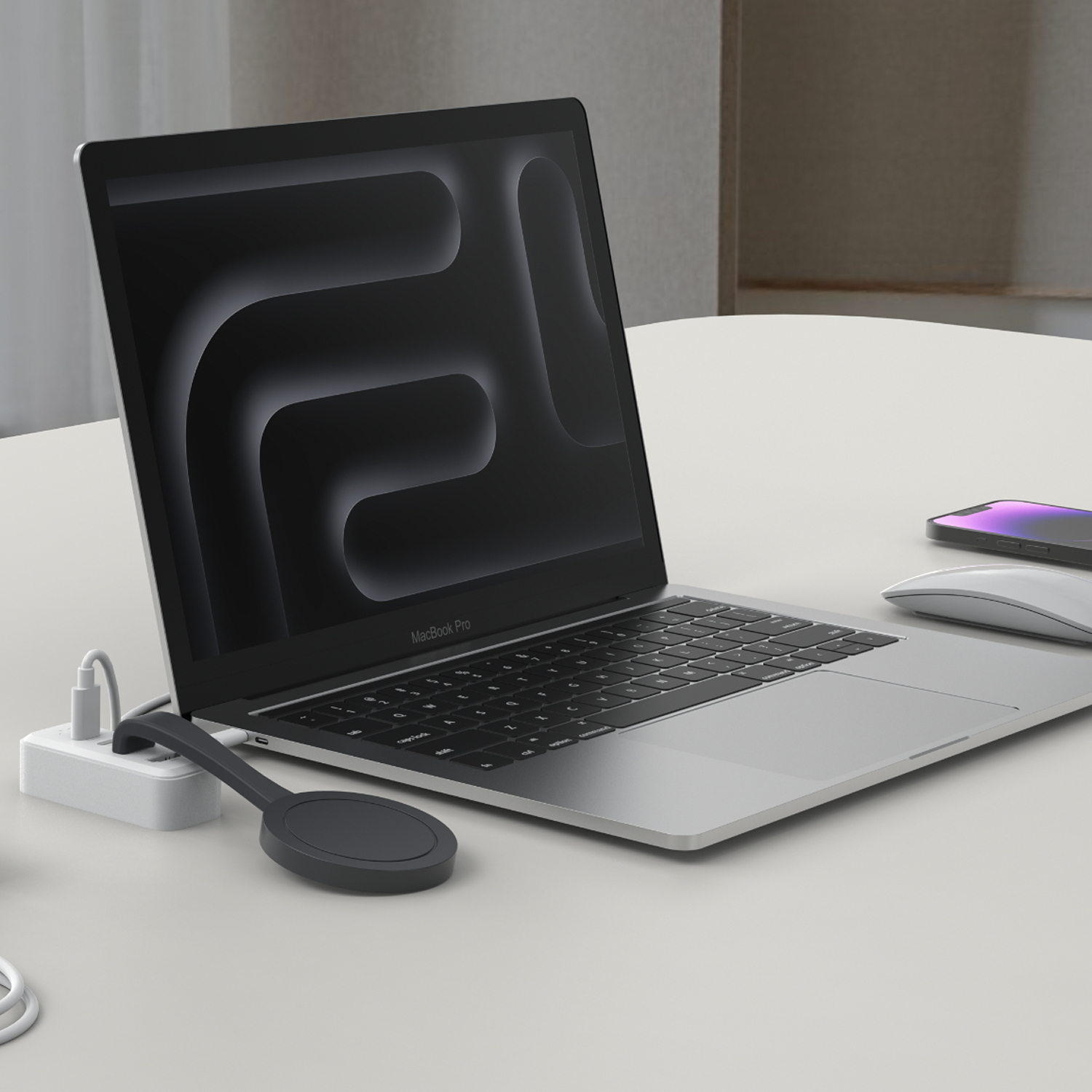
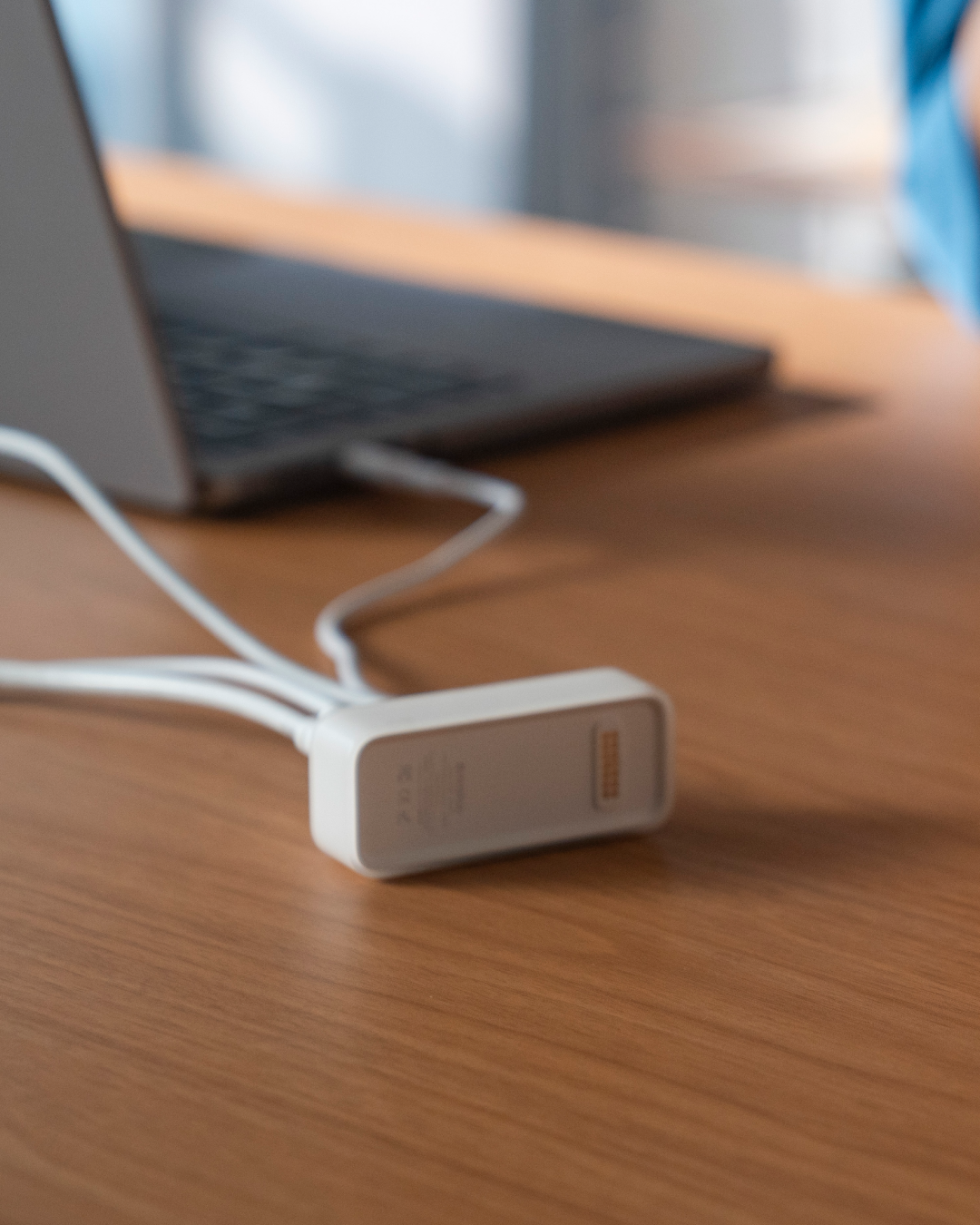
Your desk is your sanctuary—keep it that way. Our HUB module integrates invisibly into your Bricbloc stack, turning a mess of wires into a single, sleek connection.
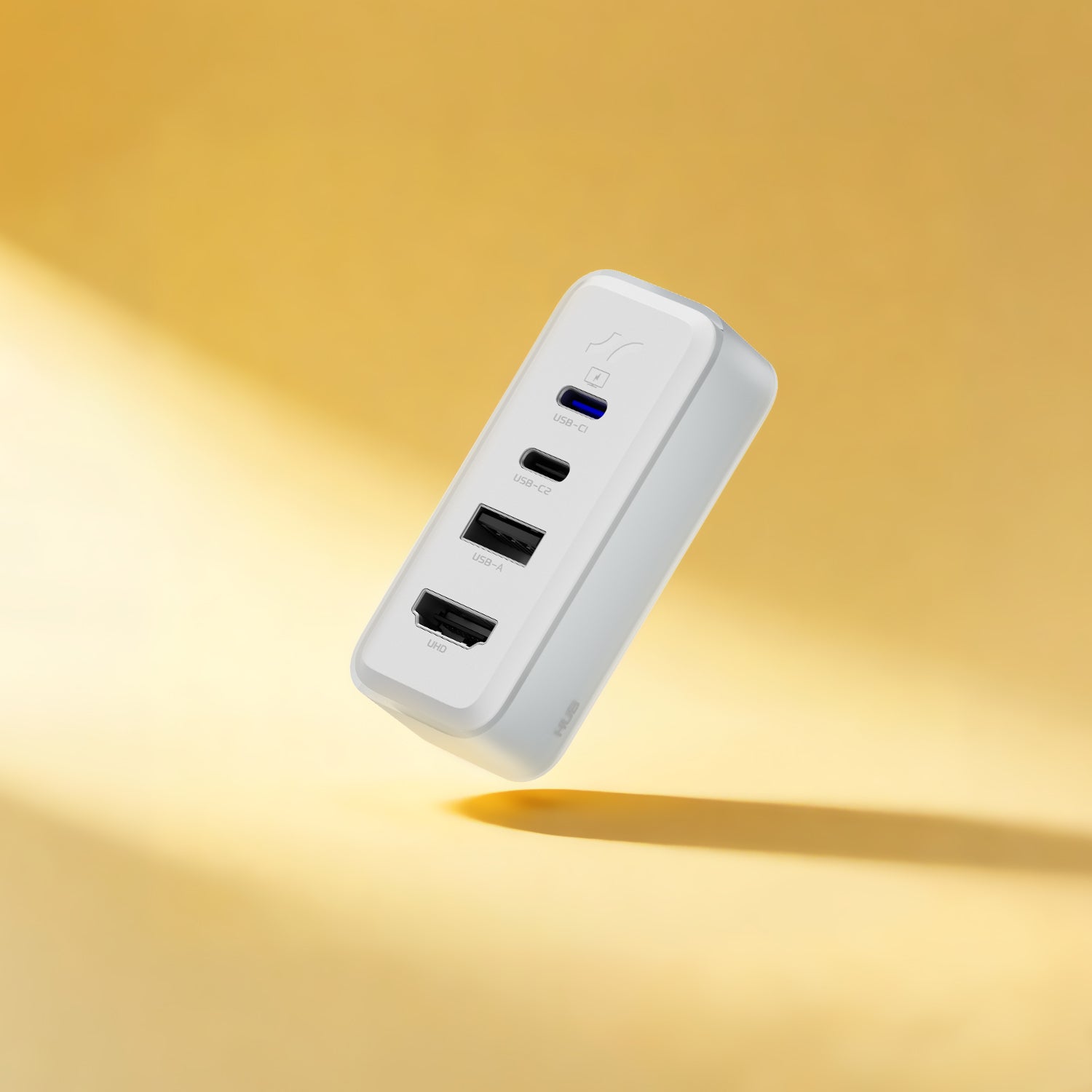
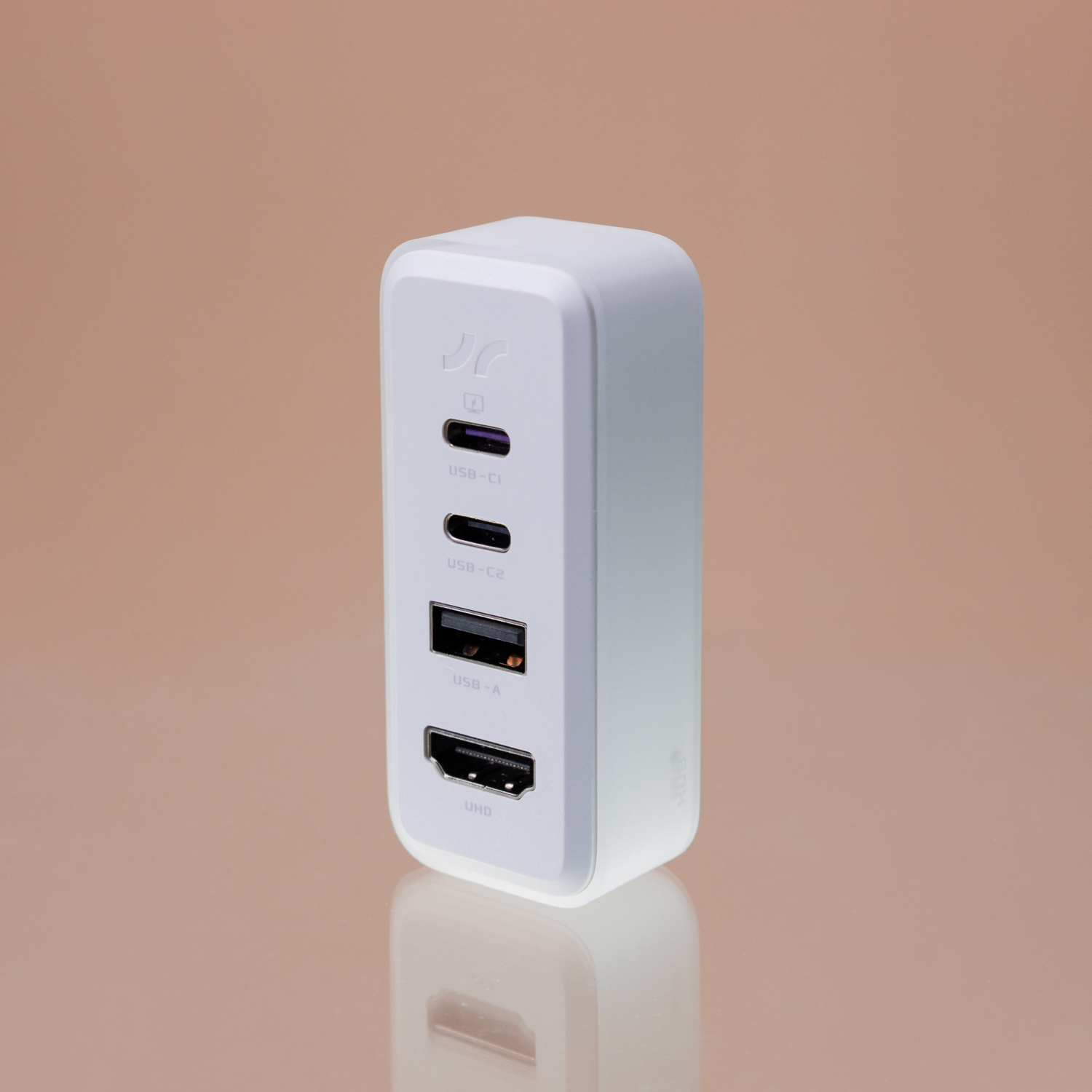
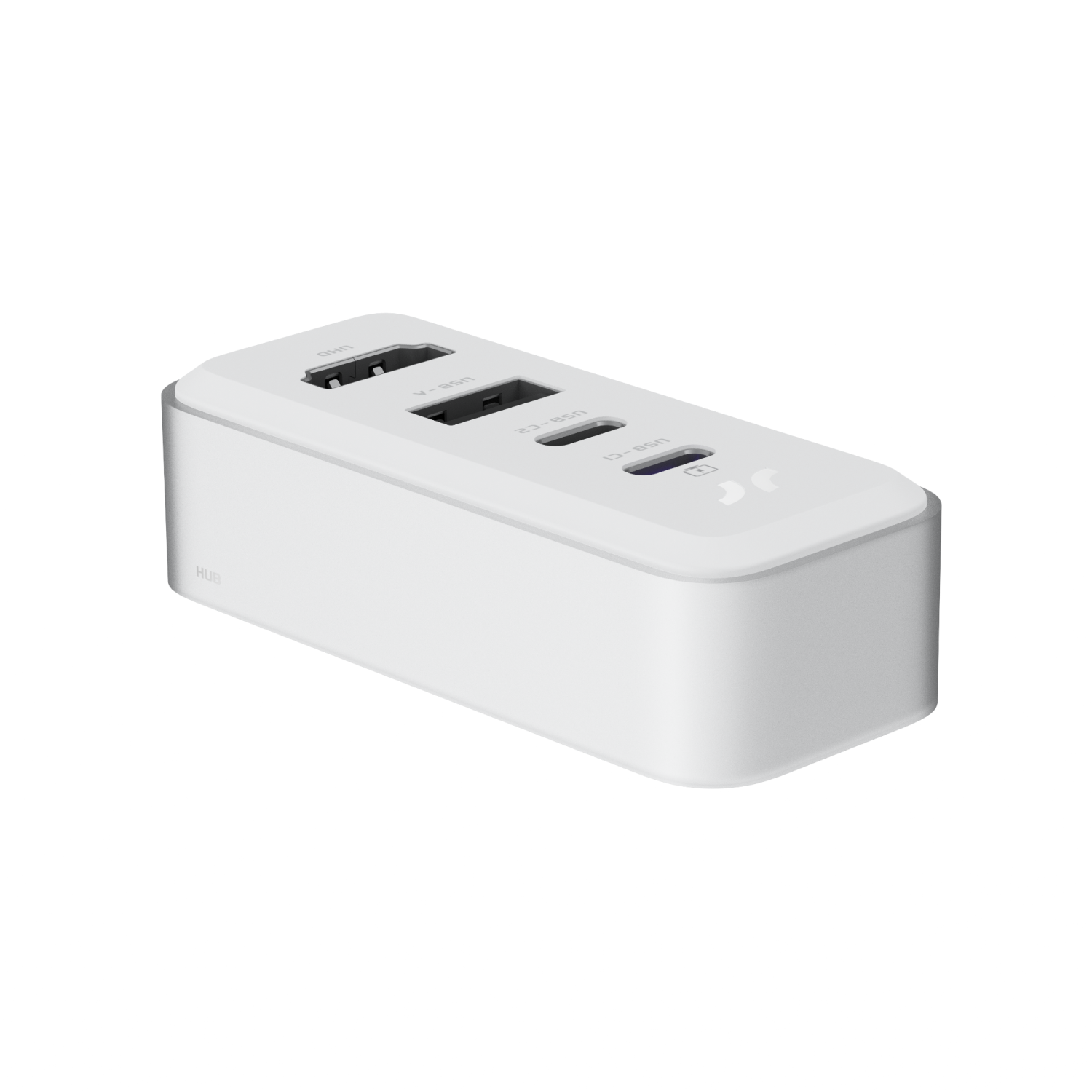
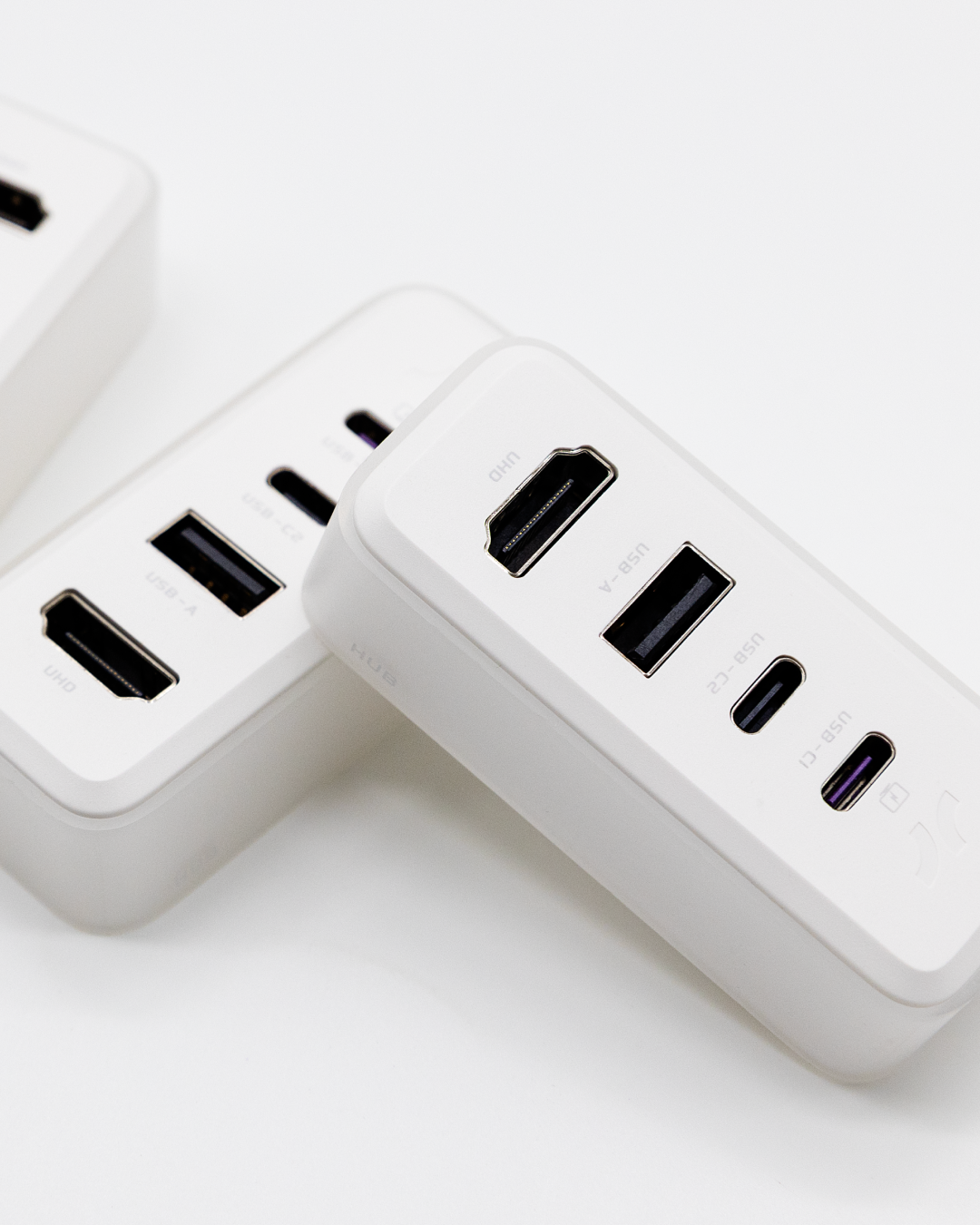
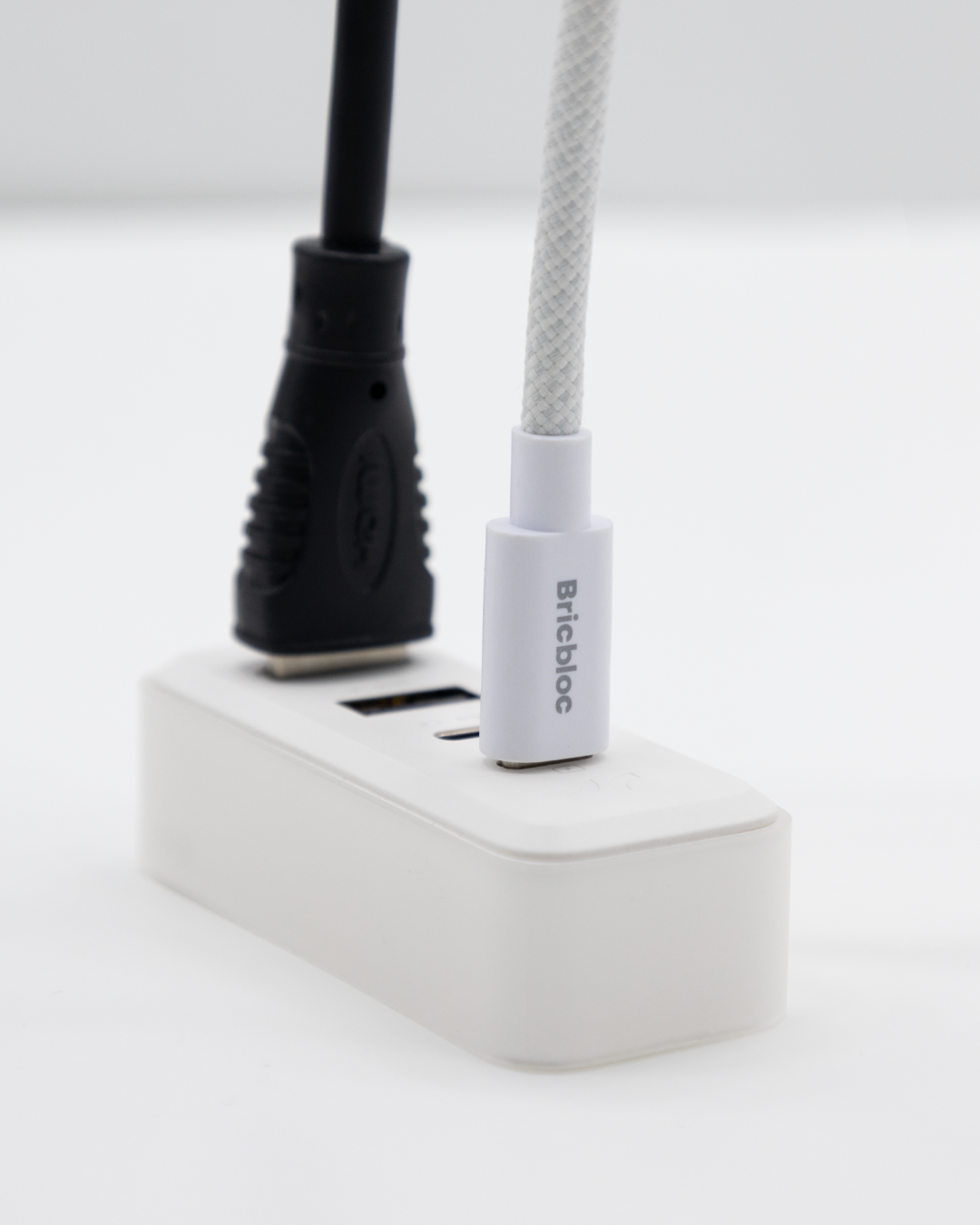
USB-C · USB-A · HDMI
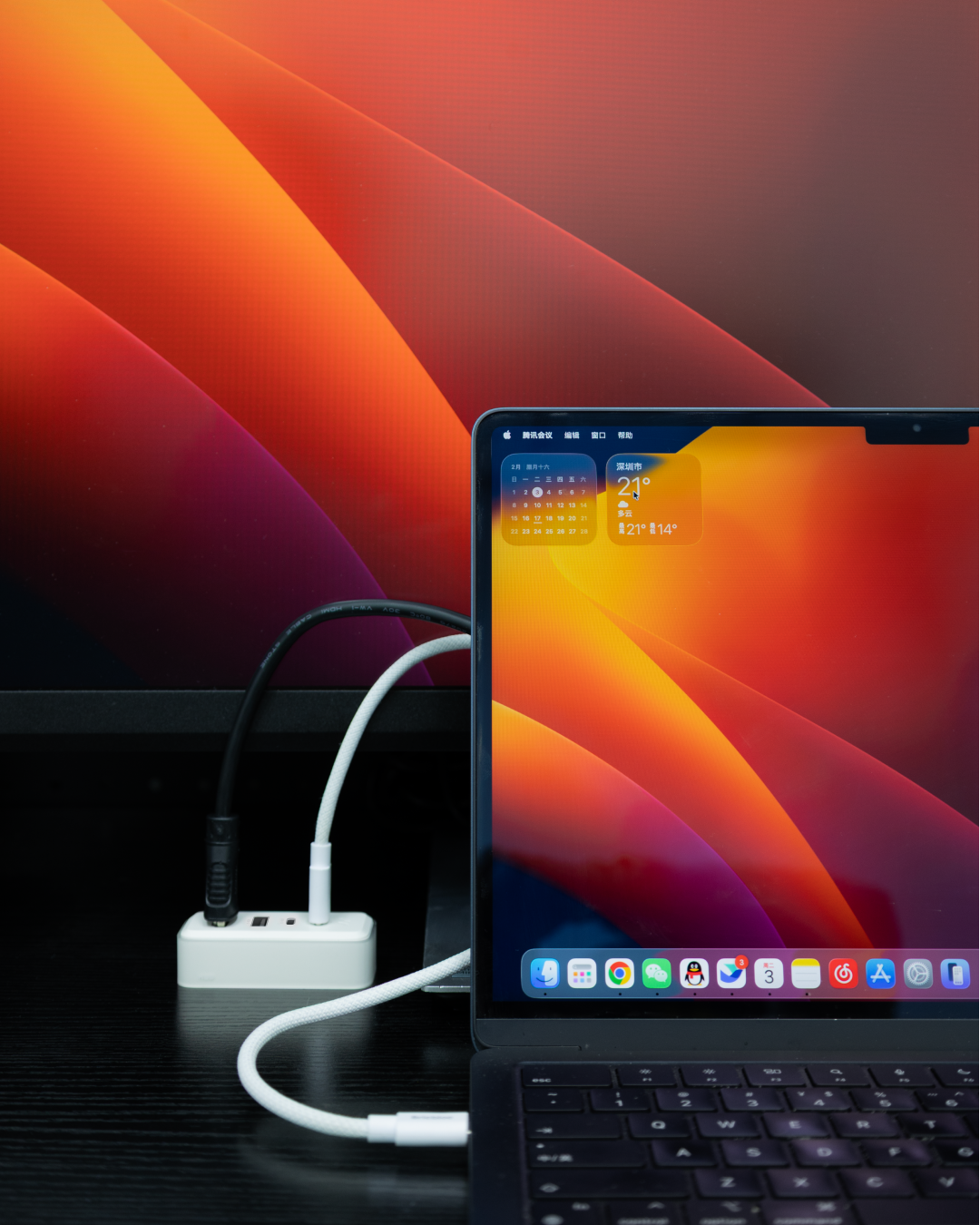
Desktop Aesthetics
Why settle for a messy dongle when you can have a magnetic powerhouse? The Bricbloc HUB is the ultimate bridge between your slim EDC and your heavy-duty setup.
Product details
Physical Specifications
Dimensions: 70*30*17mm
Weight: 35g
Color: White
Interface & Performance Specifications
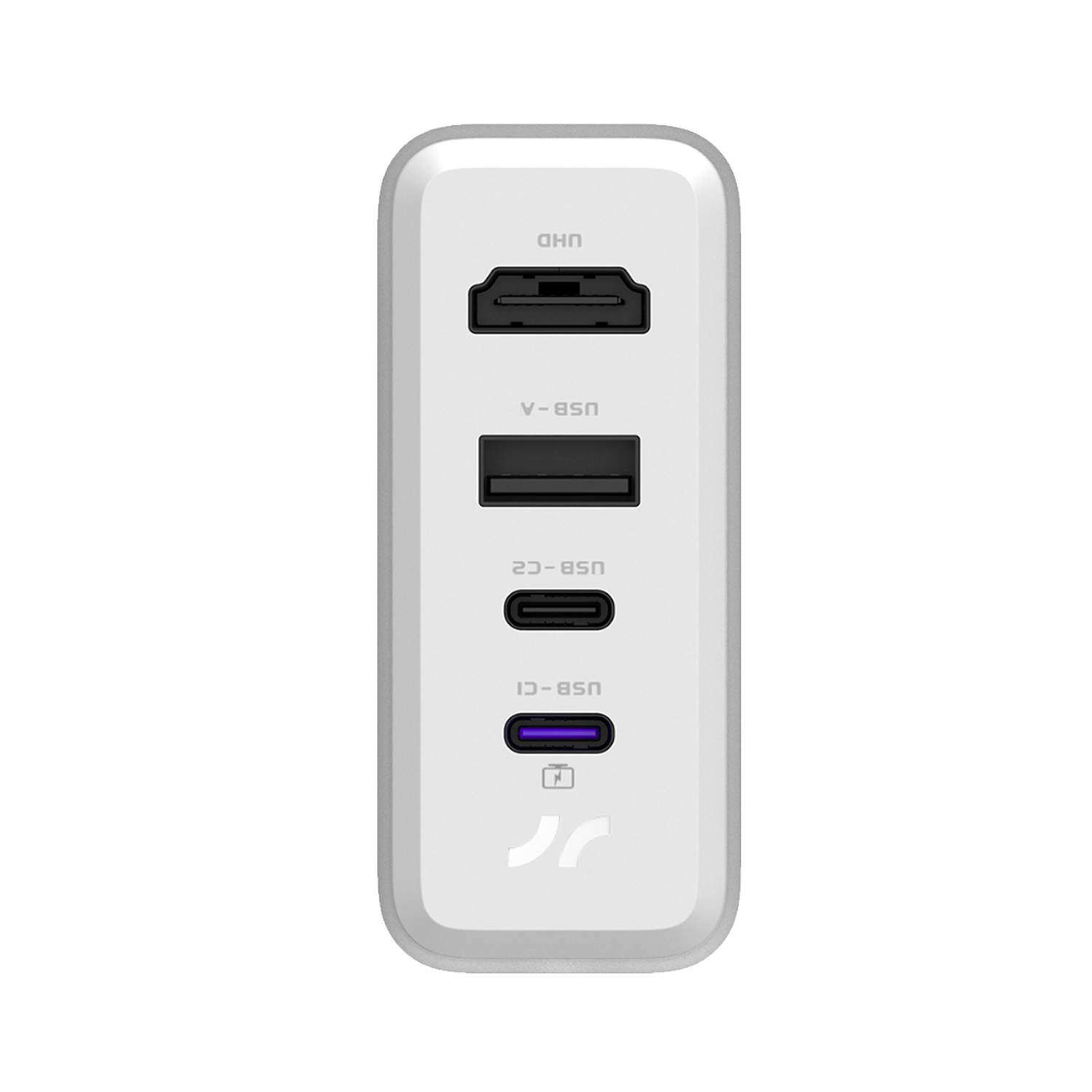
USB-C1: Full Function Type-C, USB3.2 Gen2, 10Gbps
USB-C2: Charging/Data, USB3.2 Gen2, 10Gbps
USB-A: Charging/Data, USB3.2 Gen2, 10Gbps
HDMI: HDMI2.0 4K@60Hz
FAQs
Please read our FAQs page to find out more.
I’m connected to HDMI, but I’m not getting 4K at 60Hz. What’s up?
First, use an HDMI 2.0 (or higher) certified cable – older HDMI 1.4 cables typically max out at 4K@30Hz.
Second, check your source device’s HDMI output capability – go to its specs or display settings to confirm it supports 4K@60Hz over HDMI.
Why can't my phone connect to the hub module for screen mirroring?
First, please ensure that your phone’s USB Type-C port is a full-featured one; otherwise, it does not support video output.
Second, please confirm that the cable you’re using is a full-featured data cable; otherwise, video output will not work.
How is the data transfer performance of the HUB module?
The USB-A, USB-C1, and USB-C2 ports are all USB 3.2 Gen 2 interfaces, each supporting speeds up to 10 Gbps.
How do I use the HUB module for screen mirroring?
Connect the USB-C1 port to your device using a full-featured USB-C cable, and connect the HDMI port to your monitor using an HDMI cable—then screen mirroring will work.