
BricBloc 3-in-1 Modular GaN Charger with SSD & Hub
Hub + SSD + Charger
The full Bricbloc setup for power, ports, and storage.
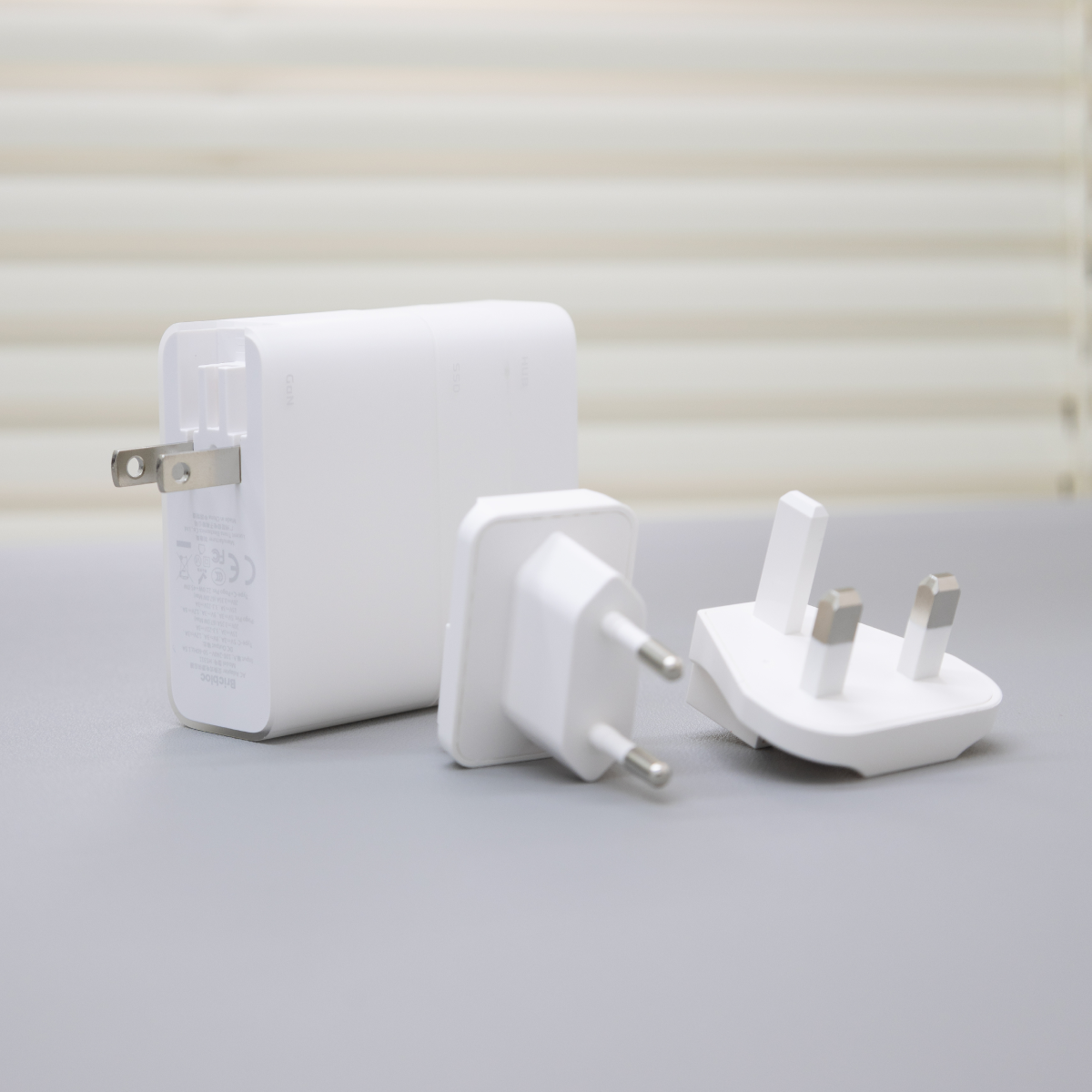
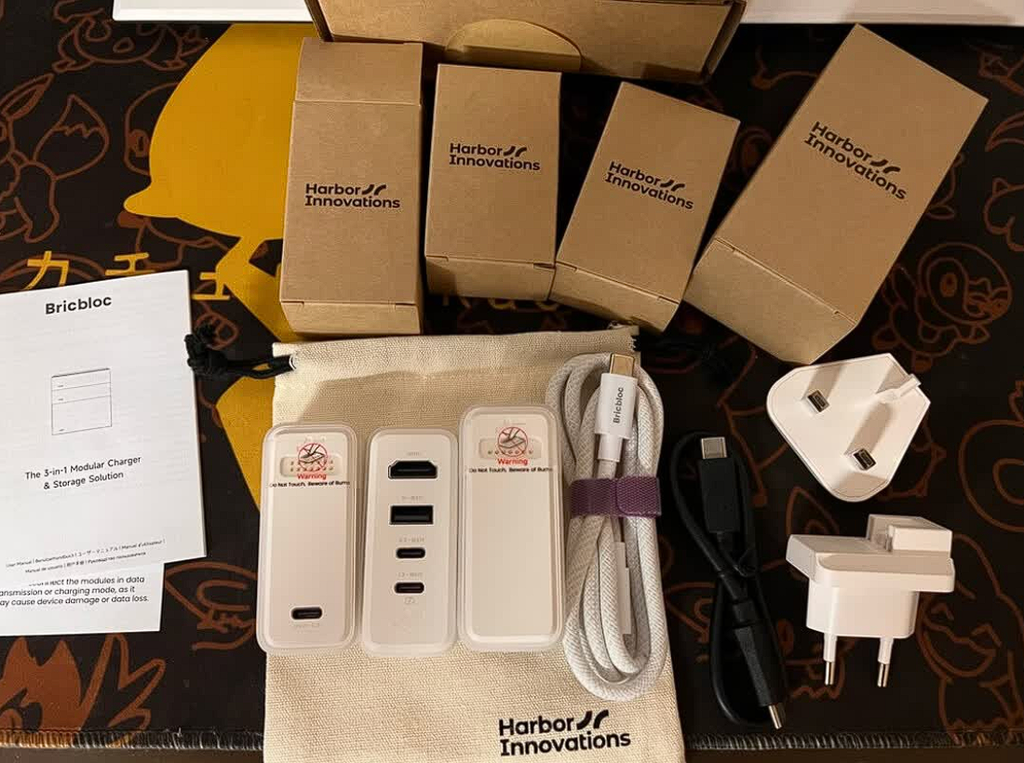
Free Essentials Included: C to C Cable, EU & UK Adapters, and a Drawstring Bag.
Add Gift Packaging
Pairs well with
Ships within 1-2 business days
14 Days Return
1-Year Warranty
BricBloc 3-in-1 Modular GaN Charger with SSD & Hub
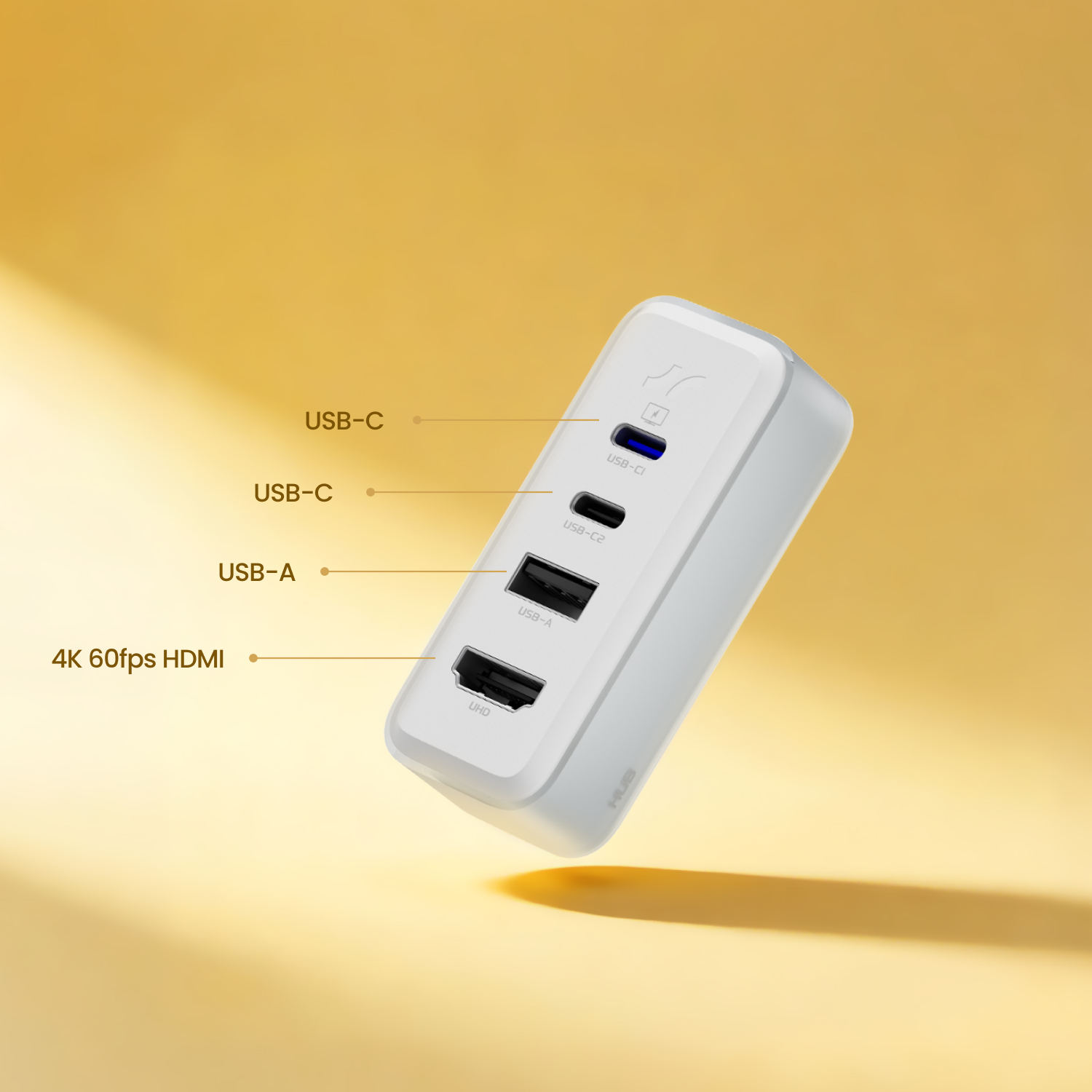
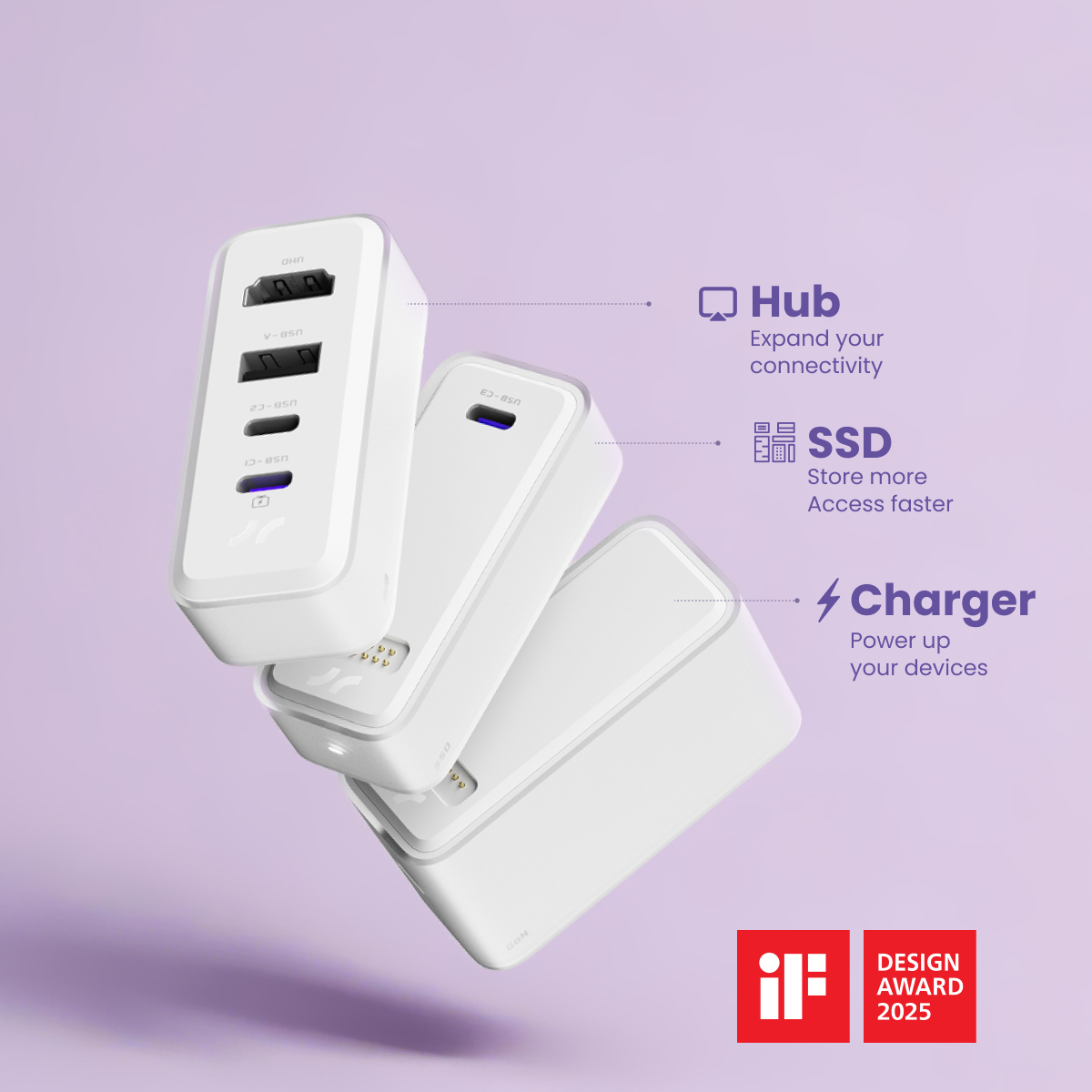
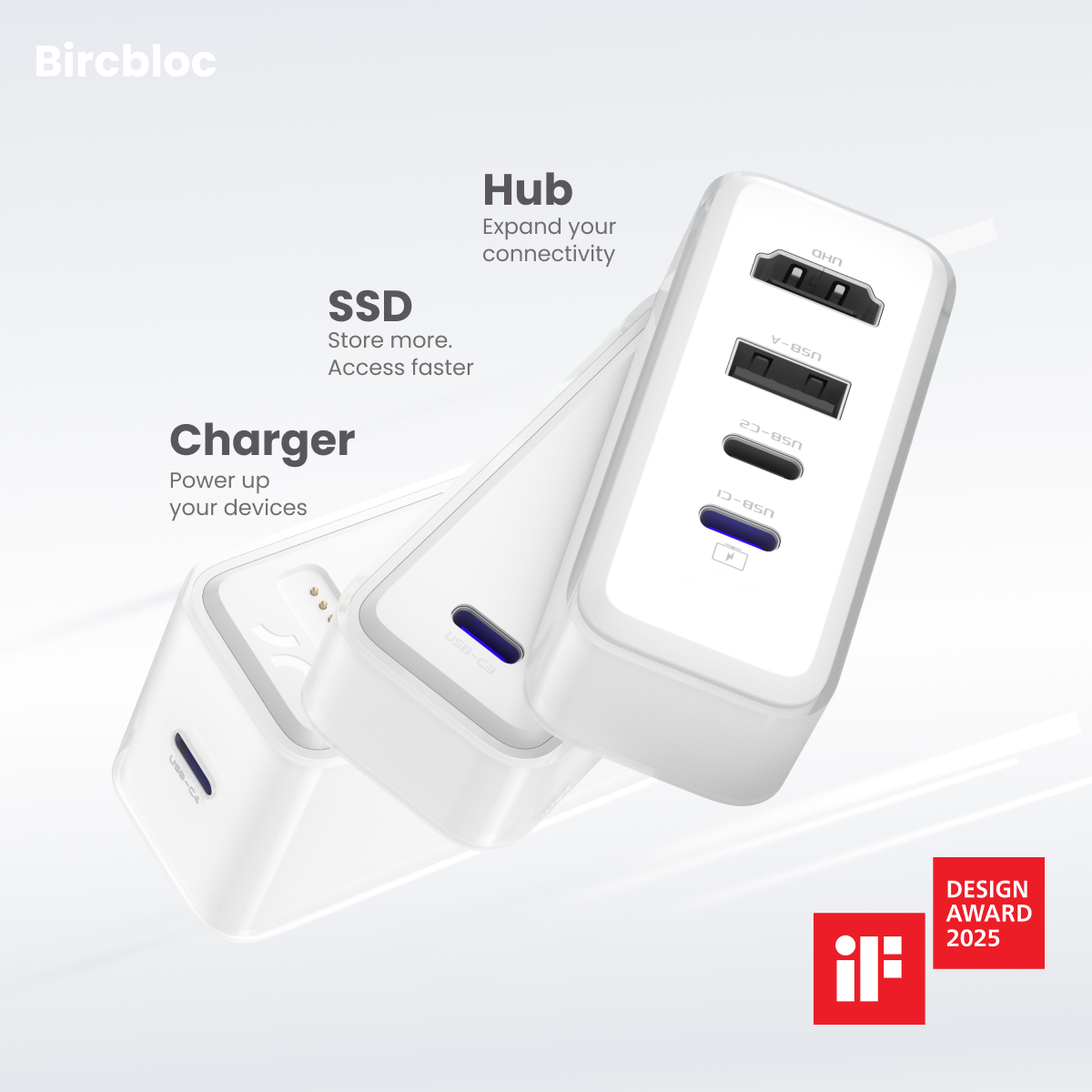
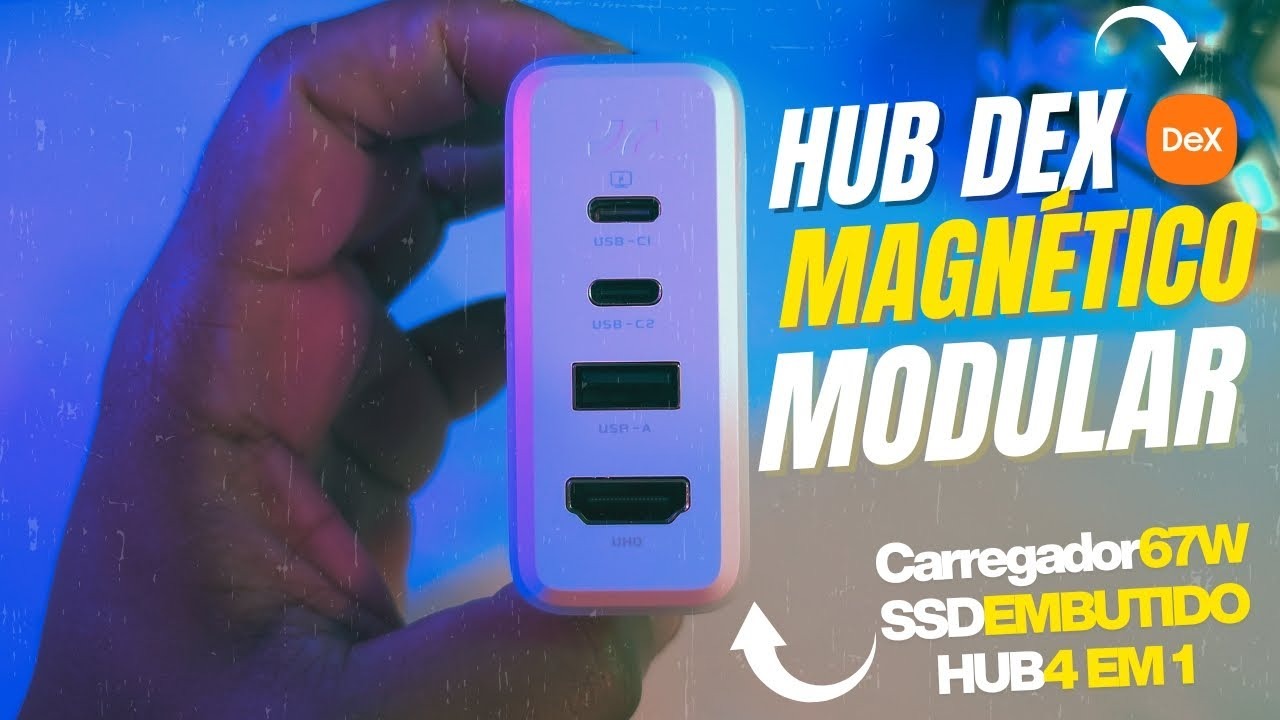
HUB Module - ExpansionBloc
Power 4 devices simultaneously. Plus 4K HDMI output and high-speed data transfer.
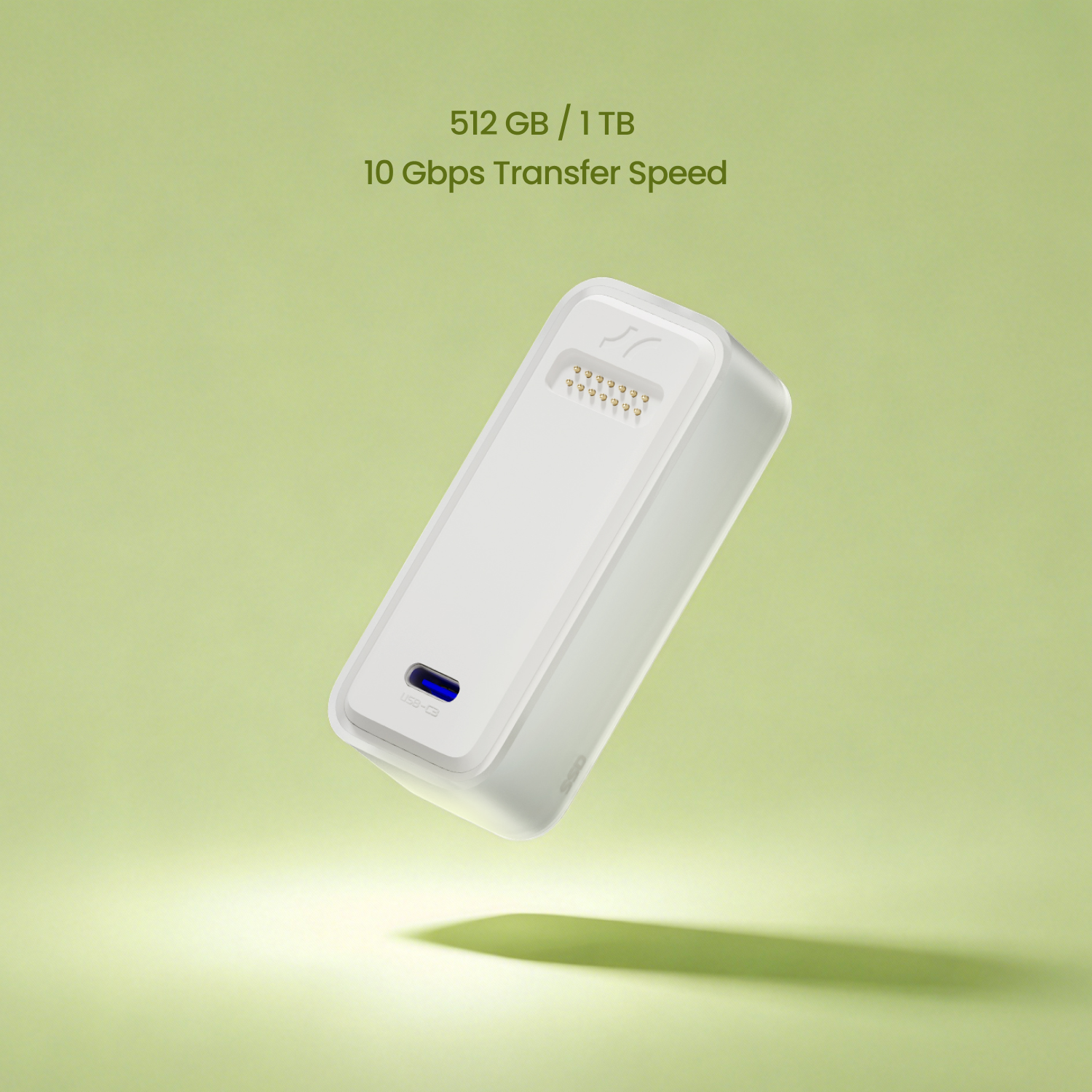
SSD Module - StoreBloc
Powered by a pre-installed Kingston NVMe SSD, with transfer speeds of up to 1000MB/s.
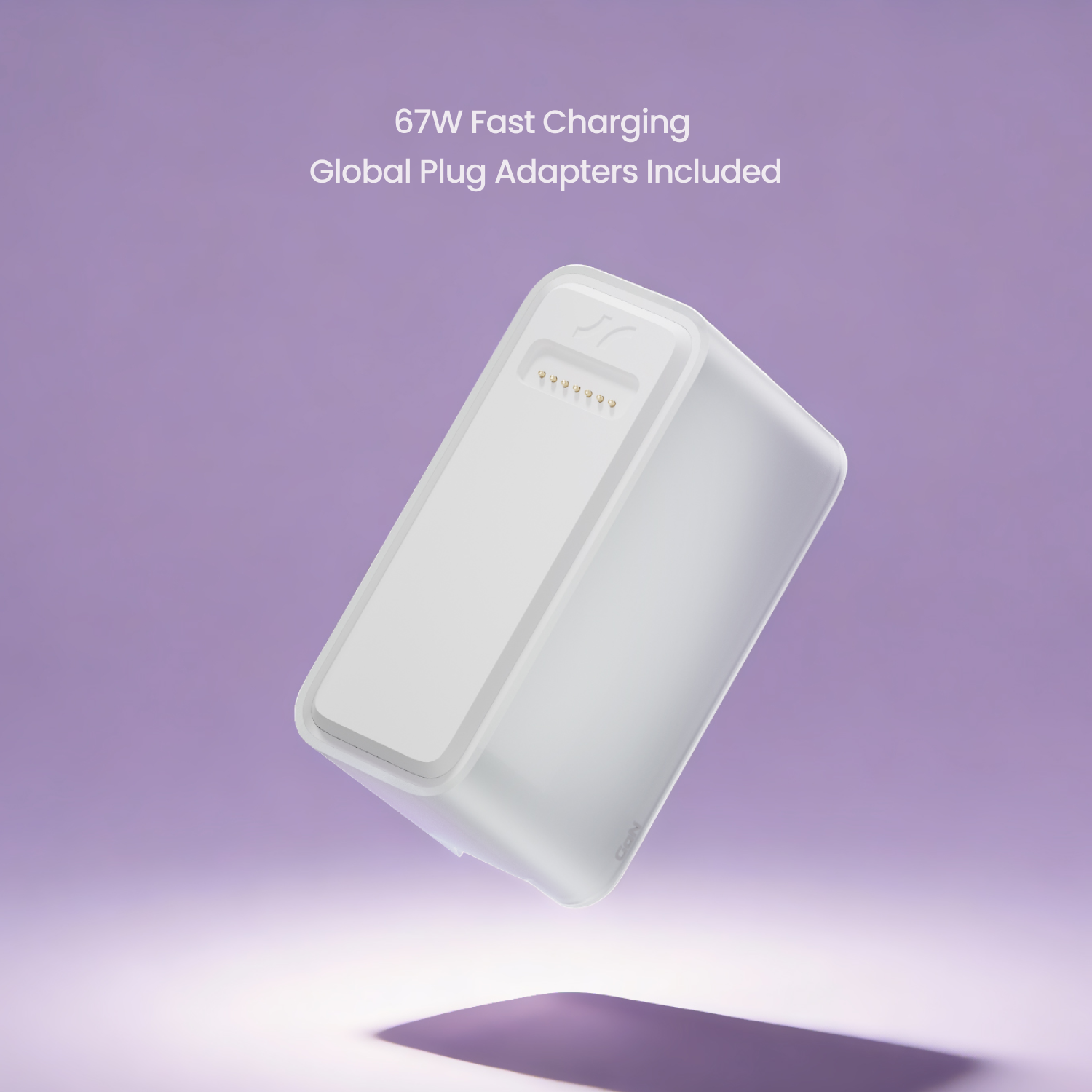
GaN Module - PowerBloc
Next-gen 67W GaN charging in an unbelievably compact size.

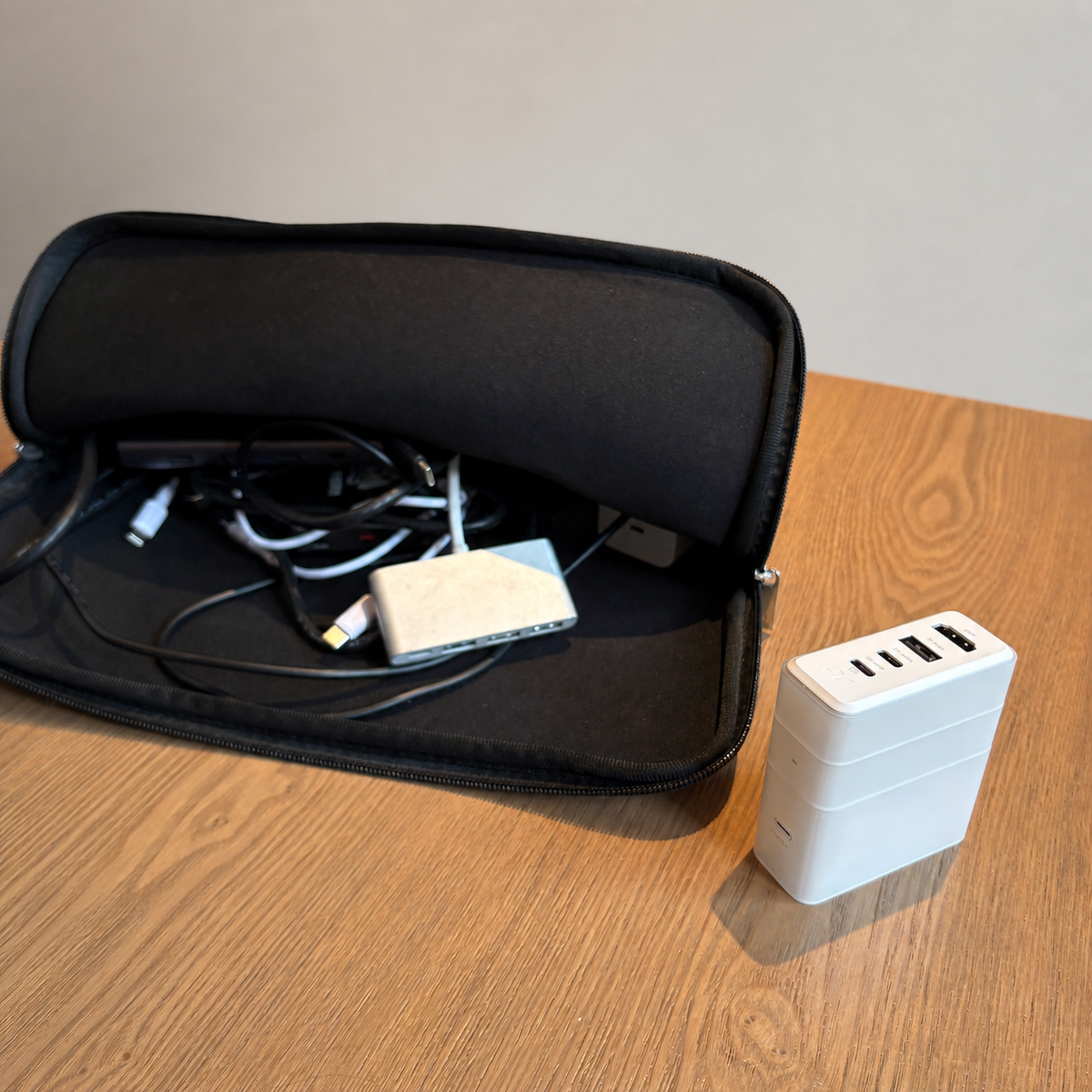
Your Business Trip, Powered by One Block
On a business trip, you reach your hotel room with chargers and cables everywhere. With Bricbloc, just plug in one block—power your laptop, connect to the TV, and access your 1TB files instantly. Unpack less. Do more. Your whole setup in one plug.

Coffee, Power, Productivity.
At a quiet café, your MacBook Air hits low battery just as you get into focus. You pull out Bricbloc—fast GaN charging and a USB-A port for your mouse, all silent and sleek. Power returns, focus stays. You’re back in flow before your coffee cools.
One-Snap Upgrade, Right in the Meeting Room
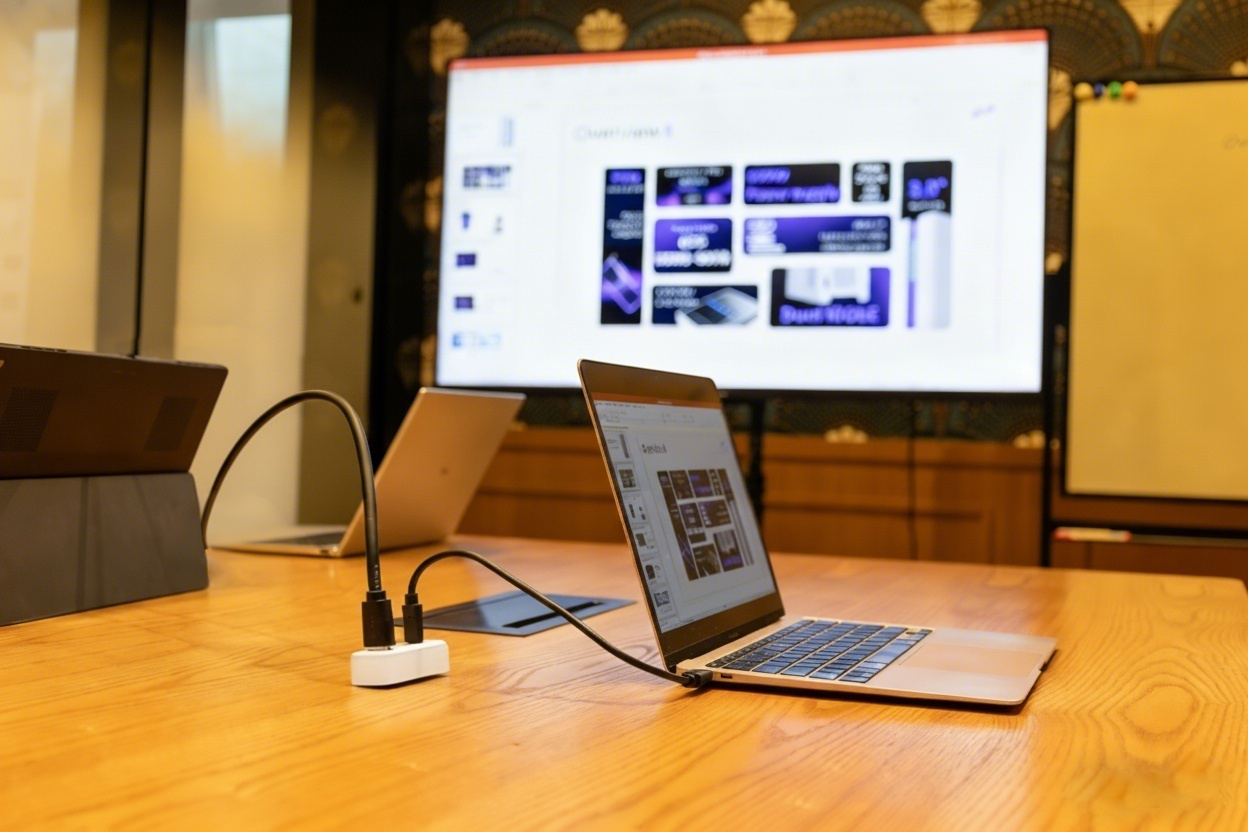
You’re in a meeting with your MacBook Air—no video output. Plug in the BricBloc Hub, and the 4K projection starts instantly.
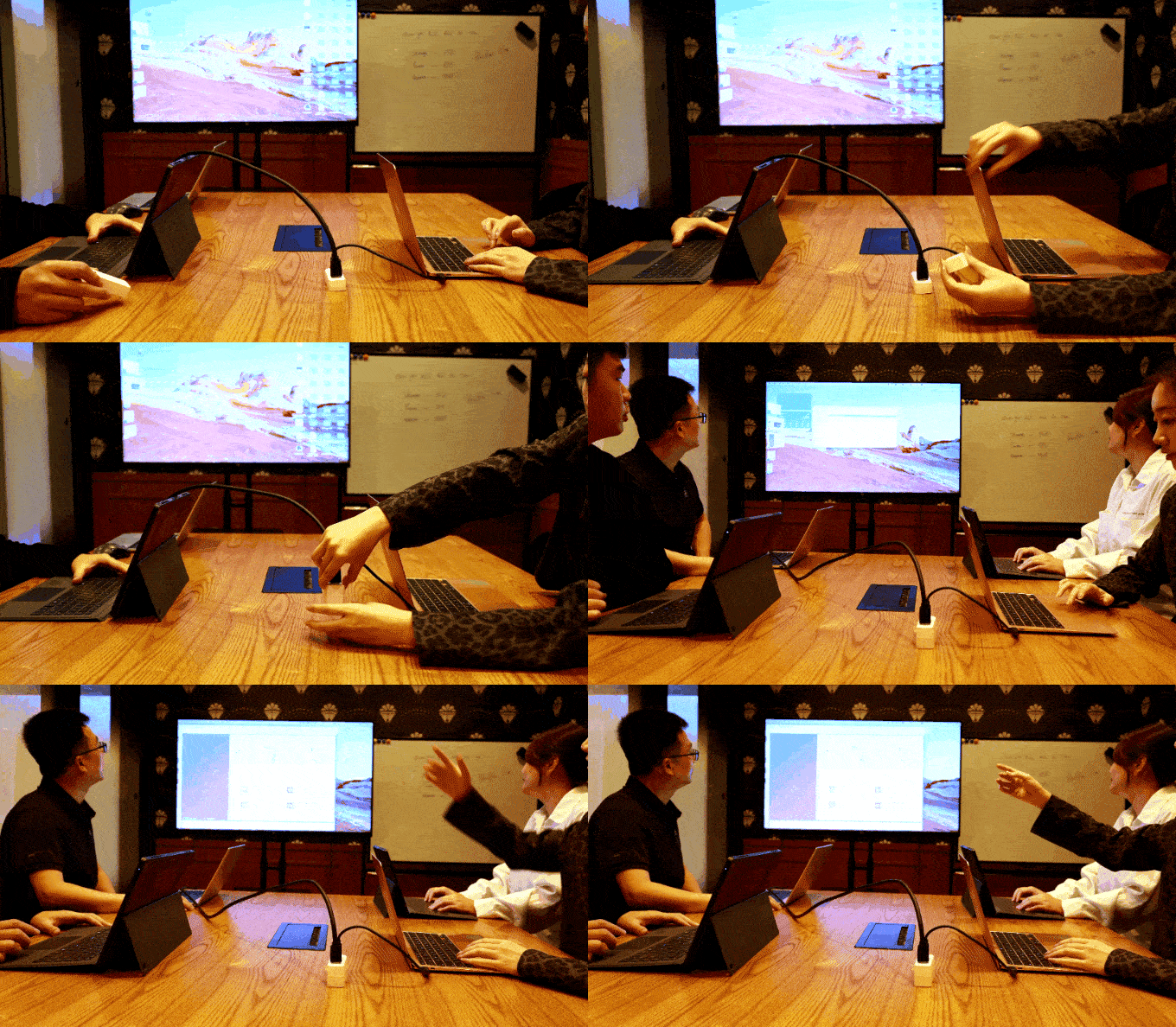
Your client needs to add a file, but it’s on their laptop. They copy it to the BricBloc SSD at 10Gbps. You snap the SSD under the Hub, open it instantly, and keep presenting—no device switching, no interruption.
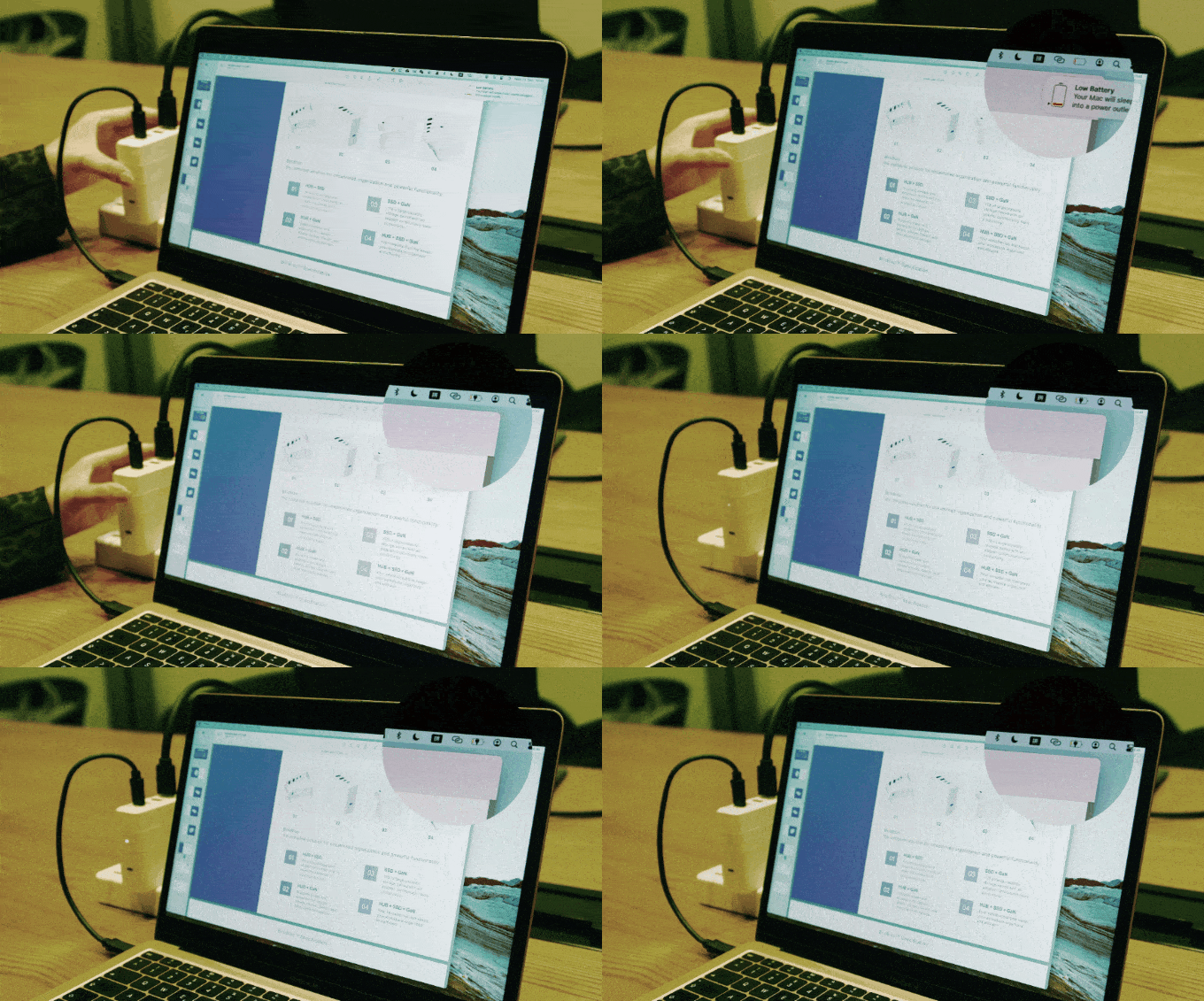
Midway through, your battery drops. Attach the GaN power module—67W fast charging starts instantly. Seamless power, seamless presentation.

The Perfect Partner for Switch Gamers
Head home and jump straight in. Connect your Switch to Bricbloc for 67W fast charging and instant 4K@60Hz output. Need more space? Snap on the 1TB SSD with magnetic pogo pins. Plug in your keyboard, mouse, or controller via USB-A for full control.

The "Samsung DeX" / Mobile Desktop
You only have your phone or iPad but need to get work done. Plug it into Bricbloc, connect a monitor via HDMI and a mouse/keyboard dongle via USB-A. Instantly get a desktop-like experience (DeX/Stage Manager) while keeping the battery at 100%.

The Photographer's Field Backup
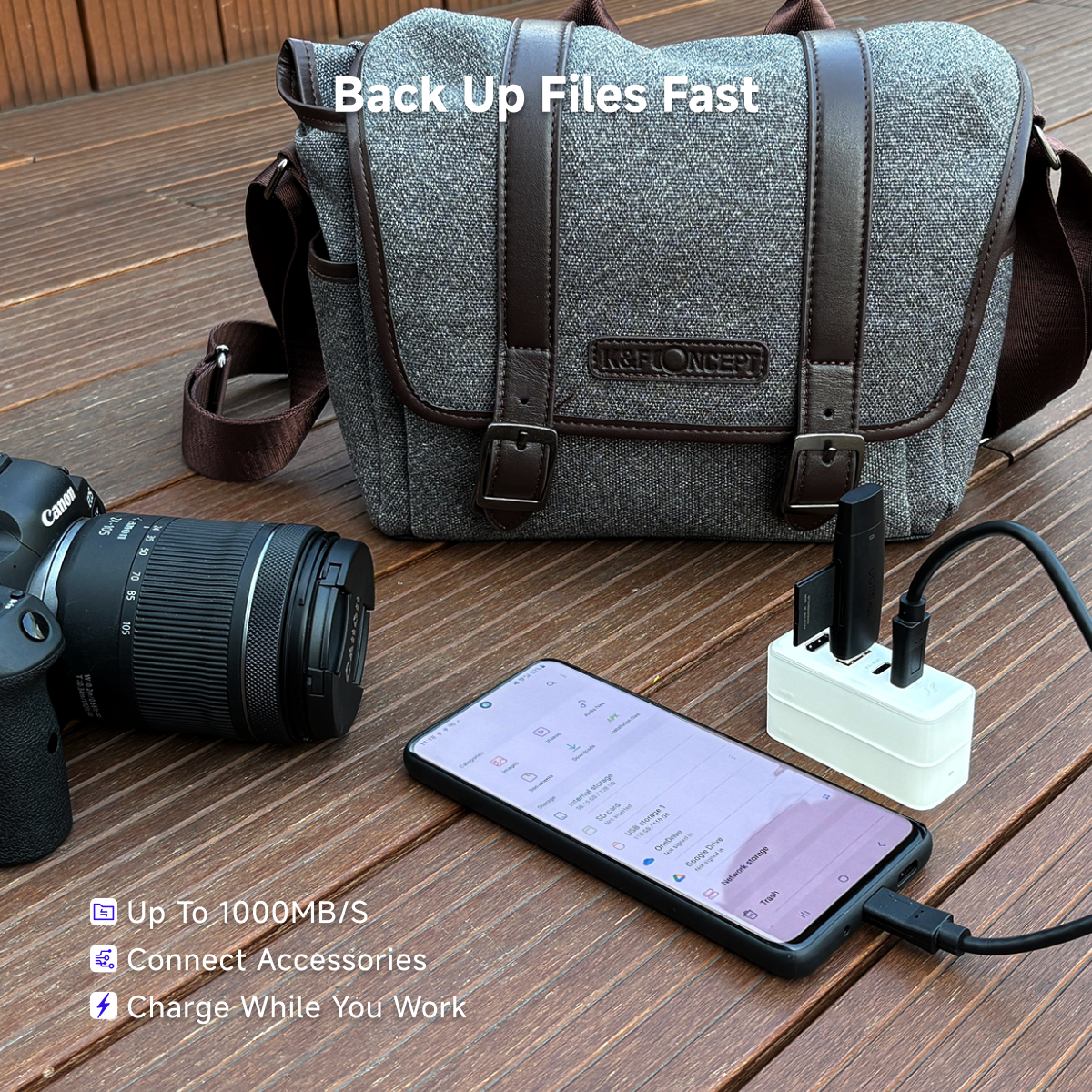
A photographer’s SD card fills up during a sunset shoot. He pulls out the Bricbloc SSD and Hub, plugs in a card reader and his laptop, and instantly offloads everything to the 1TB SSD—no extra drives, no tangled cables.

Sky Theater
Long flight with nothing to watch? Connect the Bricbloc SSD to your iPad and play your movies instantly. Your personal cinema above the clouds.

Your Desk Charging Station
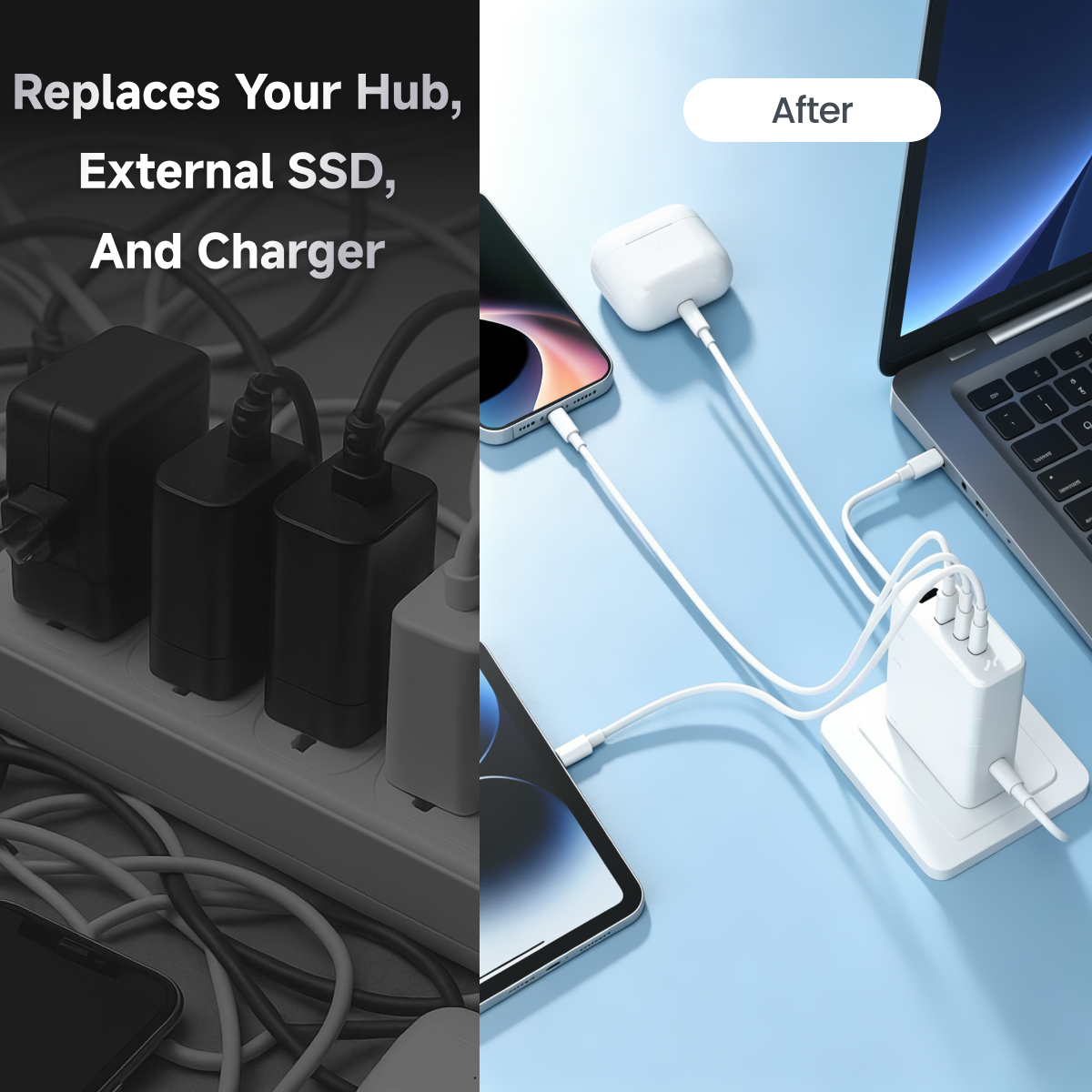
Phone at 5%, laptop low, earbuds dead, fan off. Plug in BricBloc—USB-C for laptop, USB-A for phone, earbuds, and fan. All charge at once, no mess. Not every charger powers your whole desk.
A Modular Workstation in Your Pocket
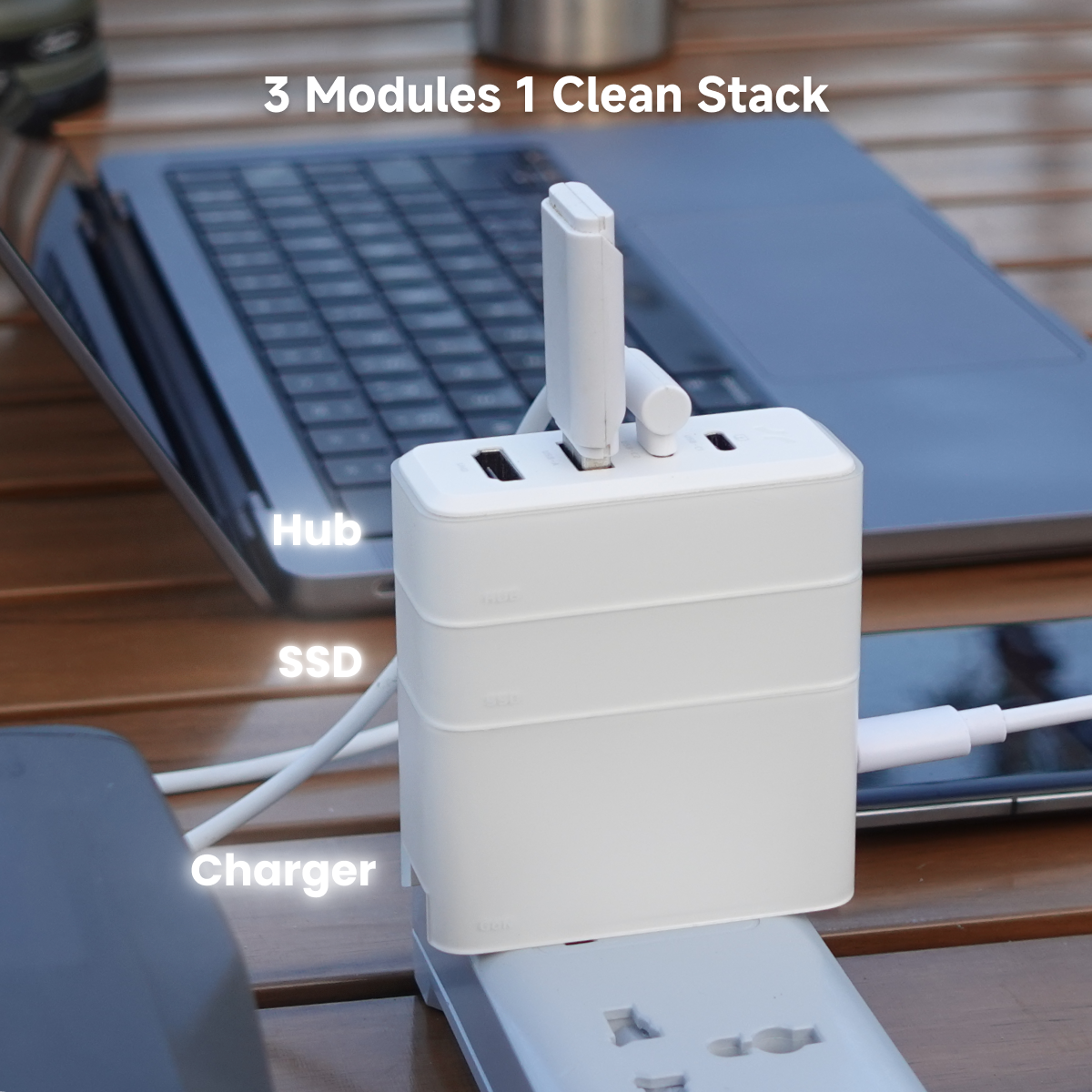
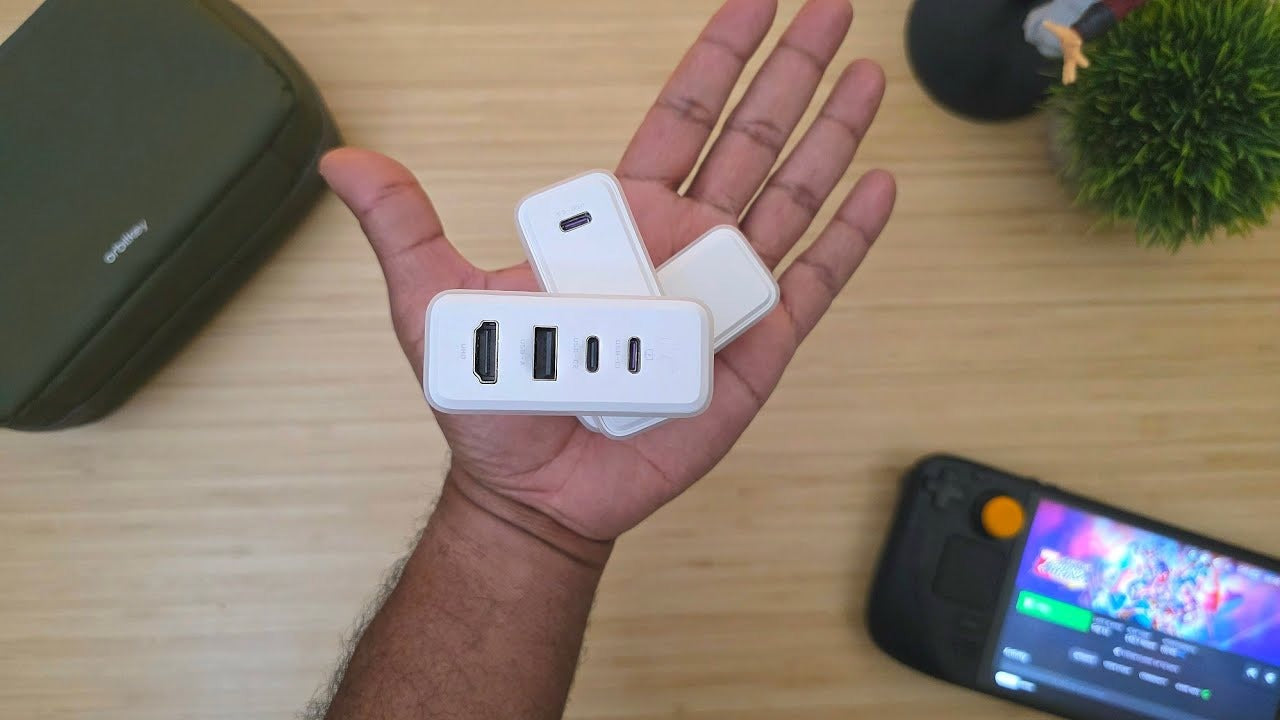
Bricbloc modules are compact, lightweight, and magnetically integrated. Snap them onto a monitor, organizer, or partition—always visible and within reach. No digging through bags: grab the HUB or SSD you need and turn your workstation into a portable, high-performance tool.


Snap. Click. Done.
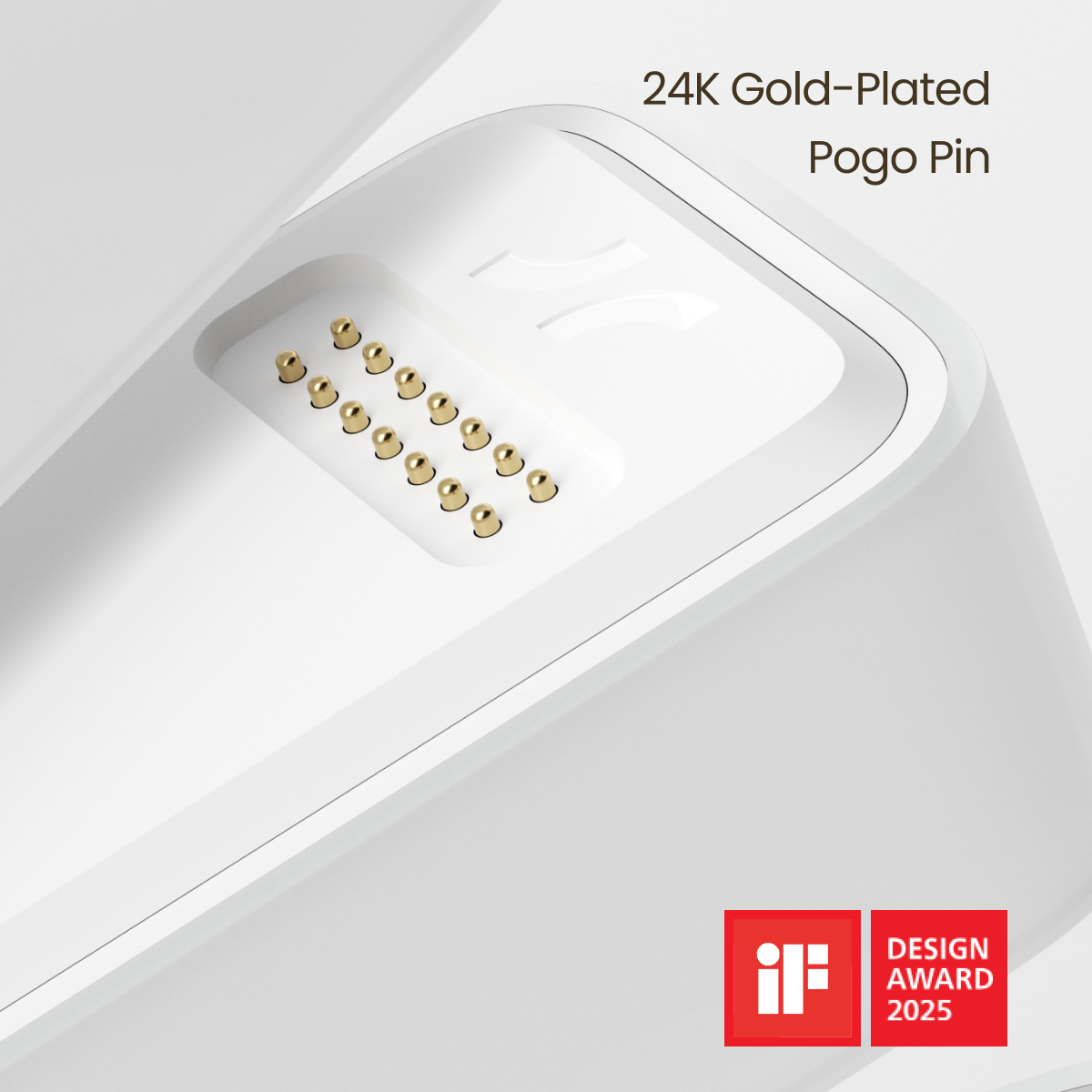
Bricbloc modules connect via 24K gold-plated Pogo Pins and Halbach magnets for high-speed power and data—no cables, no fumbling. With 2.5 kg magnetic force and perfect alignment, modules snap in instantly. This patented design won the 2025 iF Design Award.

Influencer Insights
Trusted by tech creators worldwide. Explore real-world reviews on Bricbloc’s modular charging, storage, and seamless connectivity.


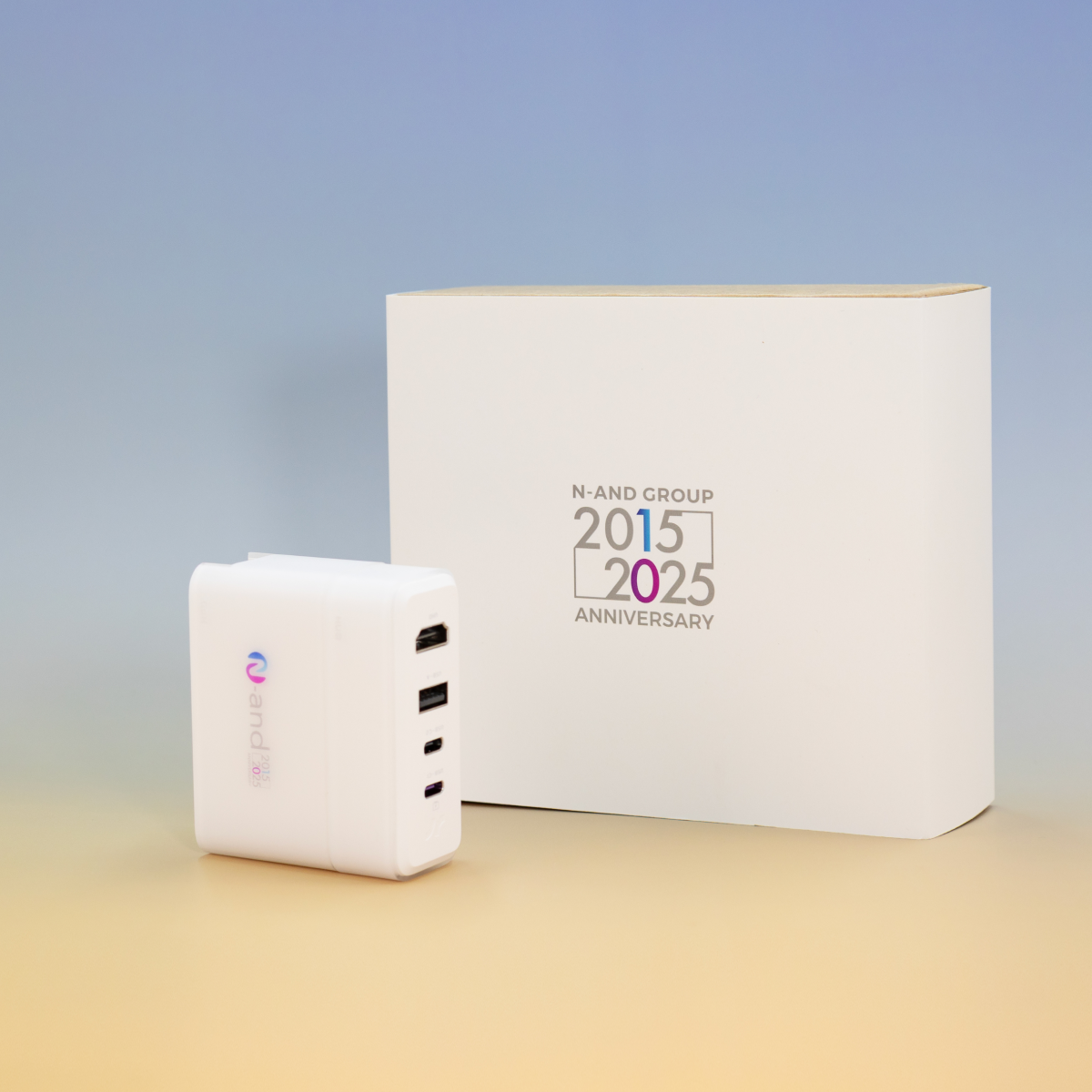
Corporate Customization & Gifting
The perfect premium tech gift for your team and clients.
- On-Device Branding: Your logo printed directly on the Charger Module.
- Custom Packaging: Branded sleeves for a premium unboxing experience.
Start Your Order:
Customization starts at just 10 units.
Email support@harborinno.com for a quote and free digital preview.
Product details
GaN
- Product Form: Type-C PD Adaptor 67W
- Appearance size: 70*30*38mm, ABS+PC
- Weight: 113g
- Inputs: 100-240V 50/60Hz 1.5A
- Output Protocol: PD3.0/QC3.0/FCP/SCP/AFC/Apple 2.4A/DCP/PPS
- Type-C4: PD3.0 Output Power 5V-3A, 9V-3A, 12V-3A, 15V-3A, 20V-3.35A, 3.3-21V 3A (67W Max)
- PD Power Out: Type-C/Pogo Pin: 67W
Pogo Pin+Type-C: 45W+22W - Wall Plug Interface:Wall plug interface compatible with the UK and EU
- Certifications: CCC/CE/FCC/RoHS/WEEE/EU/ERP/DOE/CEC
SSD
- SSD Brand: Kingston
- Storage Options: 128GB / 512GB / 1TB
- Product Form: Type-C SSD
- Appearance size: 70*30*17mm, ABS+PC
- Weight: 40g
- Charging: Pogo Pin in 67W
- SSD: 1*SSD-M.2-2230-up to 1T-NVMe-PCIe Gen.4 x4
- LED indicator: White
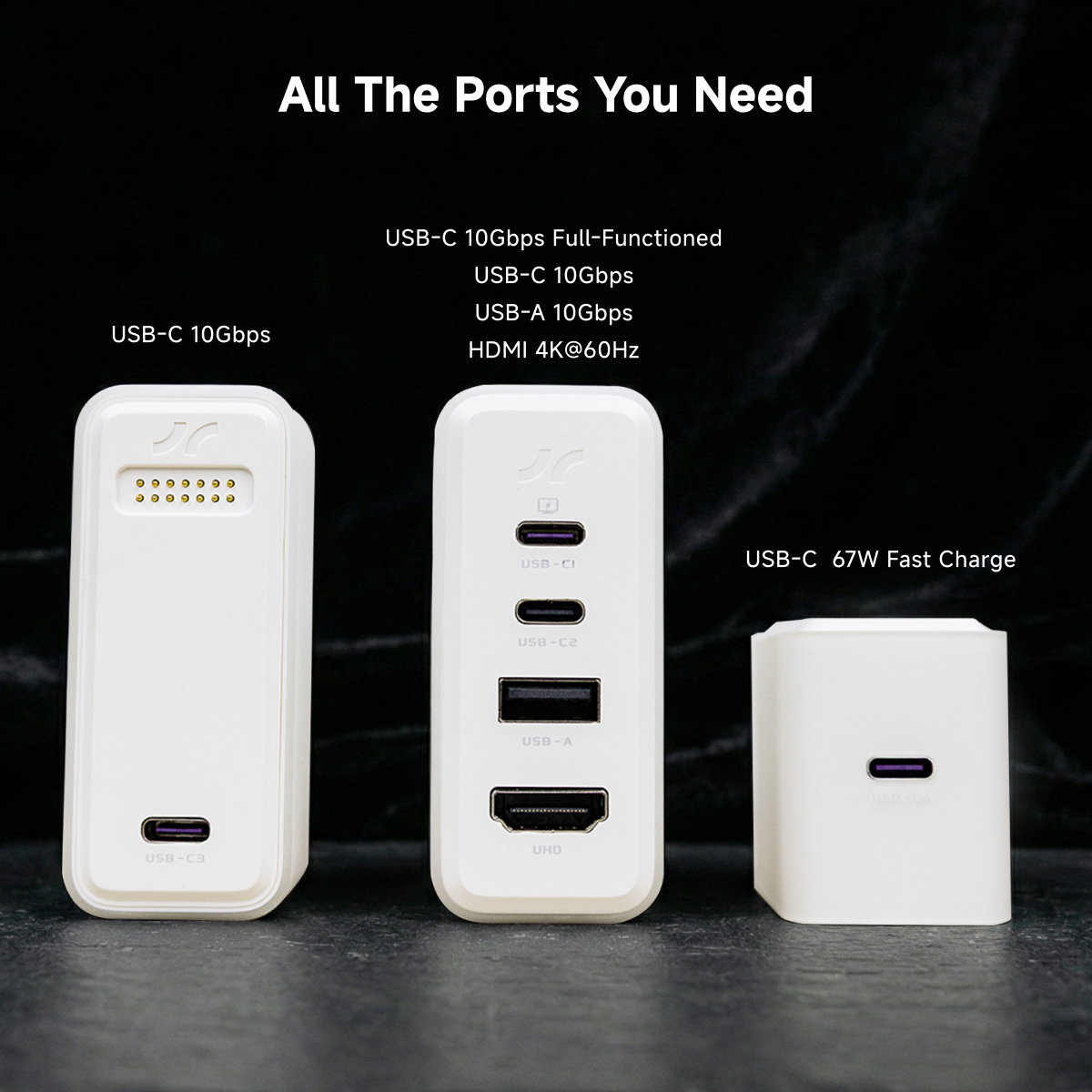
- Type-C3: Charging/Data, 10Gbps
HUB
- Appearance size: 70*30*17mm, ABS+PC
- Weight: 32g
- Type-C1: Full Function Type-C, 10Gbps
- Type-C2: Charging/Data, 10Gbps
- USB-A: USB3.2 Gen2, 10Gbps
- HDMI: HDMI2.0 4K@60Hz
Accessories & Package
- BricBloc (Full Unit) Size: 70*30*72mm
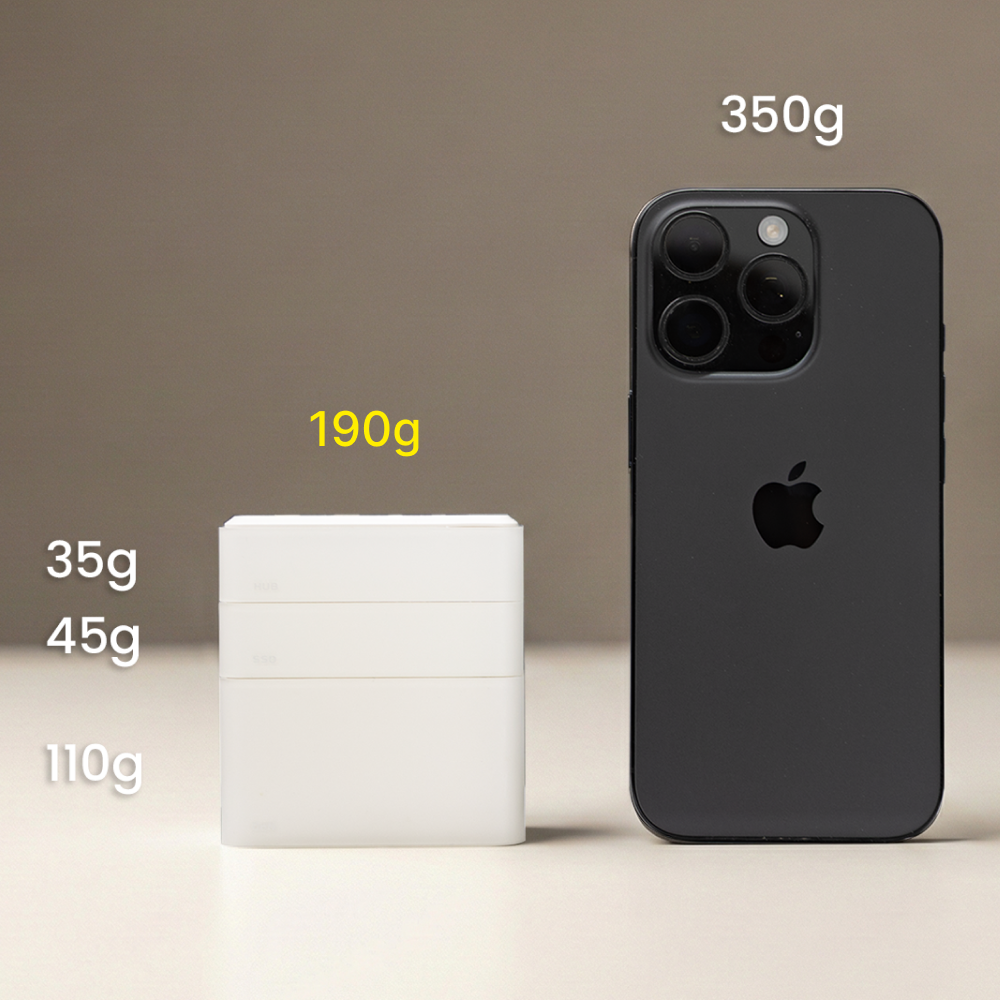
- BricBloc (Full Unit) Weight: 185g
- Data Cable: 1m USB3.2 Gen2 Cable + 30.5cm USB4.0 Cable
- Package & Protection Kit: White
Finally got my BricBloc! It’s exactly what I was hoping for, and I’ve already been using it every day. Really convenient and easy to set up.
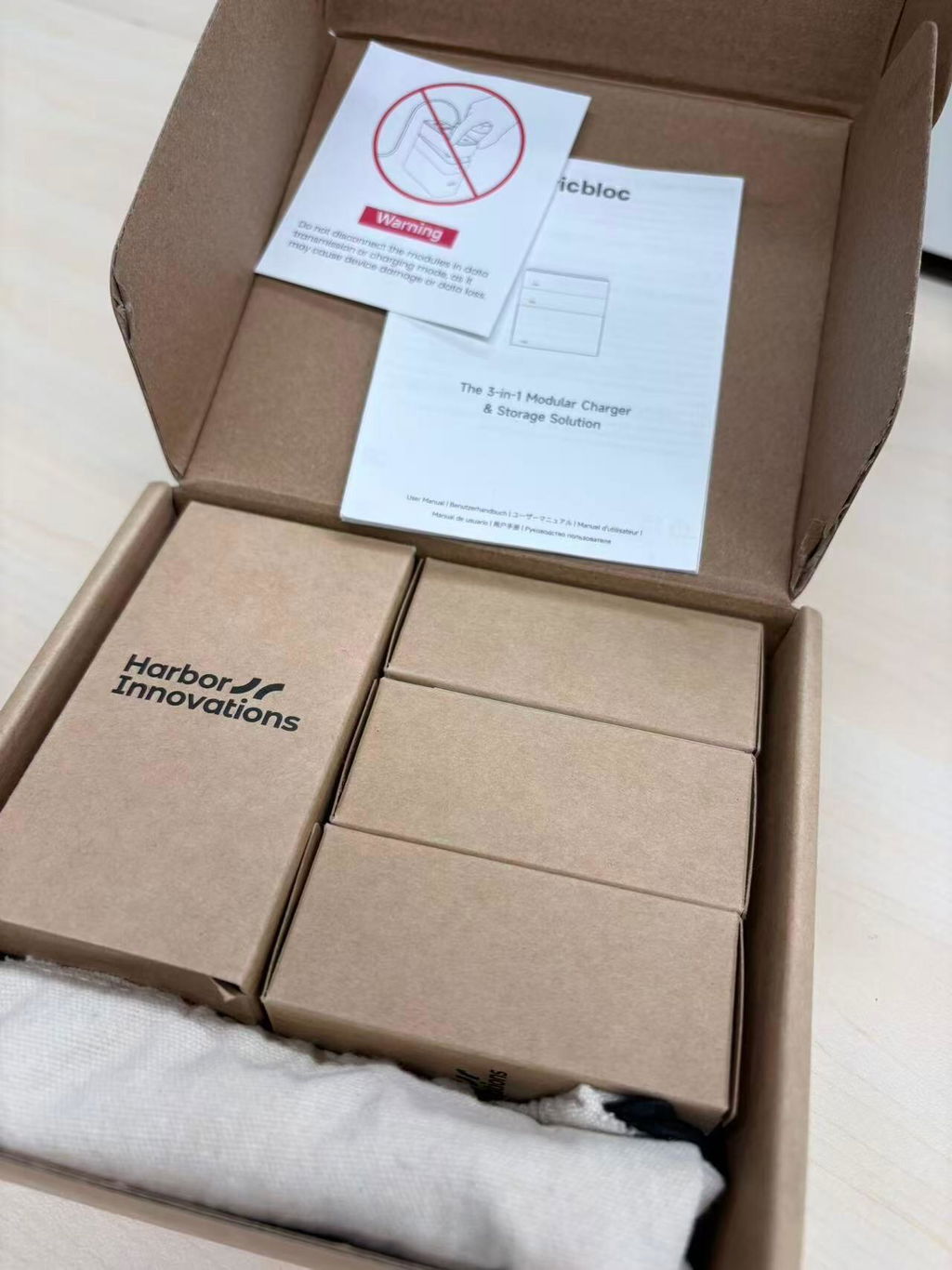
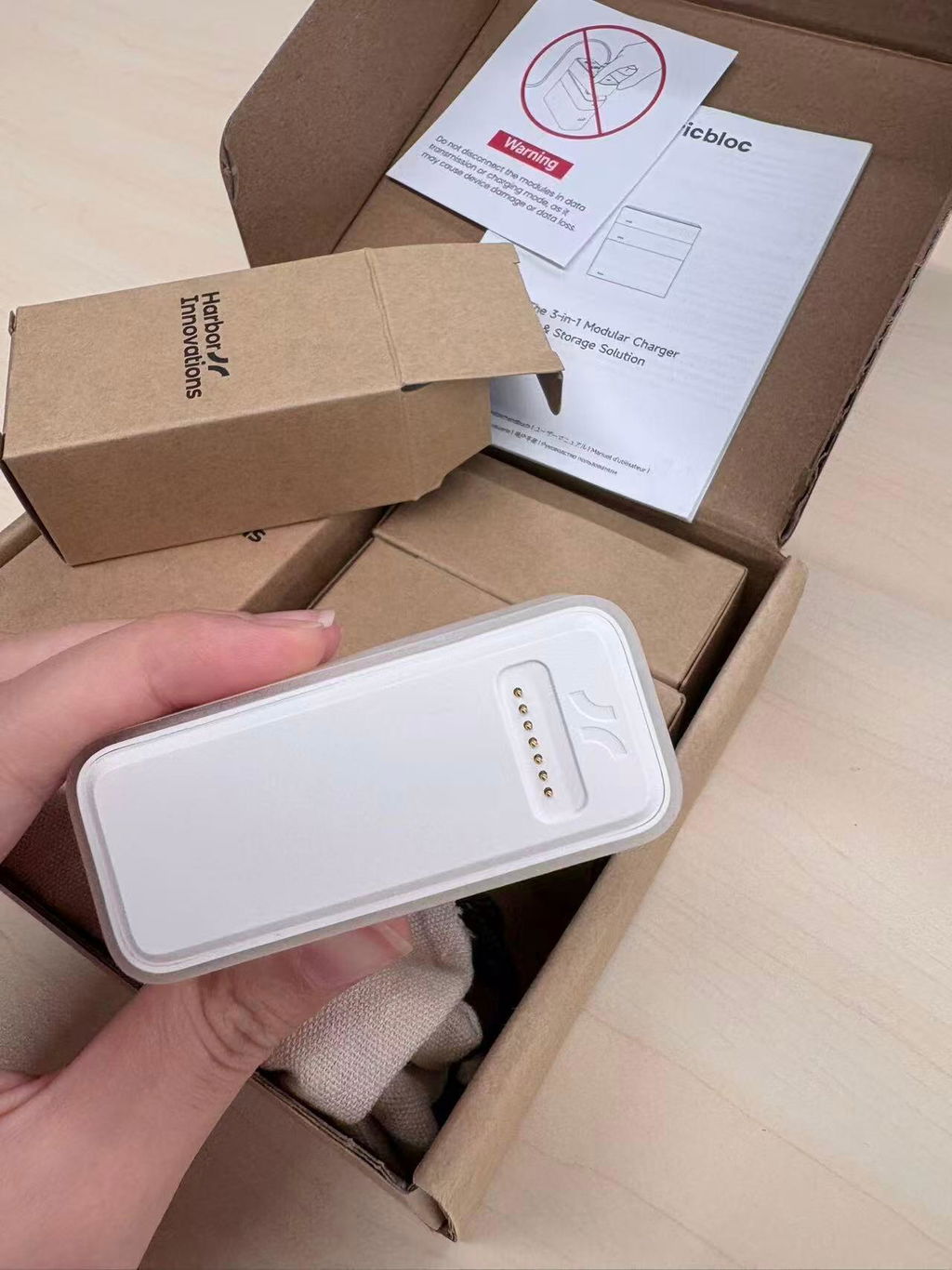
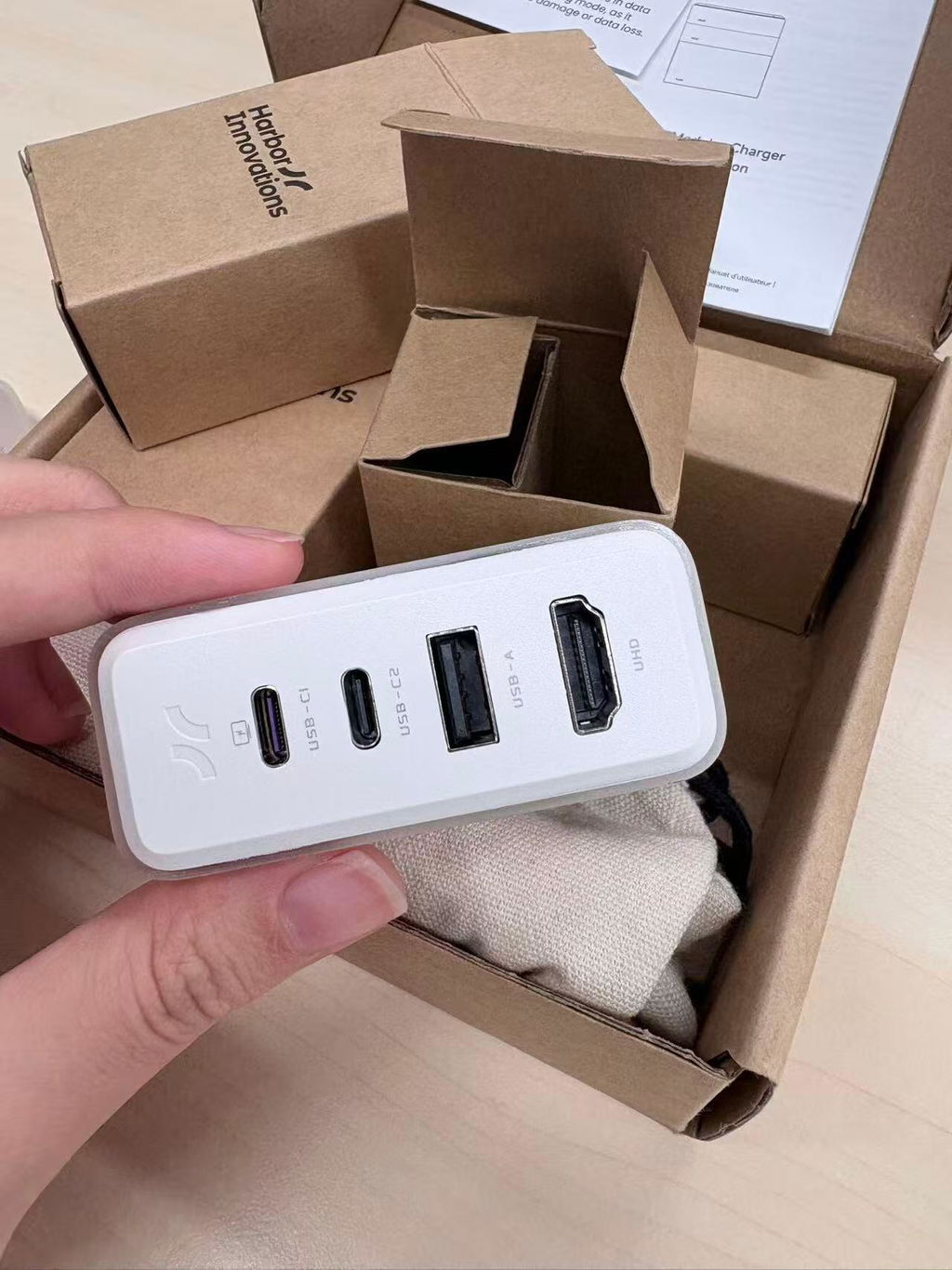
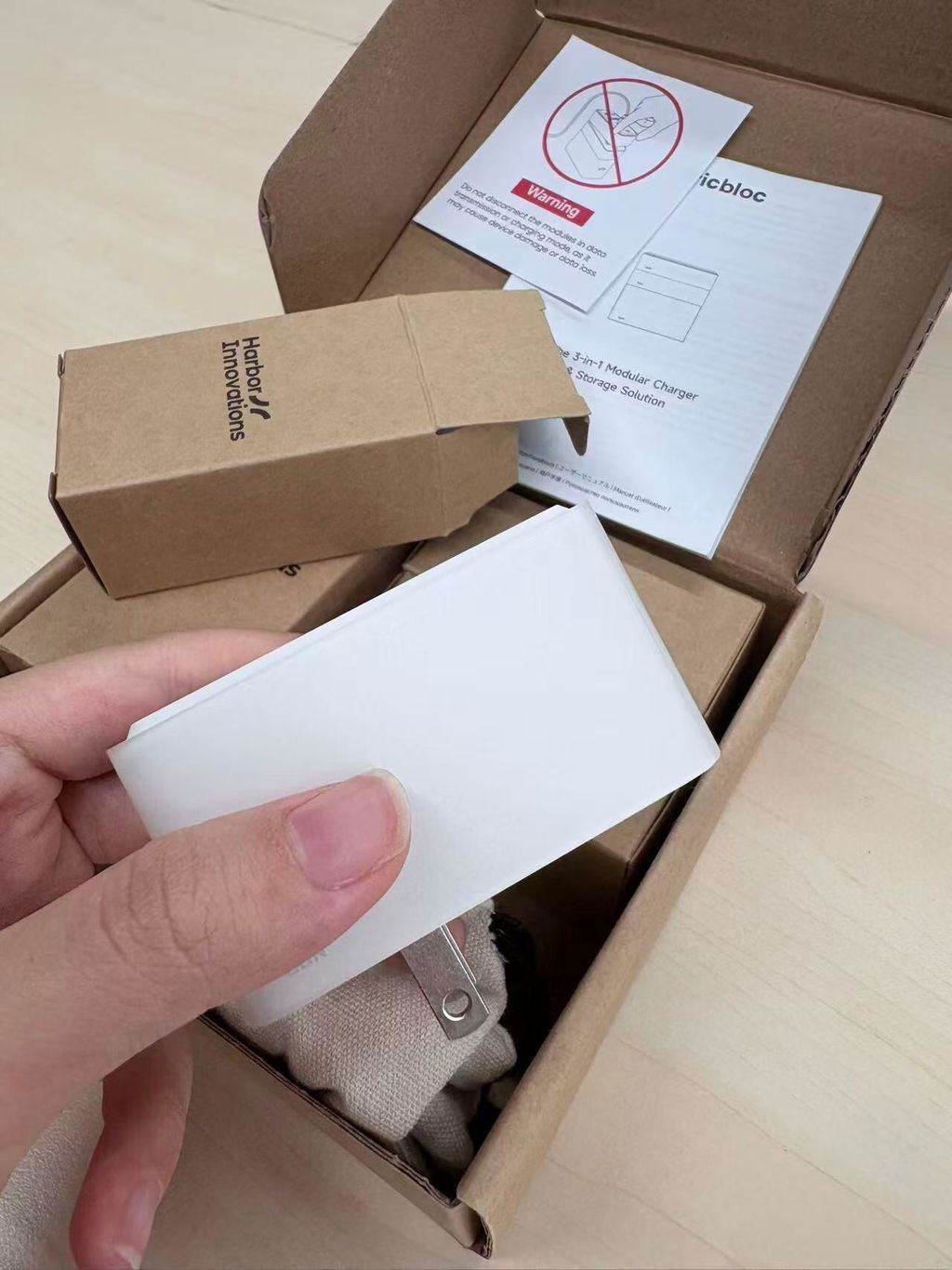
the packaging already made it feel like they actually cared, lots of little warning stickers and notes everywhere. i really like the modular idea, and the magnetic design makes it way more fun to use than a normal charger
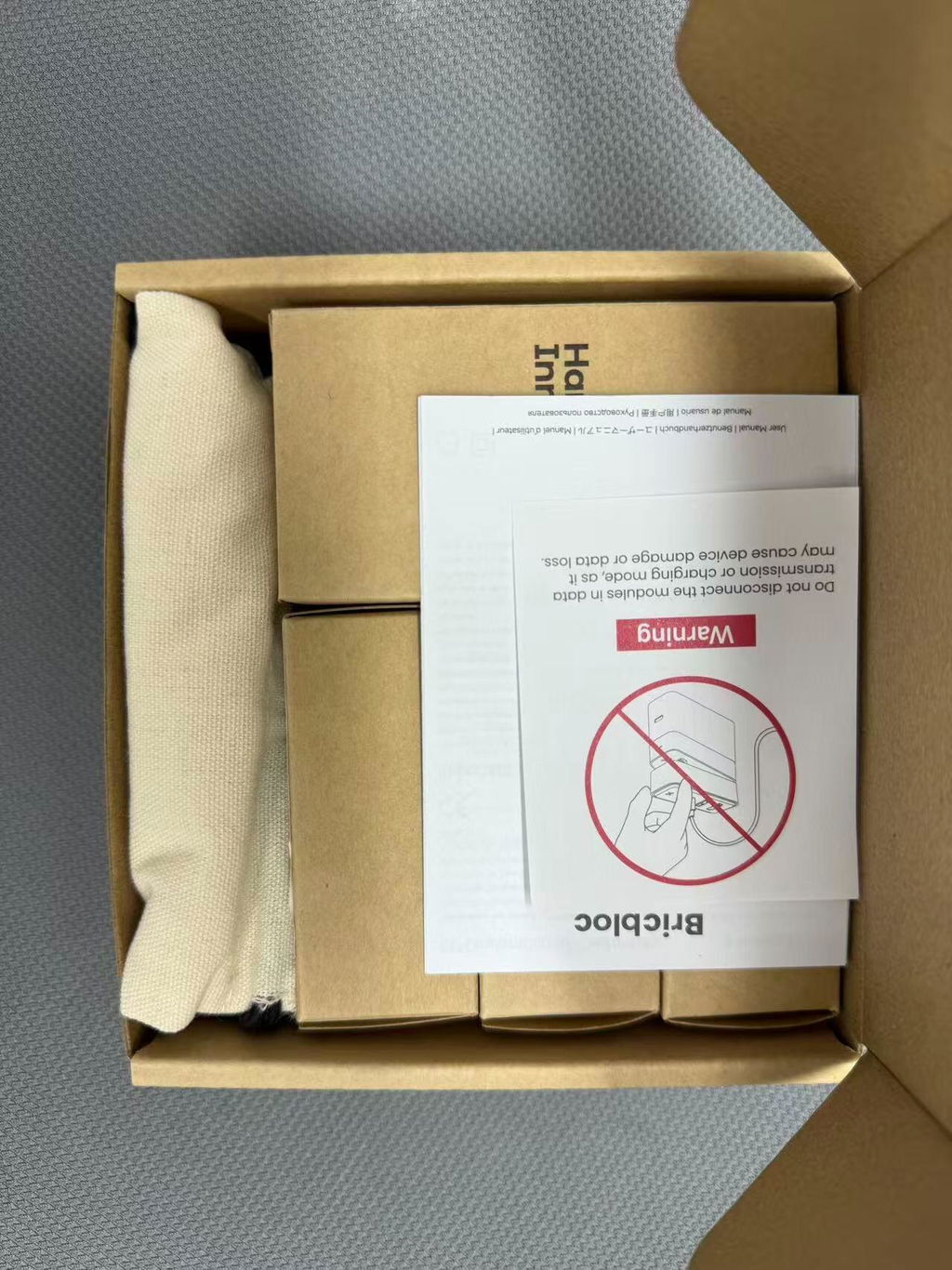
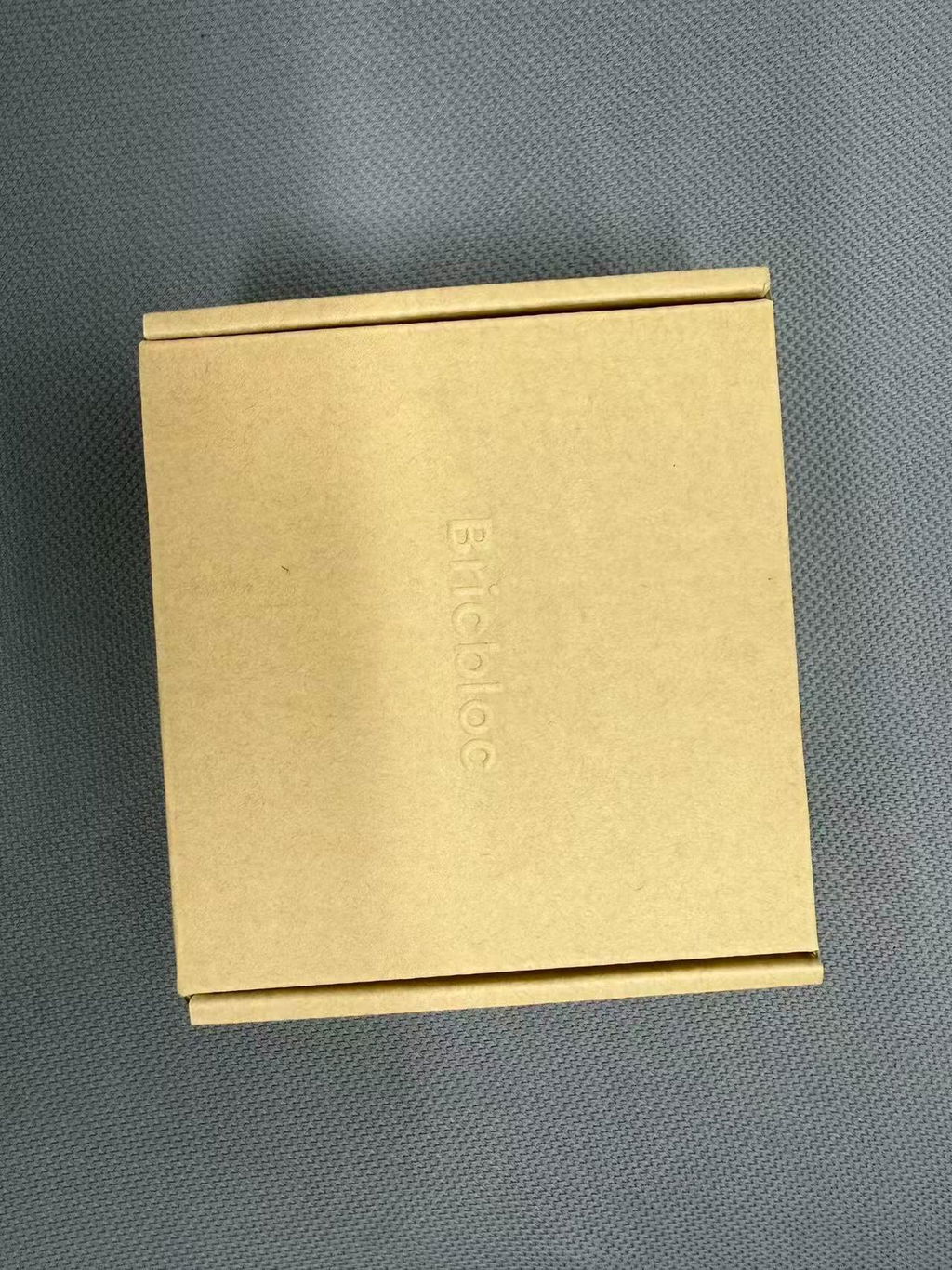
I love magnetic design so much lol, it’s actually fun to use and weirdly satisfying to snap on and off
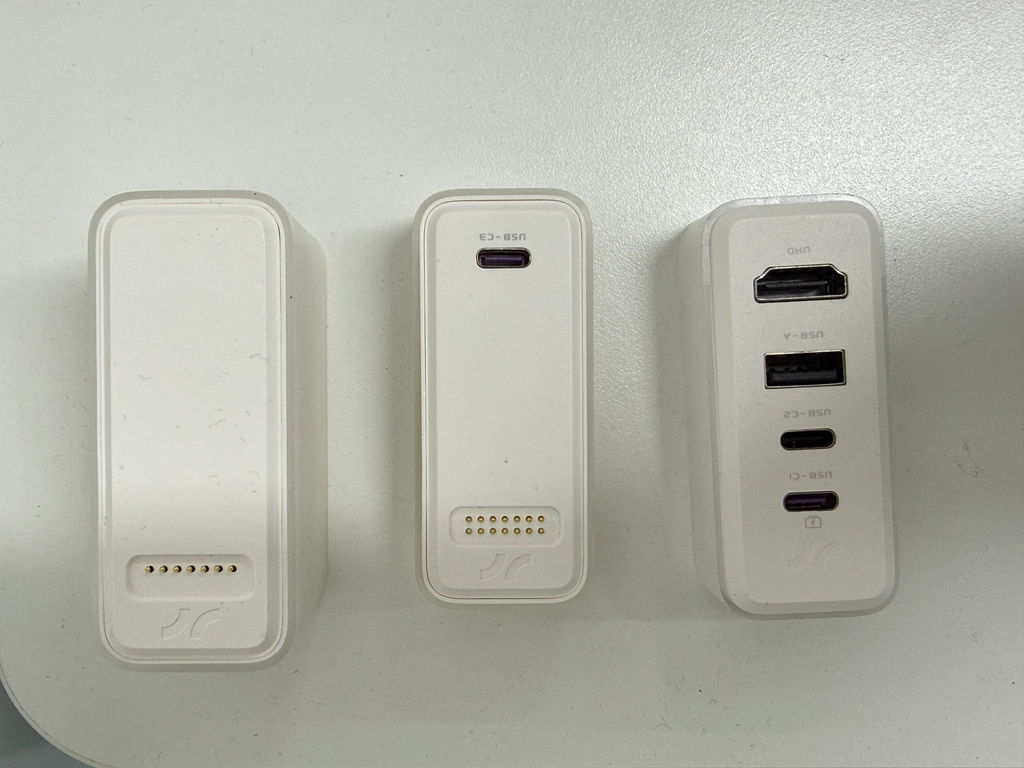
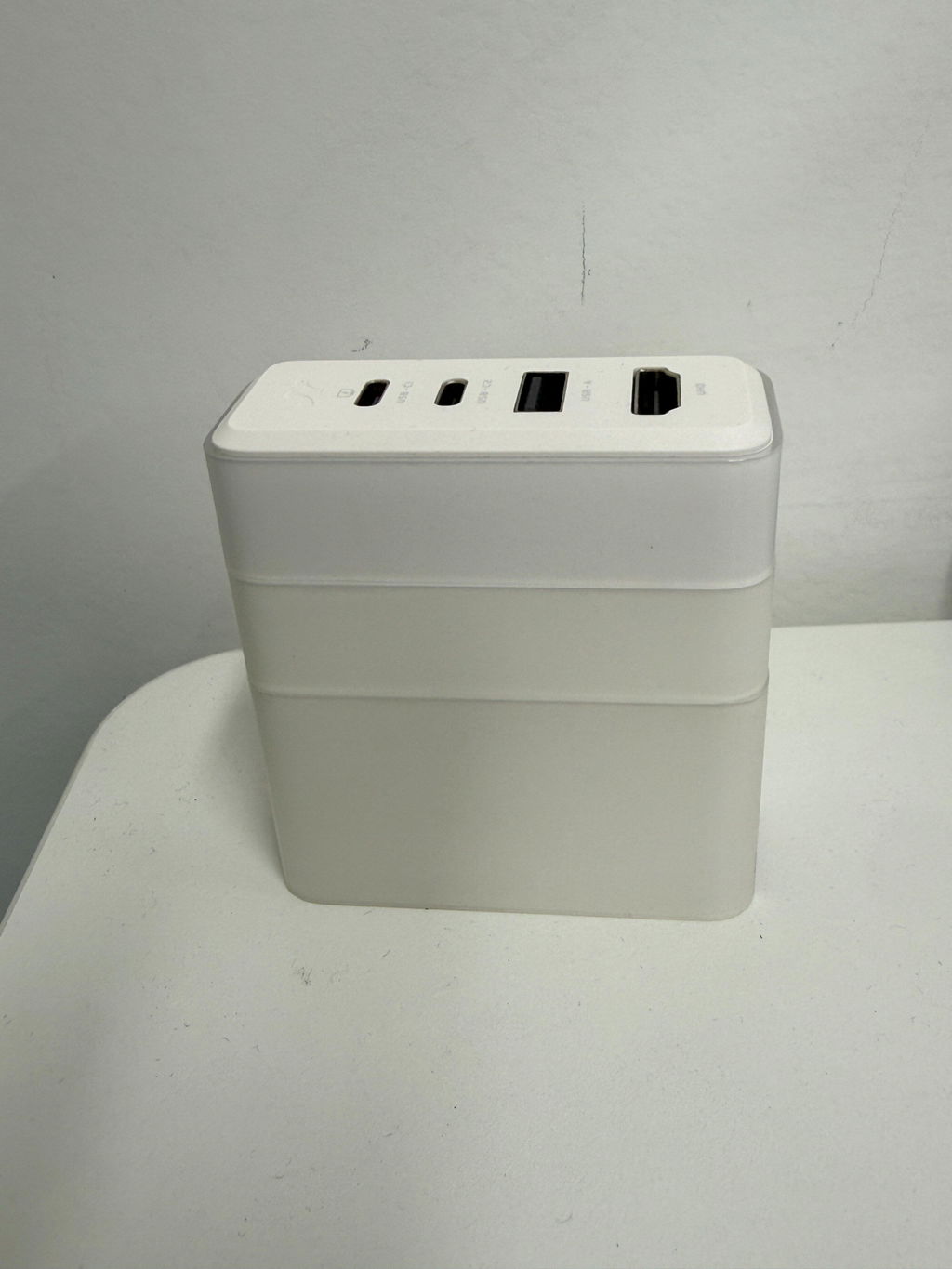
the magnetic snap is honestly kinda addictive lol, i keep stacking and unstacking it for no reason. but besides that, it really did clean up my desk setup a lot
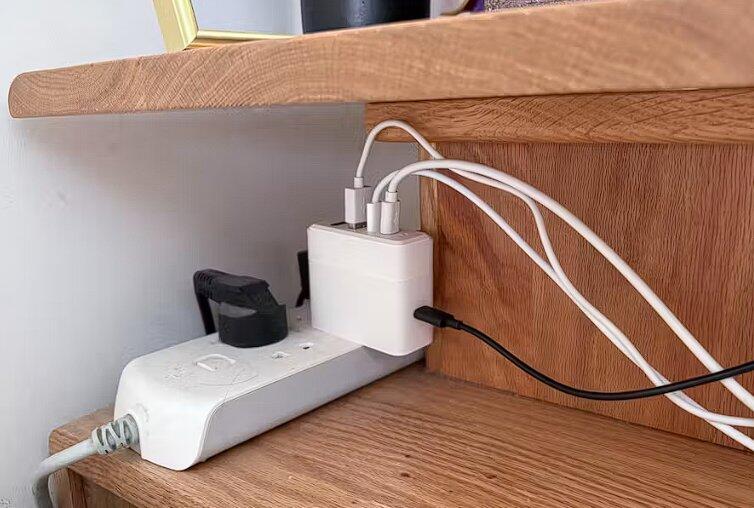
super portable and really handy. One charger basically solves the hub, extra storage and charging problem all at once. the magnetic connection is actually pretty strong too. Gonna use it for a bit longer and see how it holds up.
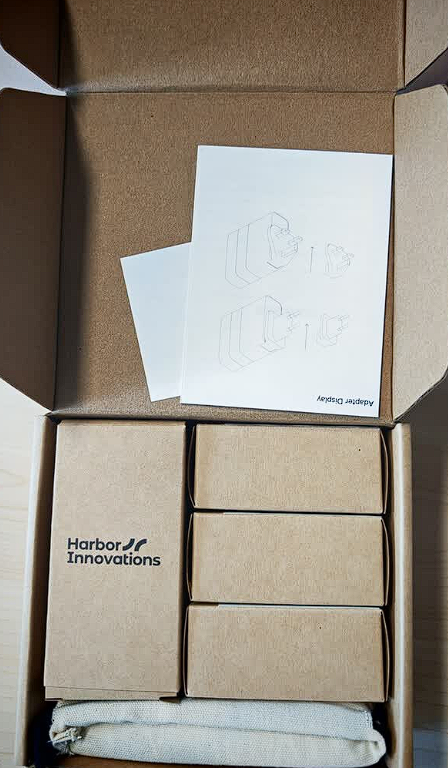
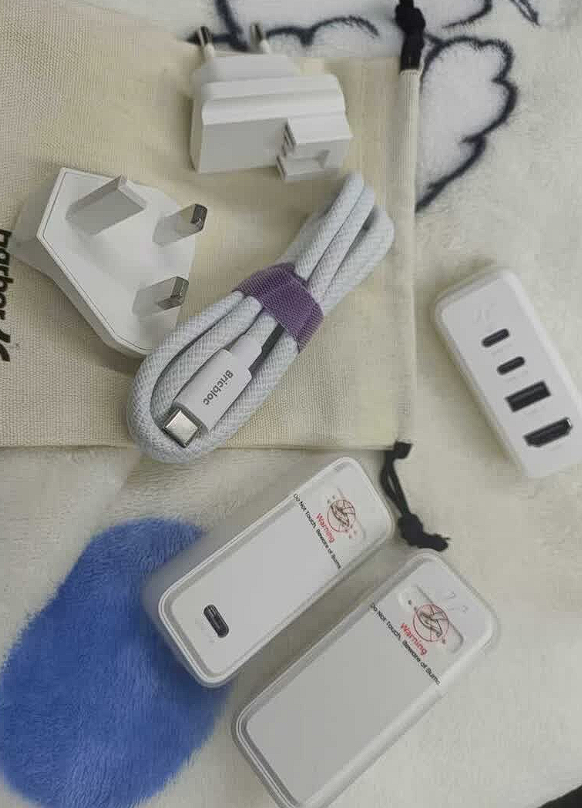
great little thing for work trips lol, didnt expect it to be this useful. the pd plug folds in so it doesn't take up much space in my bag, and they even included a small drawstring pouch. tried the ssd and transfers stayed around 800mb/s, pretty stable even with big files, didn't really drop speed. also came with two adapters, which is honestly pretty thoughtful for people who travel a lot haha
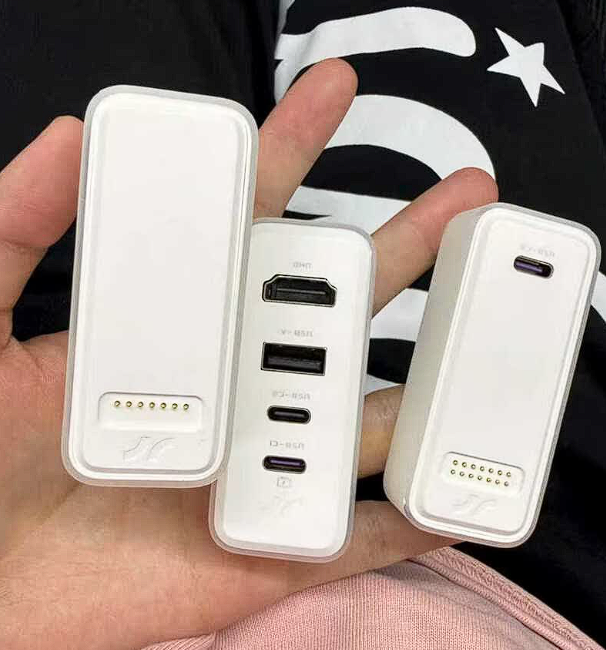
Honestly you can tell they put some thought into this product. Each part has little reminder stickers on it, and it also comes with useful stuff like the cable, adapter and a small pouch. It feels really nice in hand too. It's not pure white, more like a matte white coating around it, so it actually looks better in person then in the pictures. Been using it for a bit and so far it works pretty good, basically the same as the product page says. Pretty happy with it overall.
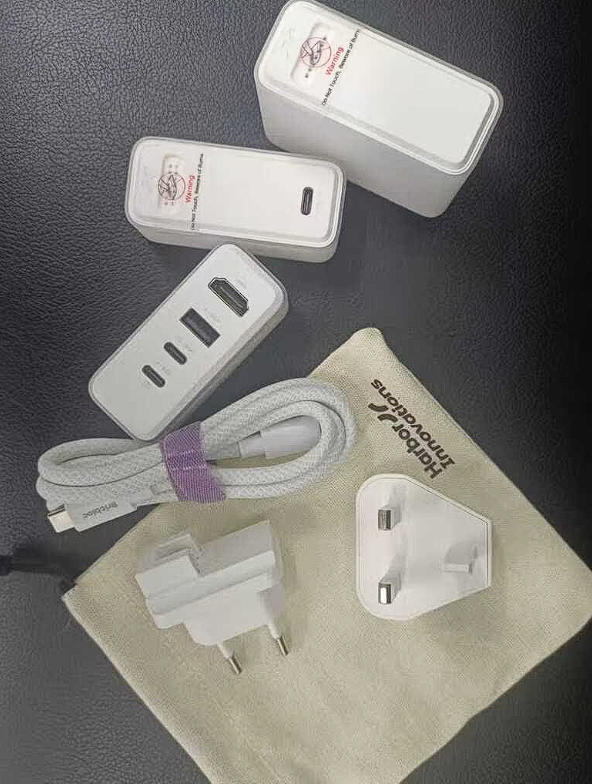
This is honestly so convenient. I didn't expect a charger could be designed in such a creative way,it can pretty much replace the hub I usually keep in my backpack, feel is really nice too, and the magnetic snap is oddly satisfying lol.
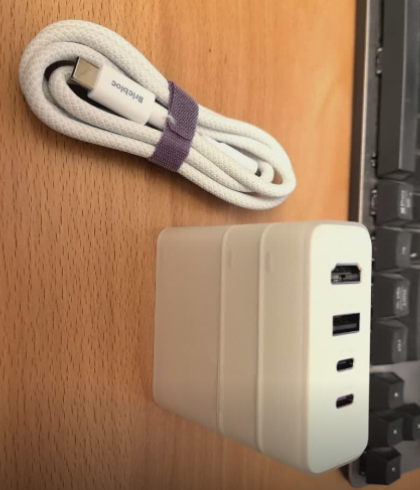
The storage pouch was honestly a nice surprise, and the cable feels super solid, not some cheap thin one. The modules also feel really premium in hand. You can tell this was made with real thought behind it, the whole product just feels well built. With all three modules stacked together, the expandability is basically maxed out. It's more than enough to charge my whole setup, and now when I go out, I only need to bring one Bricbloc with me. Overall the using experience is top tier. Always supporting Bricbloc, you guys are the GOAT!
before bed I plugged in everything that needed charging, and this tiny thing basically replaced my big power strip. It doesn't take up much space on the nightstand, and it's easy to take out with me too. I also put my kid's videos on the SSD, so it fr
Really nice build quality the shell has this soft-touch feel to it, feels pretty good in hand. Charging speed is fast, SSD read and write speed is quick too, and screen casting is super stable with no flickering.
I intend to increase the number of available modules and expand the range of potential configurations.
The magnetic modules are so satisfying to snap together. I usually just take the pieces I need.
Unique idea 3in 1 productivity…
Really like this modular design! The magnetic snap is so satisfying. I haven’t seen anything quite like it before. It’s small, light, and easy to toss in my bag. Love it!
at first i honestly just liked the magnetic snap because it felt super satisfying, but after using it for a bit, it’s actually really practical too. i can use each module on its own, stack two together when i need it, or just use all three as one setup. way more flexible than i expected
I really like this
Nice little device. i like the modular design, and the magnetic connection feels solid. the ssd transfer speed is pretty fast too, i was getting close to 1gb/s which is great for moving large files
I got it for my laptop setup, but my favorite part is honestly not having to dig through my bag for three different things anymore. small win, big mood
Been using it at the office and it's been pretty handy so far. Especially for meetings, connecting to extra screens, and copying files around, it just makes things way easier haha.looking forward to seeing what new modules they come up with next. Will definitely keep supporting it!
didn't think i'd use the ssd part that much, but its actually super useful for moving files around quickly
love how small it is, just throw it in my bag and i'm good. charging is quick and the hub works fine so far
Nice
Didn't expect to like it this much the build feels nice, charging is quick, and the SSD part is really handy when my phone storage gets full
this thing is actually pretty handy lol, charger + hub + storage in one, way less stuff to carry around
been using it for a few days and it's nicer than expected, the magnet snap feels kinda satisfying too haha
FAQs
Please read our FAQs page to find out more.
How do the modules connect?
Magnetic pogo pins provide instant, secure connections. Just snap them together - no cables needed between modules.
How do I use this product?
It can be used with a single module, dual modules, or three modules, offering a total of seven different configuration options.
How should I use the interfaces on this product, and what is the function of each interface?
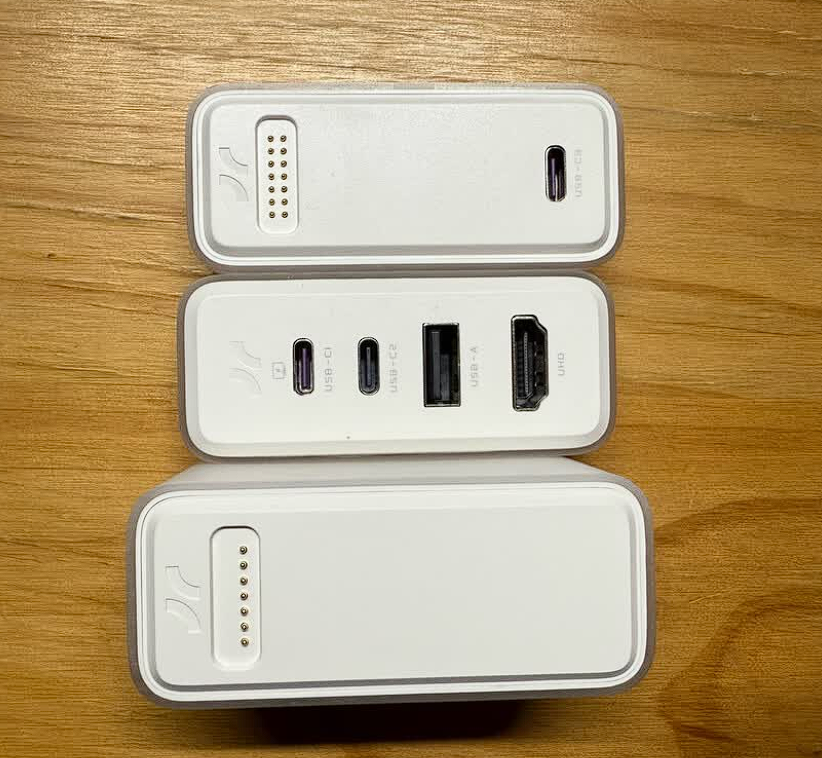
The detailed functions of the interfaces are shown in the figure below:
What devices are compatible with Bricbloc?
Works with MacBooks, laptops, phones, tablets, Nintendo Switch, and any USB-C or USB-A device.
Can the HUB module support Nintendo Switch 2?
Of course, the HUB module supports screen mirroring for Switch 2, and its HDMI interface is compatible with 4K 60Hz, allowing you to fully enjoy playing games on a large screen.
Can I charge 4 devices simultaneously?
Yes, the hub has multiple ports that can charge/power devices while connected to the GaN module.
What's included in each module?
HUB module: HDMI 2.0, 10Gbps USB-C*2, 10Gbps USB-A ports.
SSD module: 512GB or 1TB storage, 10Gbps.
GaN module: 67W charging with US/EU/UK adapters. 1m USB-C Cable.
Does the SSD come pre-installed, or do I install it myself?
Comes pre-installed and ready to use. No technical setup required.
Why does the SSD module sometimes experience speed reduction?
When the SSD module is used in conjunction with the PD module, the SSD module may throttle due to excessive heat generation. When transferring files larger than 30GB, we recommend using the SSD module alone.
When using the SSD module with the PD module, or the SSD module with both the PD and HUB modules, why does the hard drive disconnect and reconnect 2 to 3 times?
The power control chip's software on the SSD module is designed to reset once when encountering different voltages. For example, when both the 20V voltage from the PD module and the 5V voltage from the device are applied to the SSD module simultaneously, the SSD module automatically performs two resets, resulting in two disconnection/reconnection prompts. This is normal behavior.
Why is there a brief electrical noise during SSD read/write operations?
During the first few seconds of SSD read/write operations, significant current fluctuations may cause brief electrical noise. Once the current stabilizes, the noise will disappear. This is normal behavior.
Why does the GaN module fail to charge when used together with other modules?
If charging doesn't work or the hard drive isn't recognized, try unplugging and reconnecting the data cable on the device side. This simple step often restores both charging and drive detection.
Why can't I charge my laptop using the USB-C2 port?
Only the USB-C1, USB-C3, and USB-C4 ports support high-power fast charging. The USB-C2 and USB-A ports provide only 5W of power, which is insufficient for charging laptops. Please use one of the USB-C1, USB-C3, or USB-C4 ports to power your laptop.